





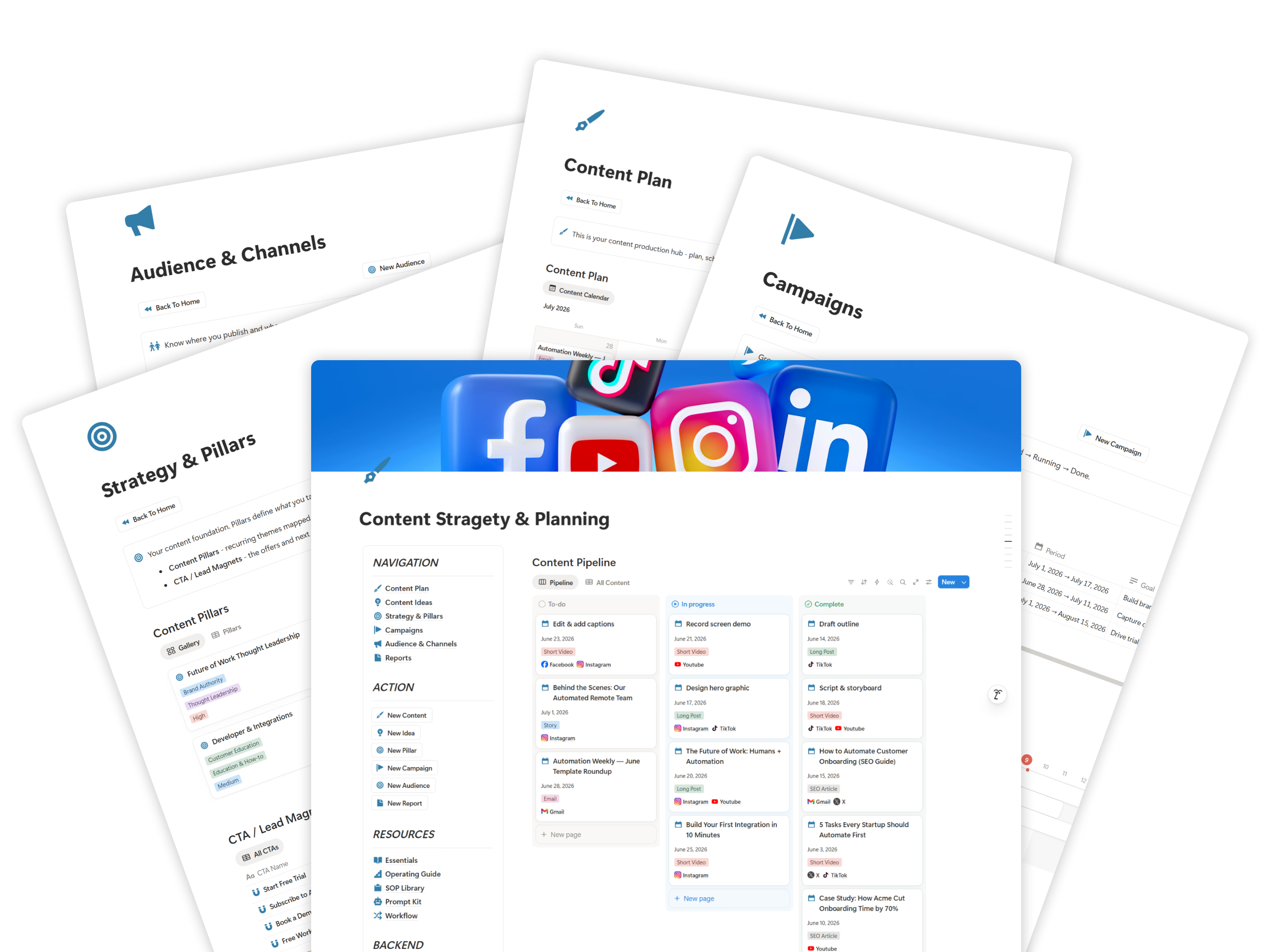
Content Pipeline Dashboard
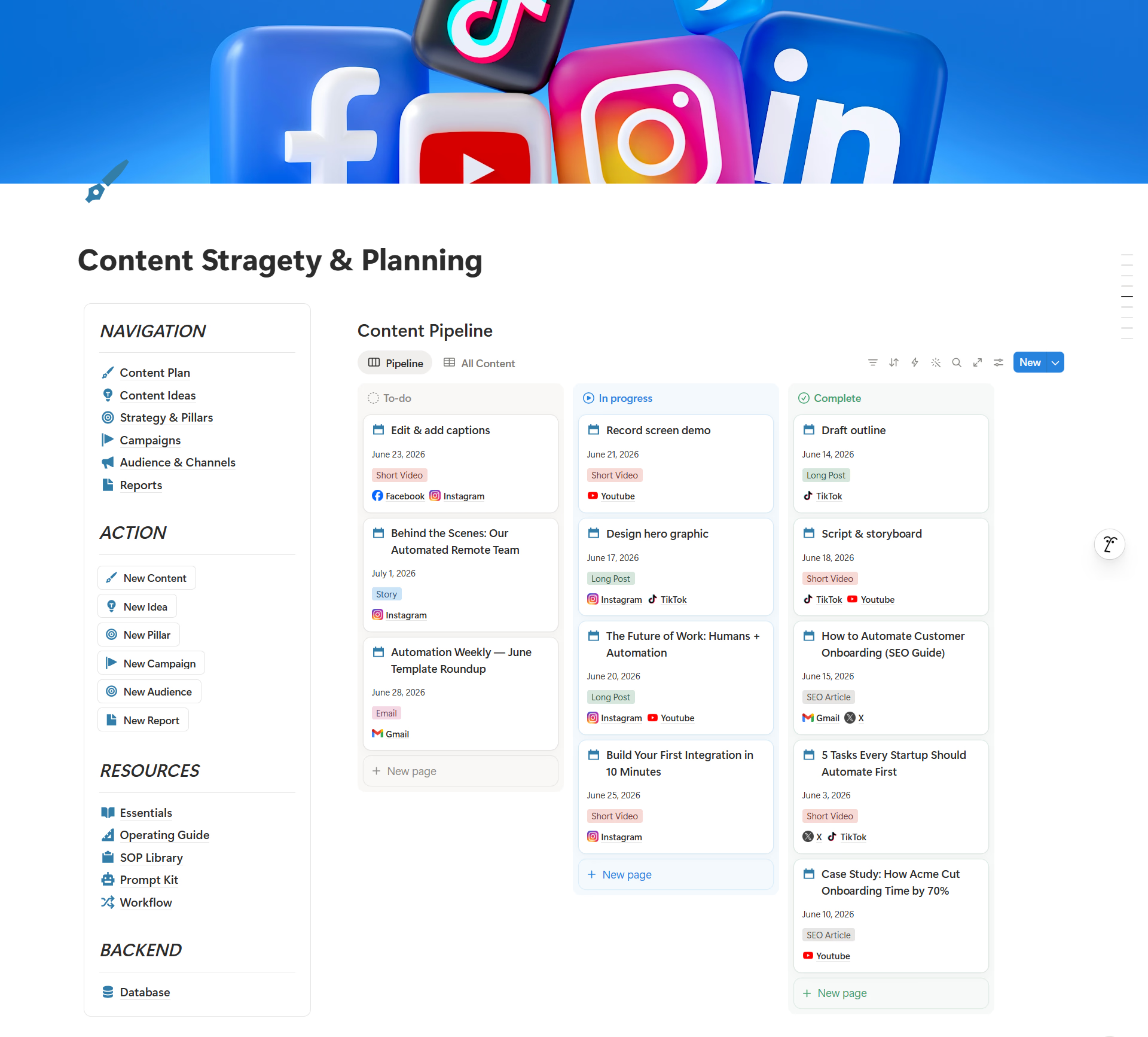
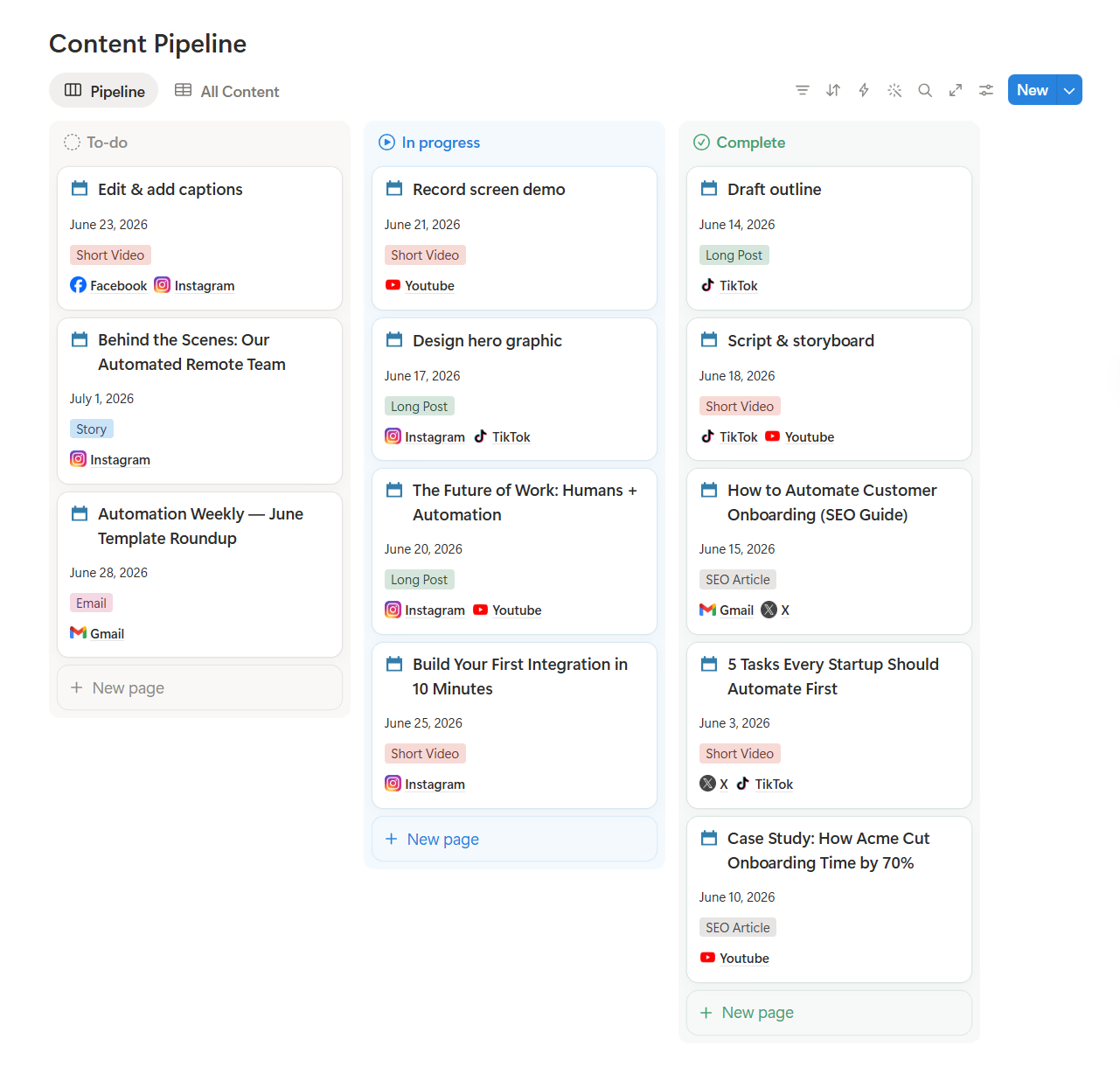
Run every piece of content through a clear status board with owner, publish date, format, and channel.
Notion System
Replace messy sheets, chat threads, and scattered files with one visual content command center for ideas, pillars, campaigns, calendar, channels, and reports.
Get Lifetime AccessA content planning flow from strategy and creation through distribution and optimization.
Define themes and angles
Map formats and schedule
Draft assets and copy
Approve quality and fit
Ship across channels
Measure and improve
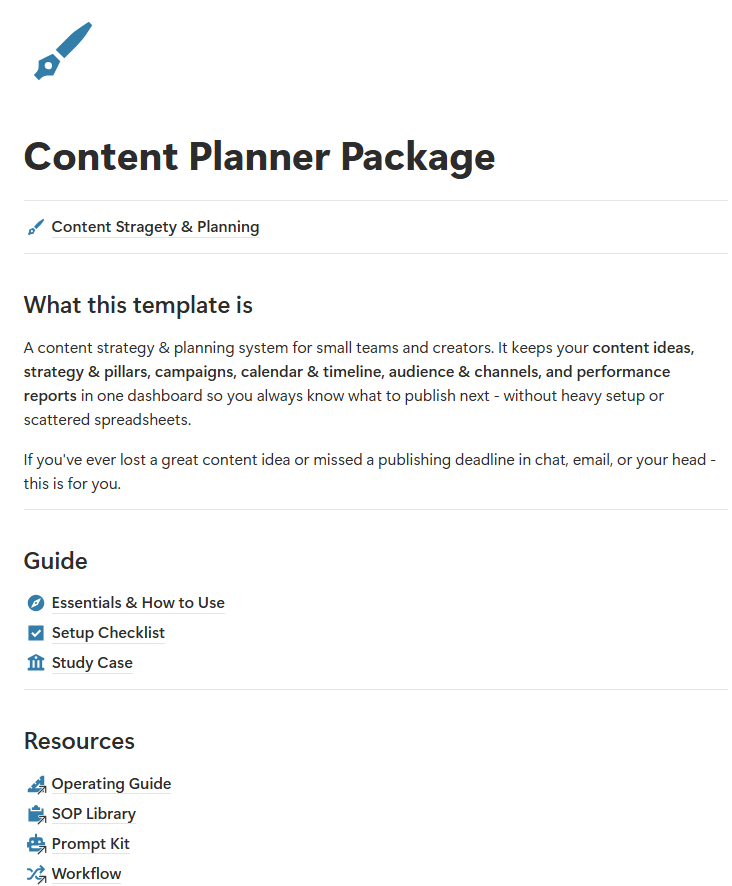
Content Planner Package helps you stop losing ideas, chasing status, and missing publishing deadlines.
Content ideas, drafts, assets, and feedback live across chat, email, sheets, and your head - and get lost.
Without a shared pipeline, founders and leads have to chase updates and ask who is doing what.
Posts miss their publish dates because there is no clear calendar, owner, or content status.
People join without a repeatable process, so quality and consistency depend on memory.
A simple, visual, and structured content operation - without a heavy setup.
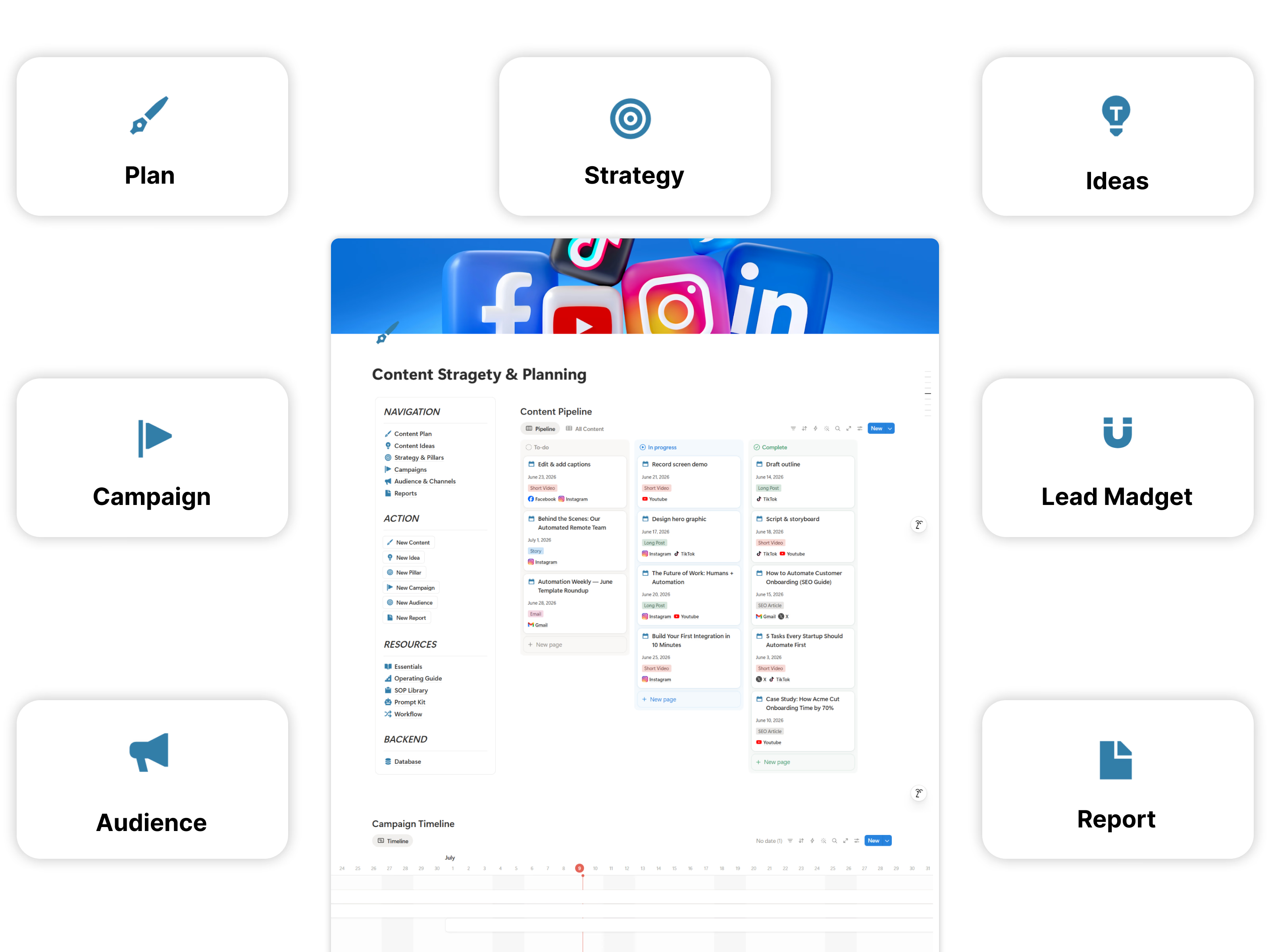
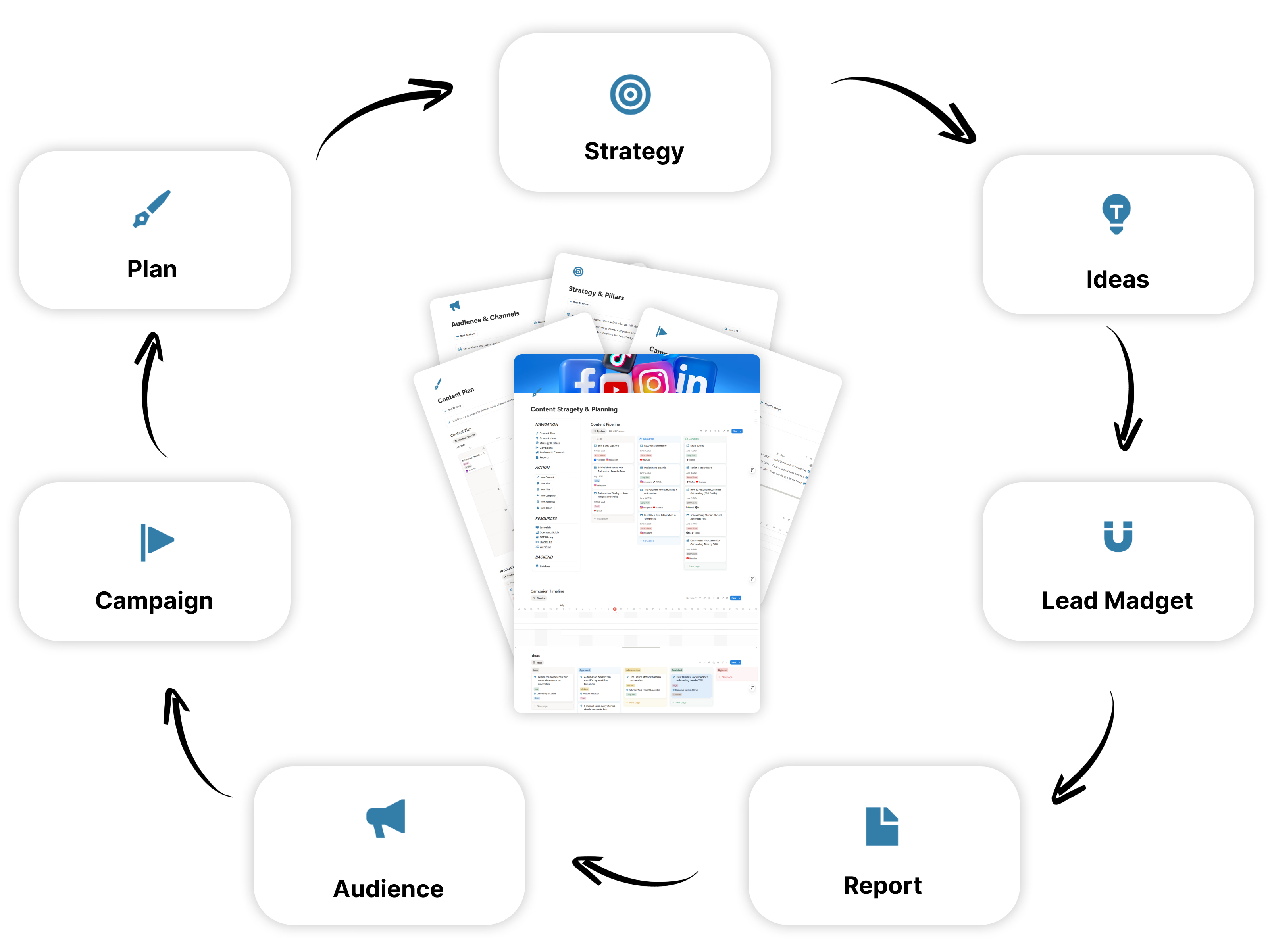
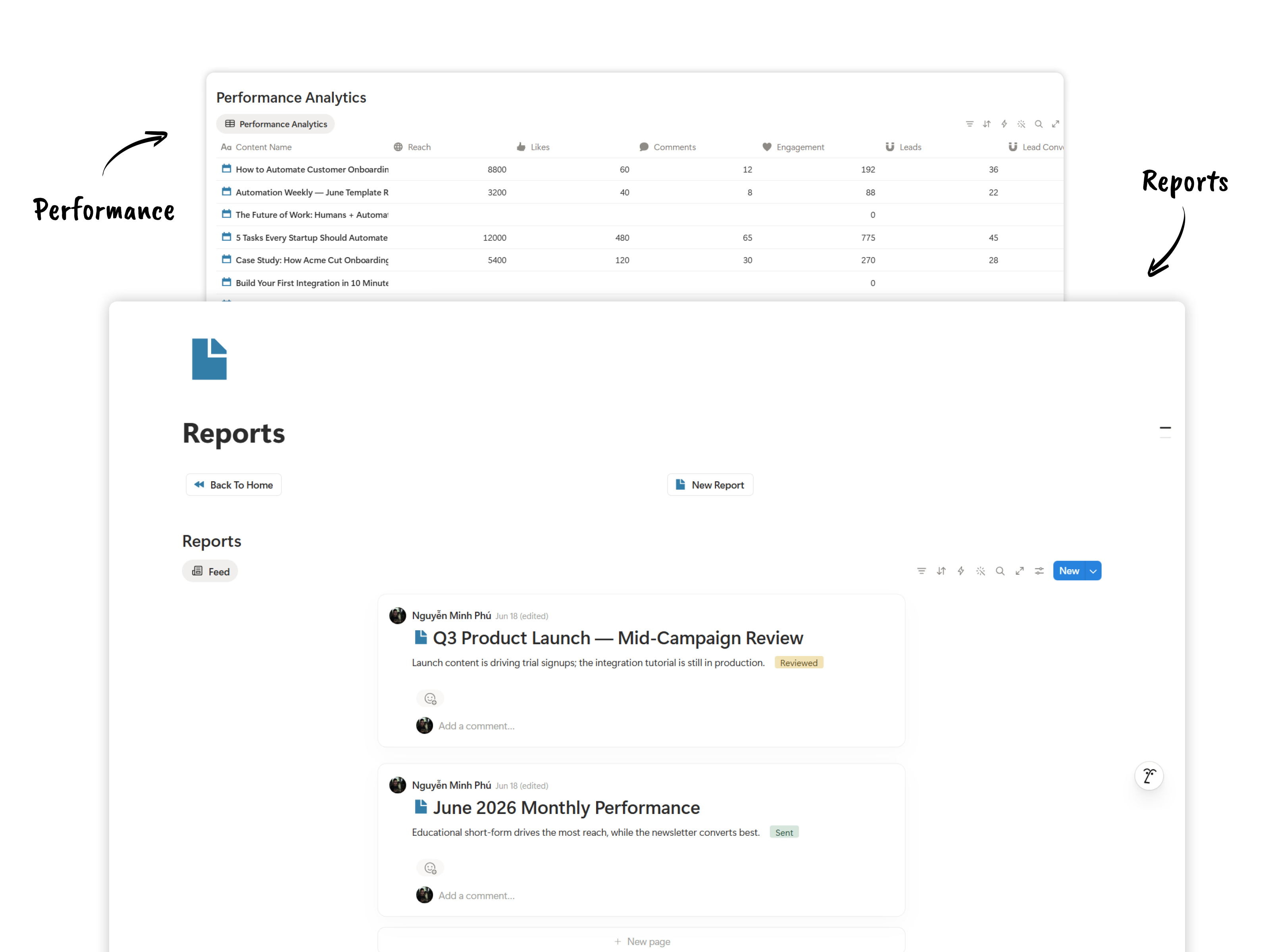
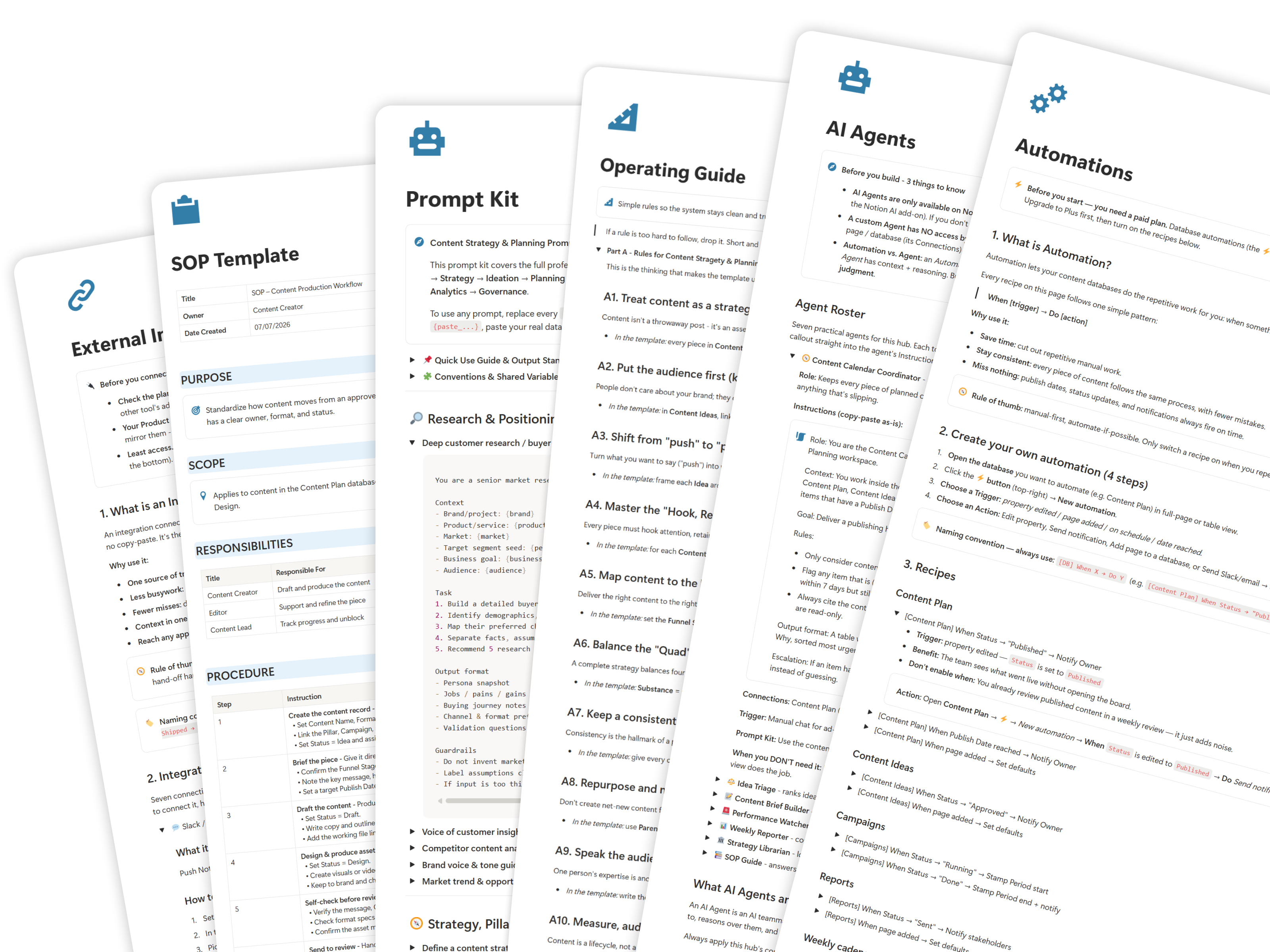
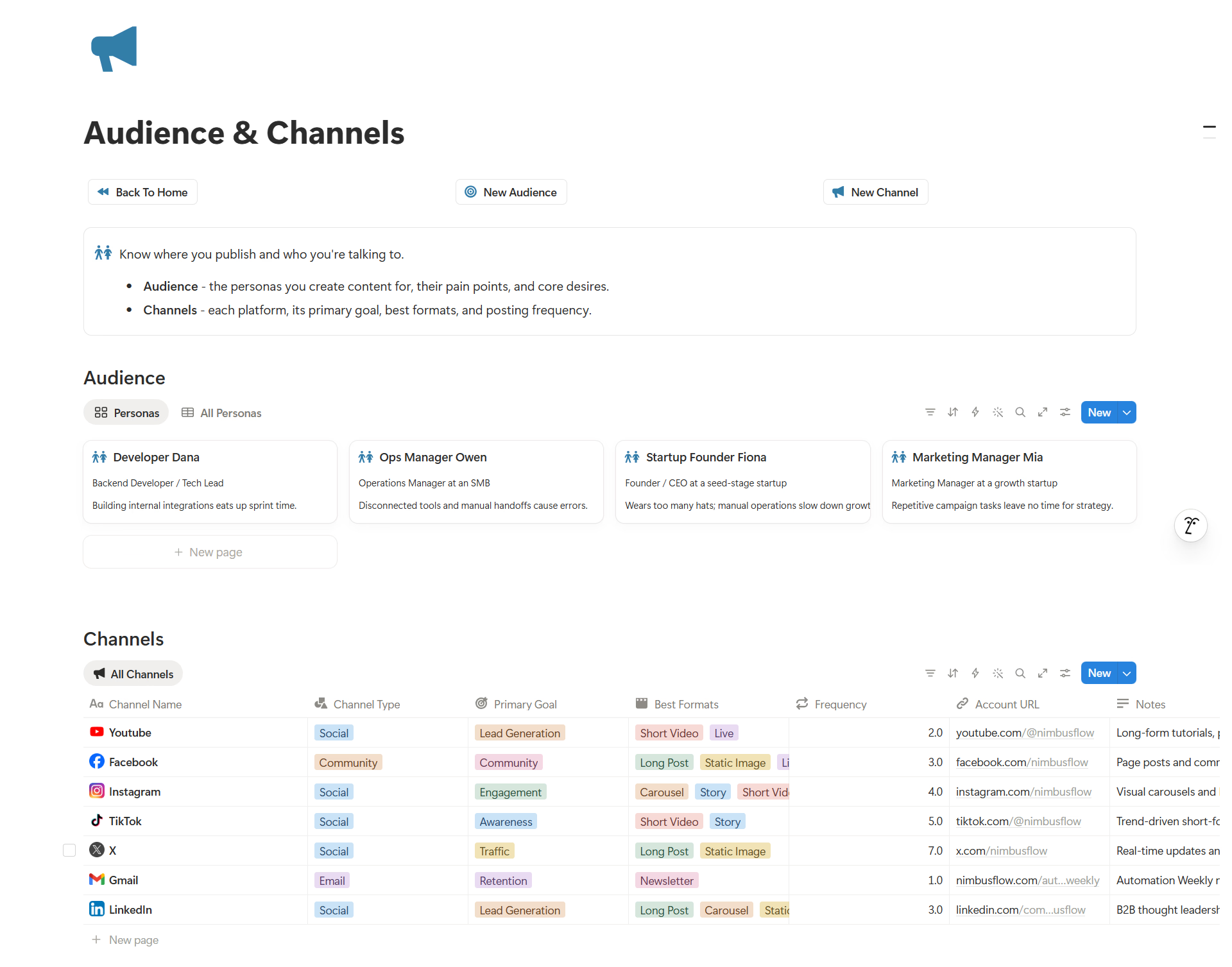
The essential tools you need to plan, publish, and measure your content.
Run every piece of content through a clear status board with owner, publish date, format, and channel.
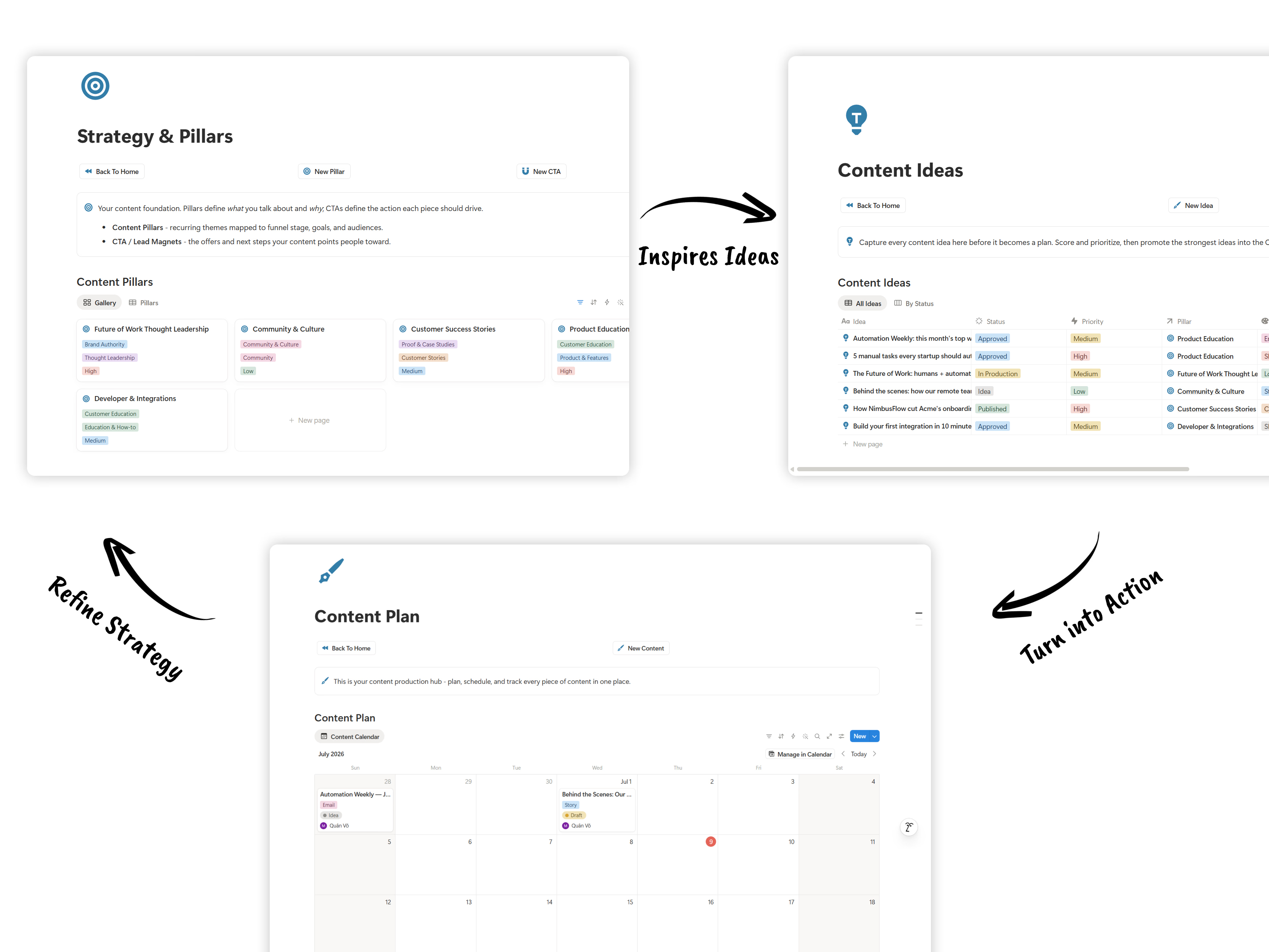
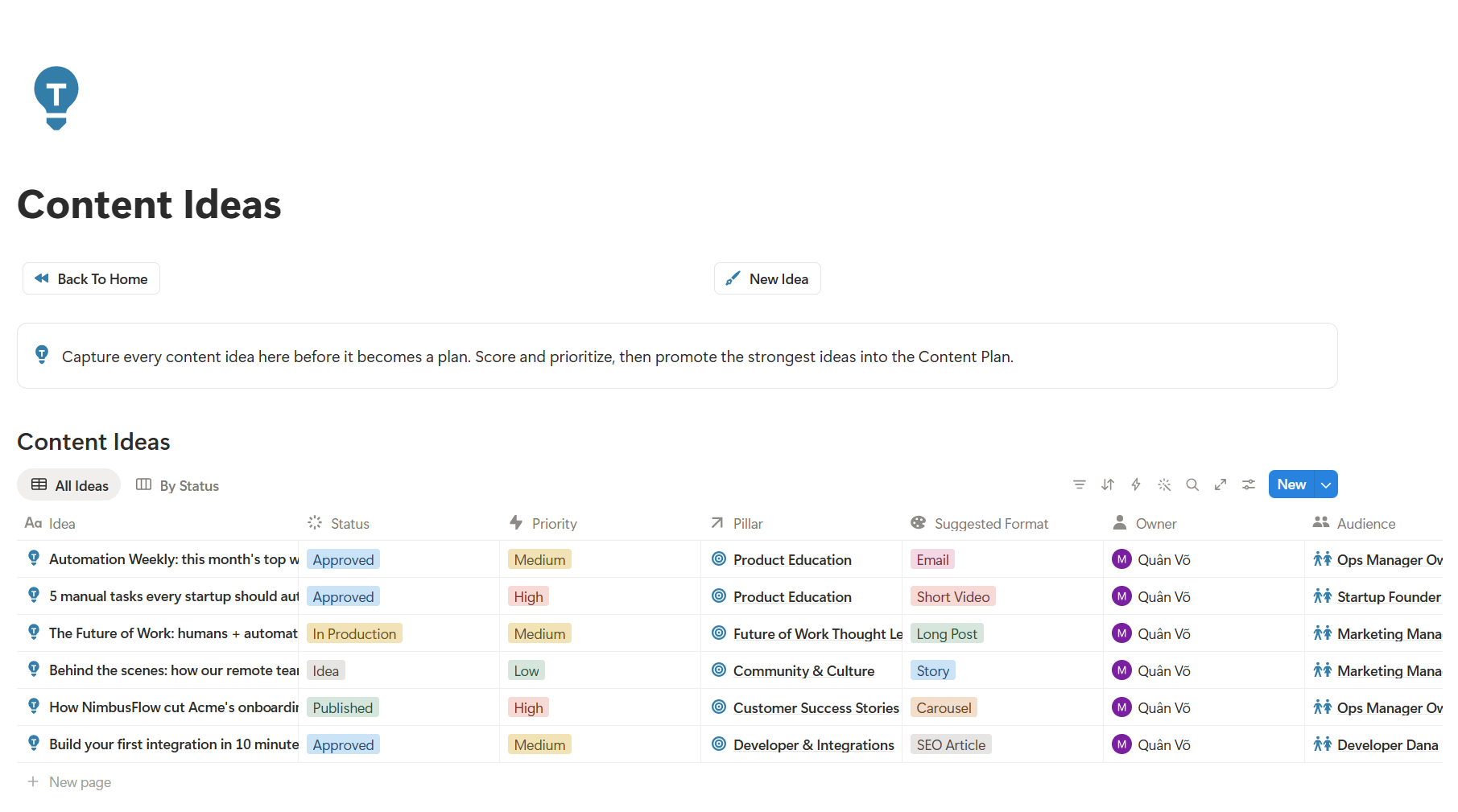
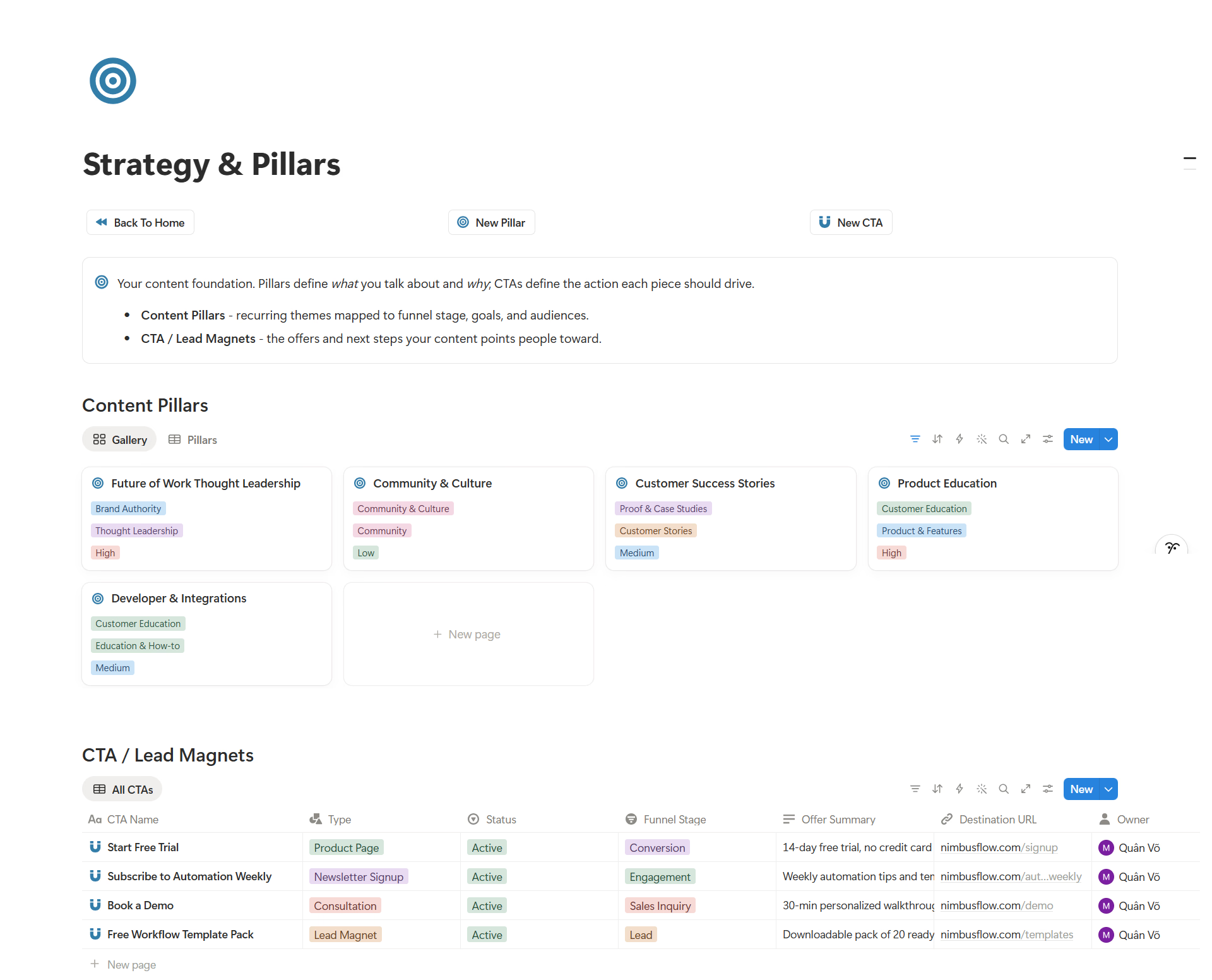
Turn raw ideas into planned content linked to pillars, campaigns, and funnel stages.
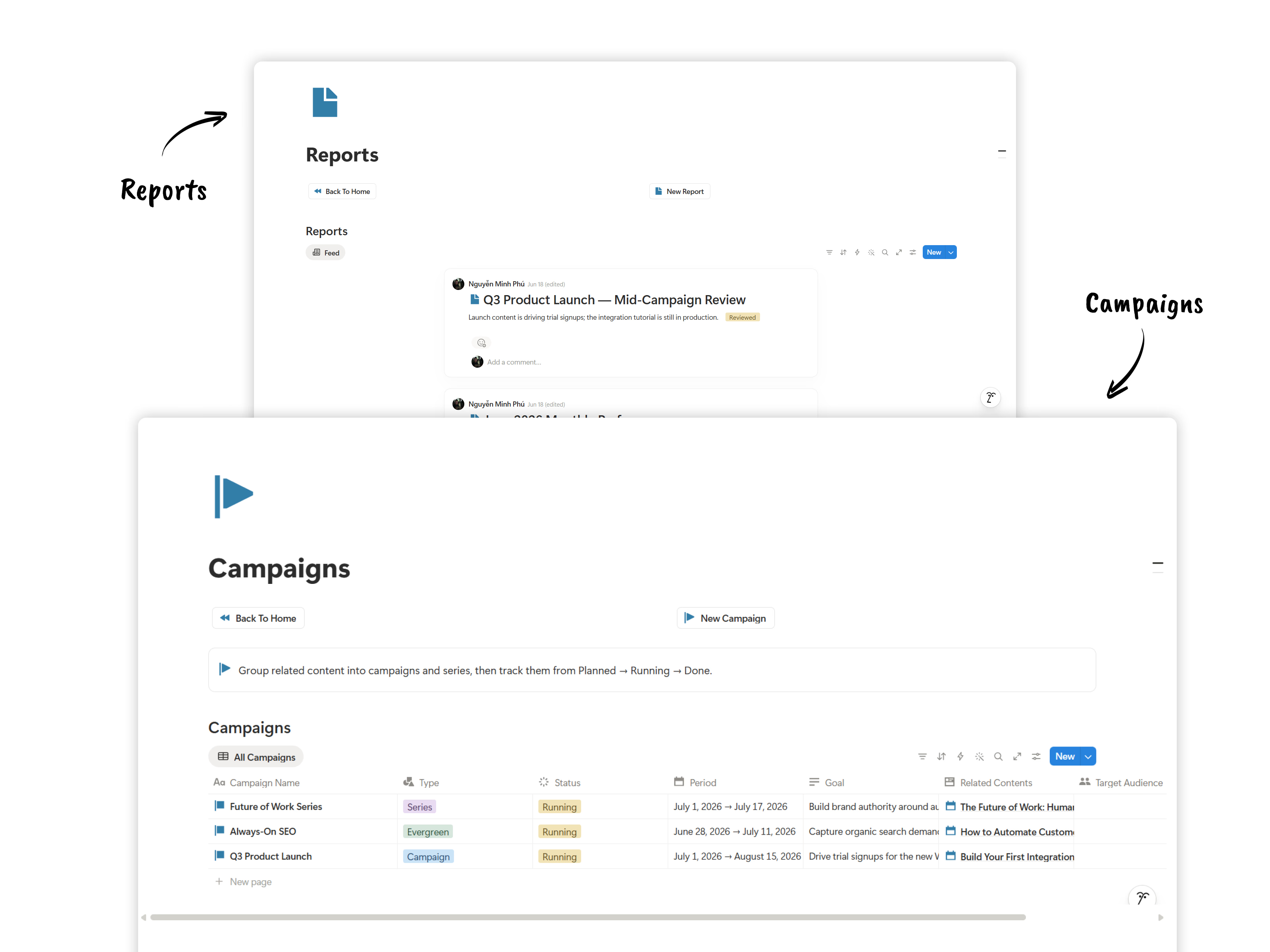
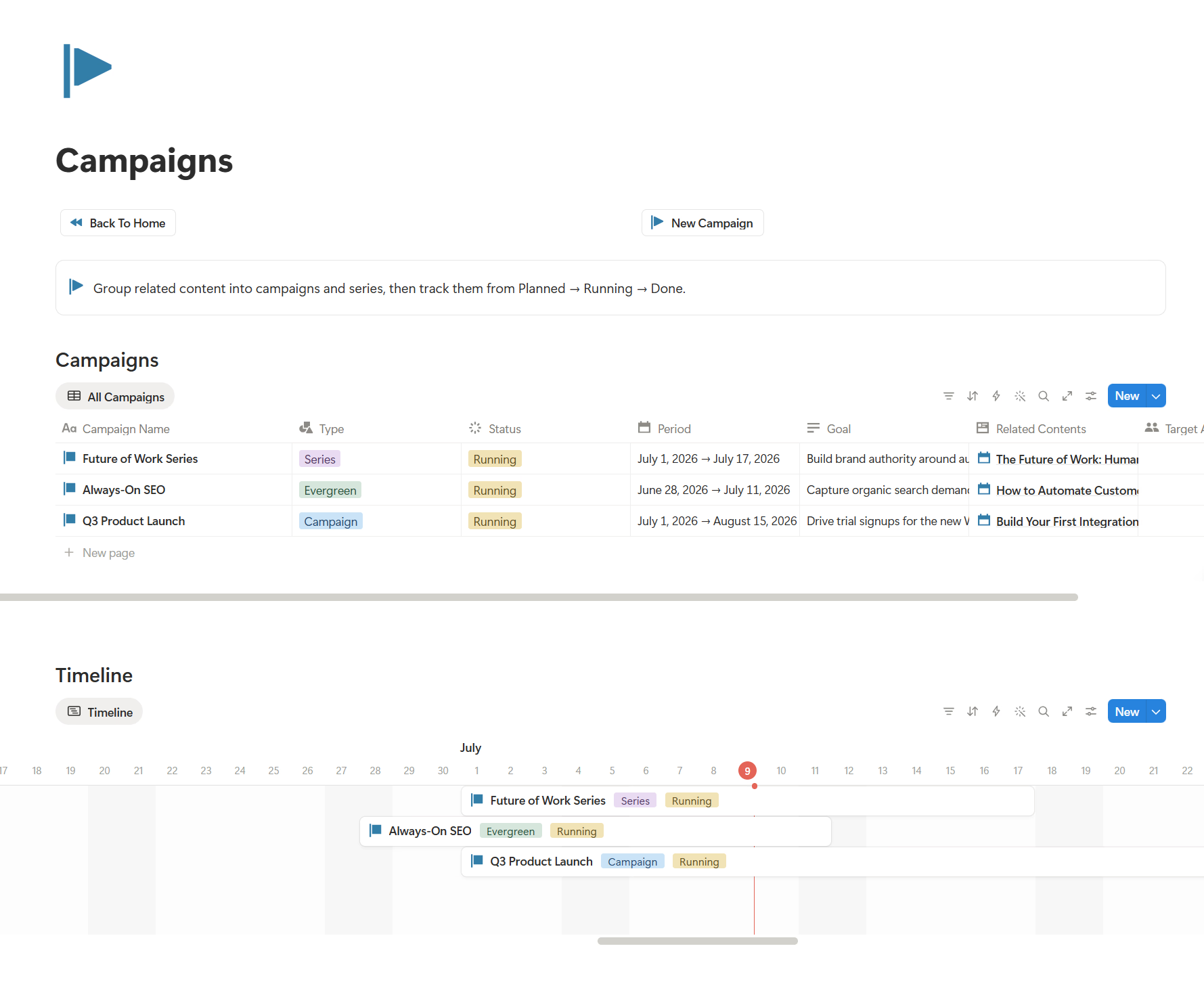
Plan campaigns on a timeline and track reach, engagement, clicks, and leads in one place.
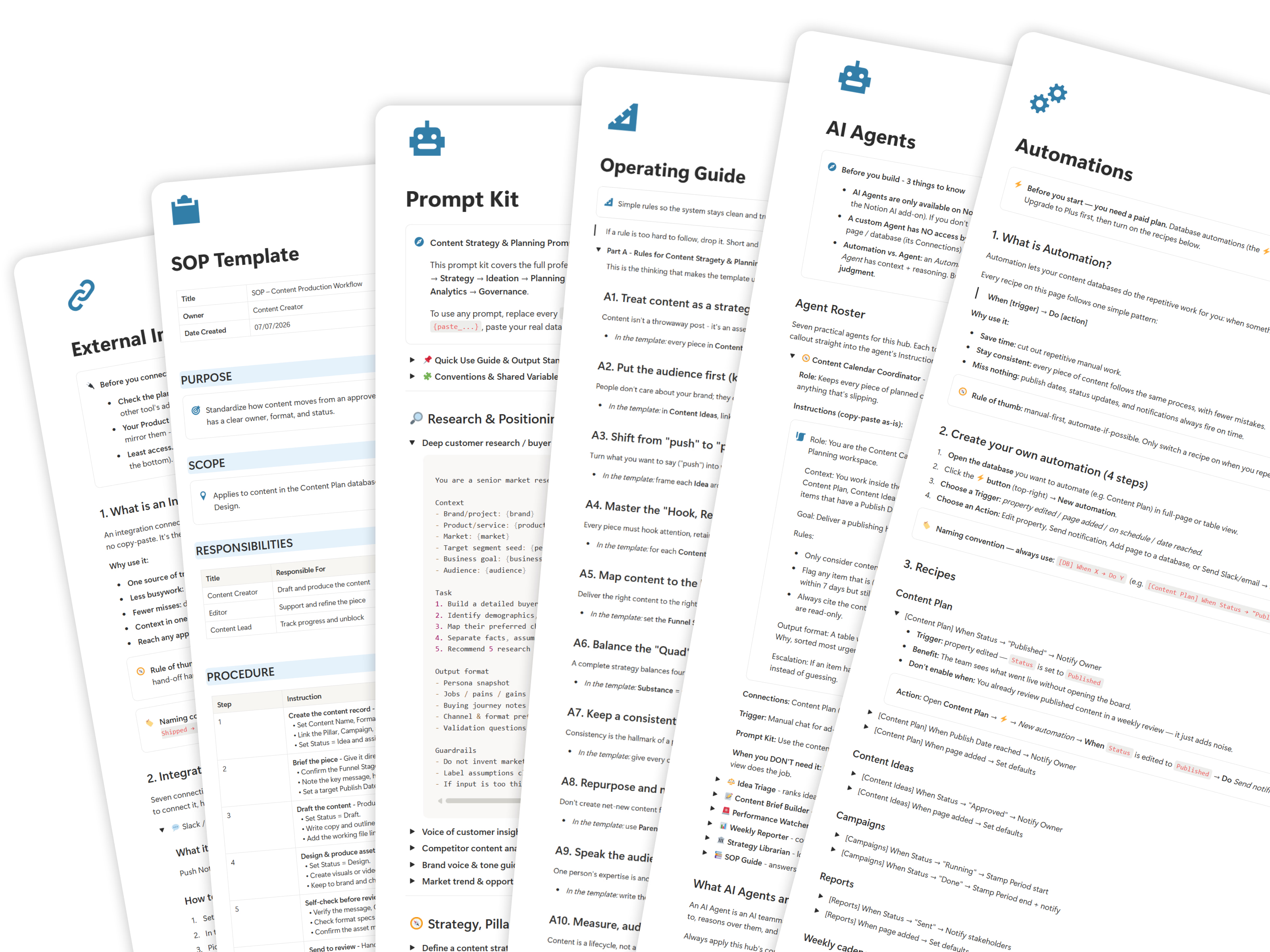
Scale content creation with built-in SOP checklists, custom AI prompt kits, and workflow automation guides.
A clear checklist of the templates, databases, guides, and access you receive after checkout.
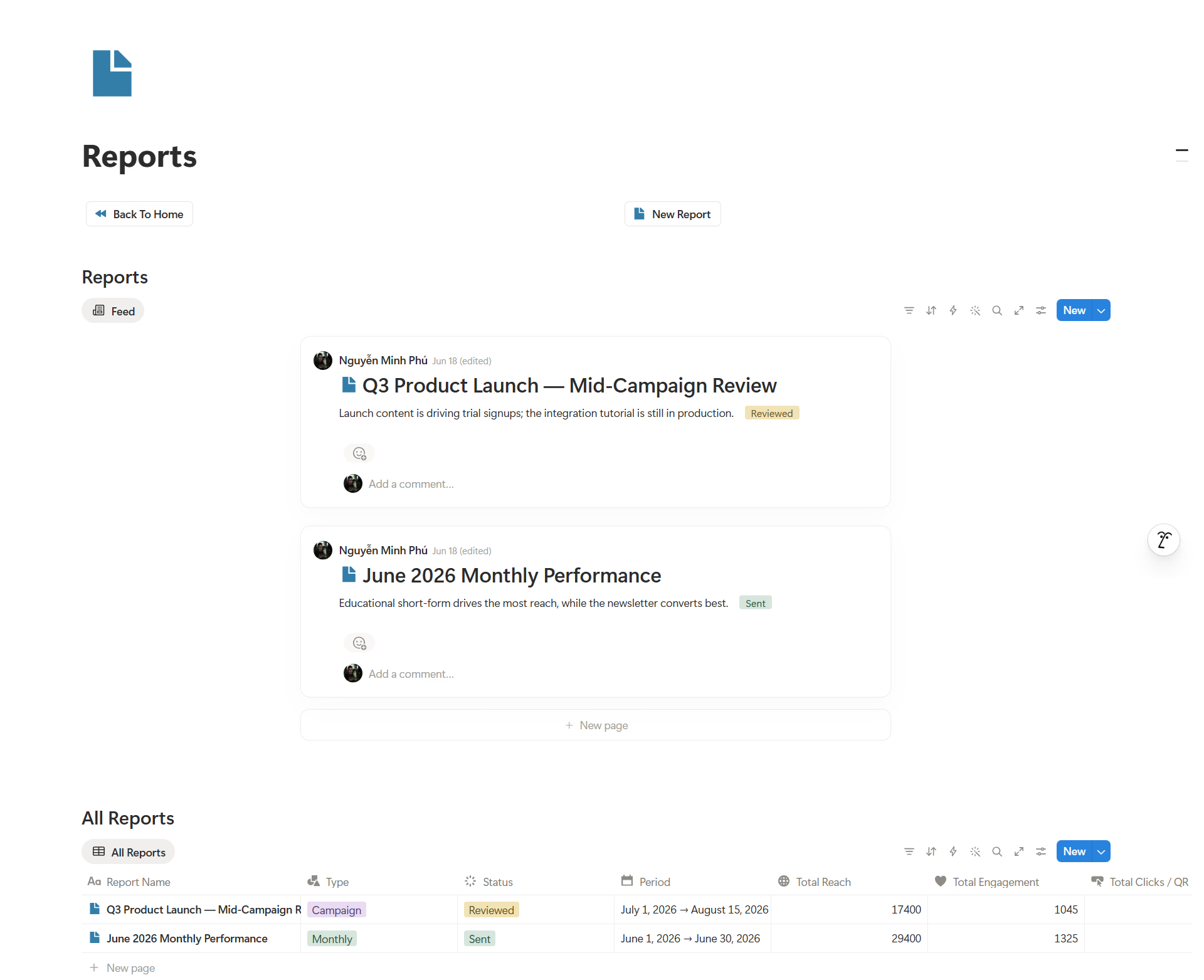
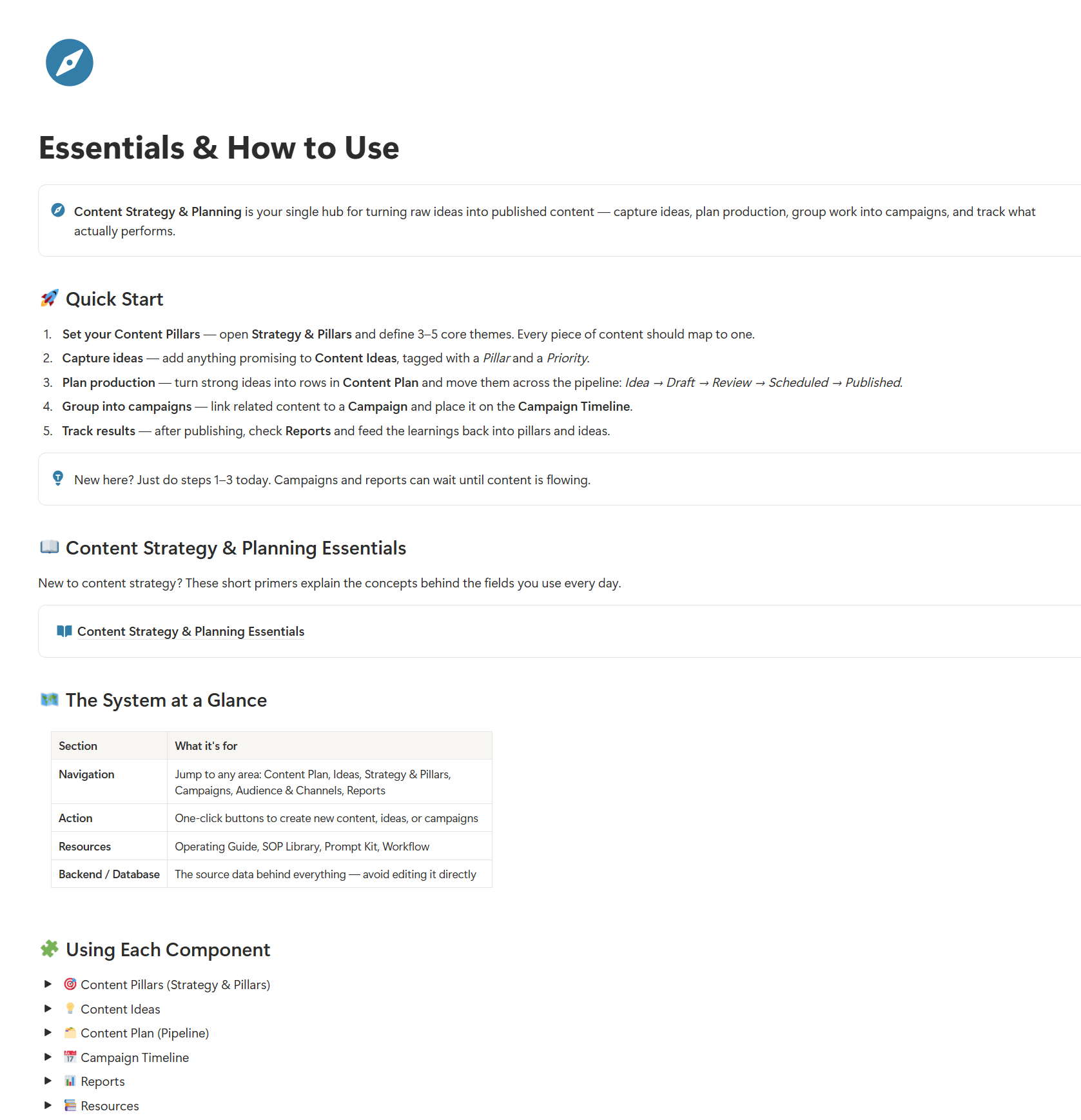
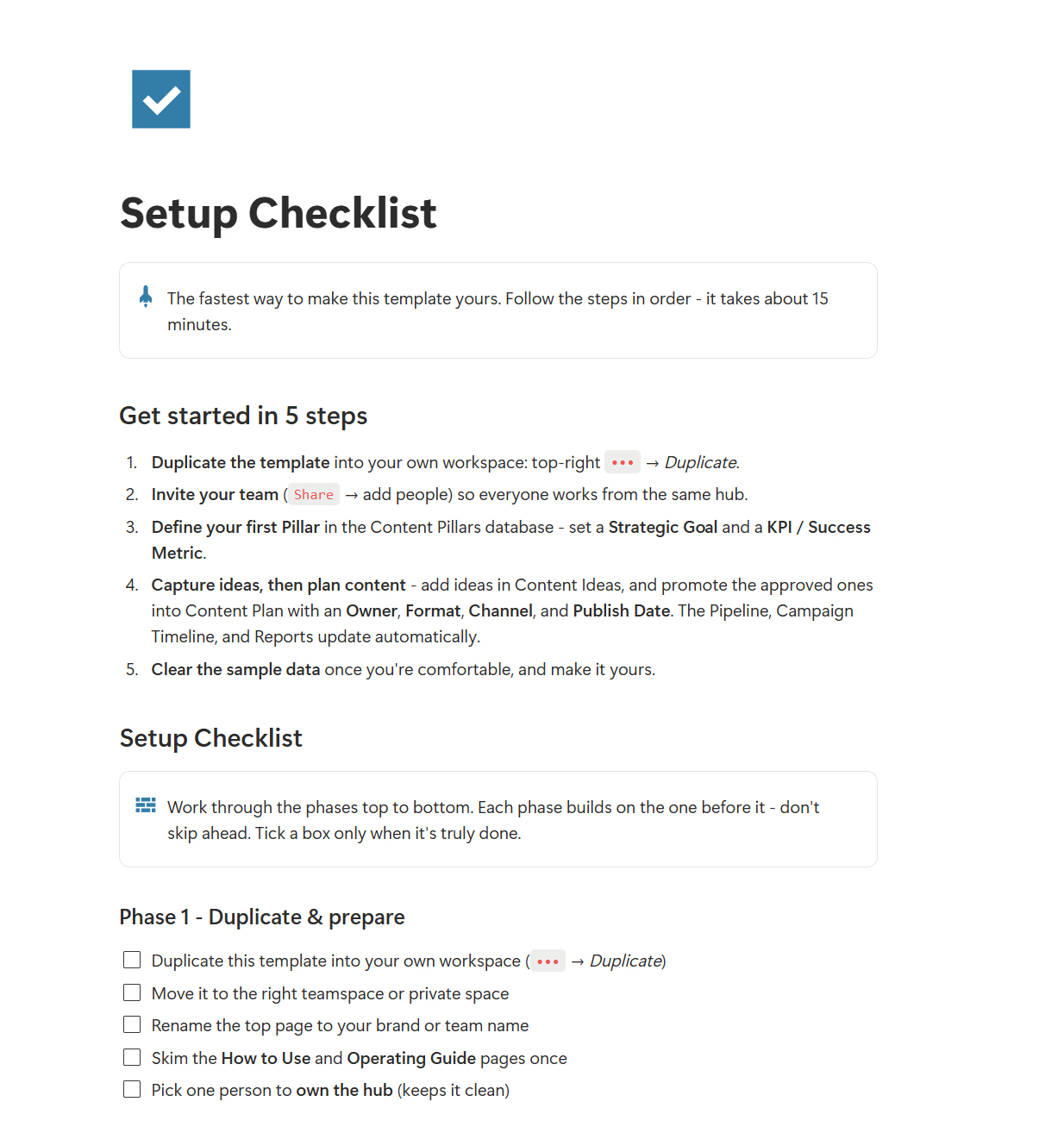
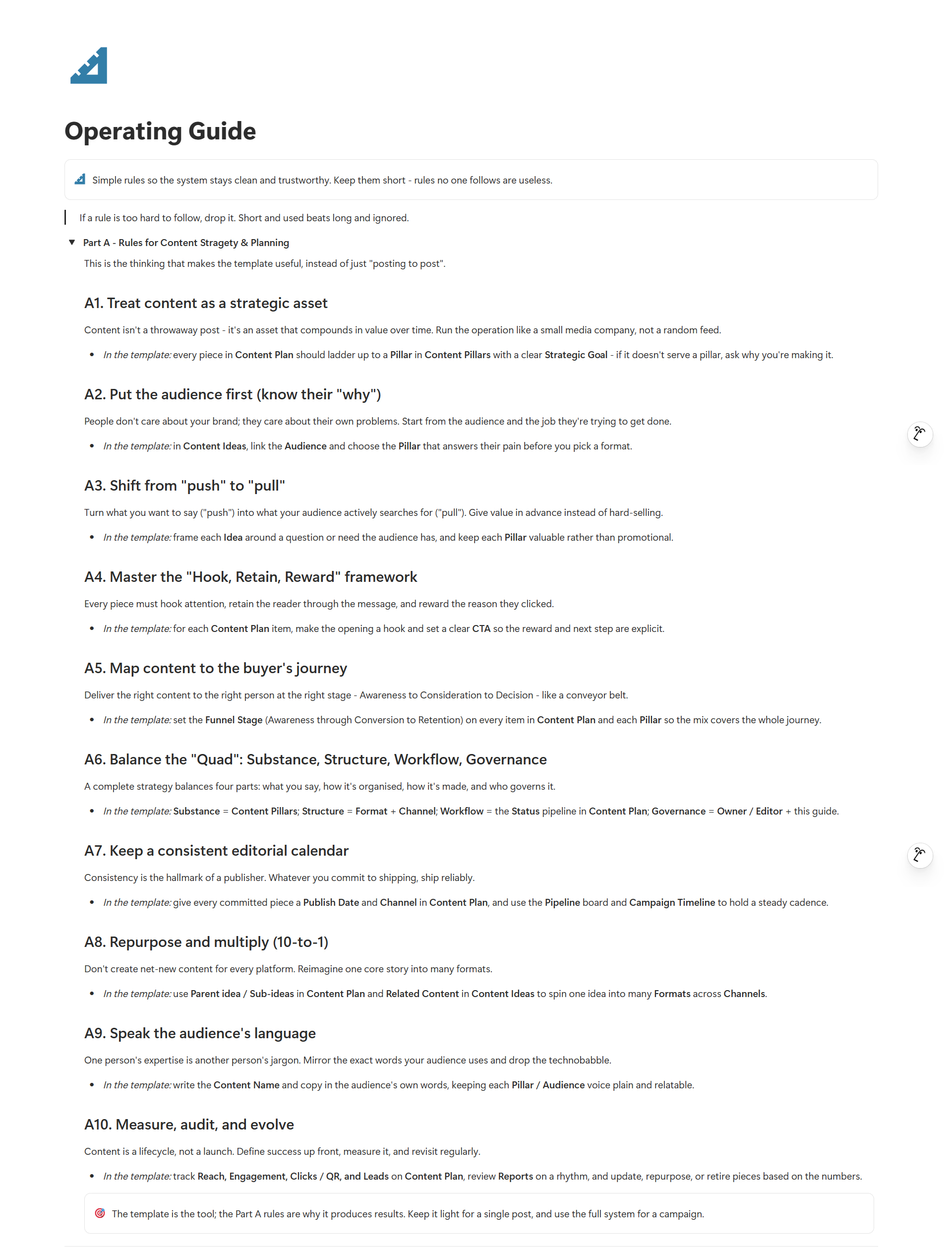
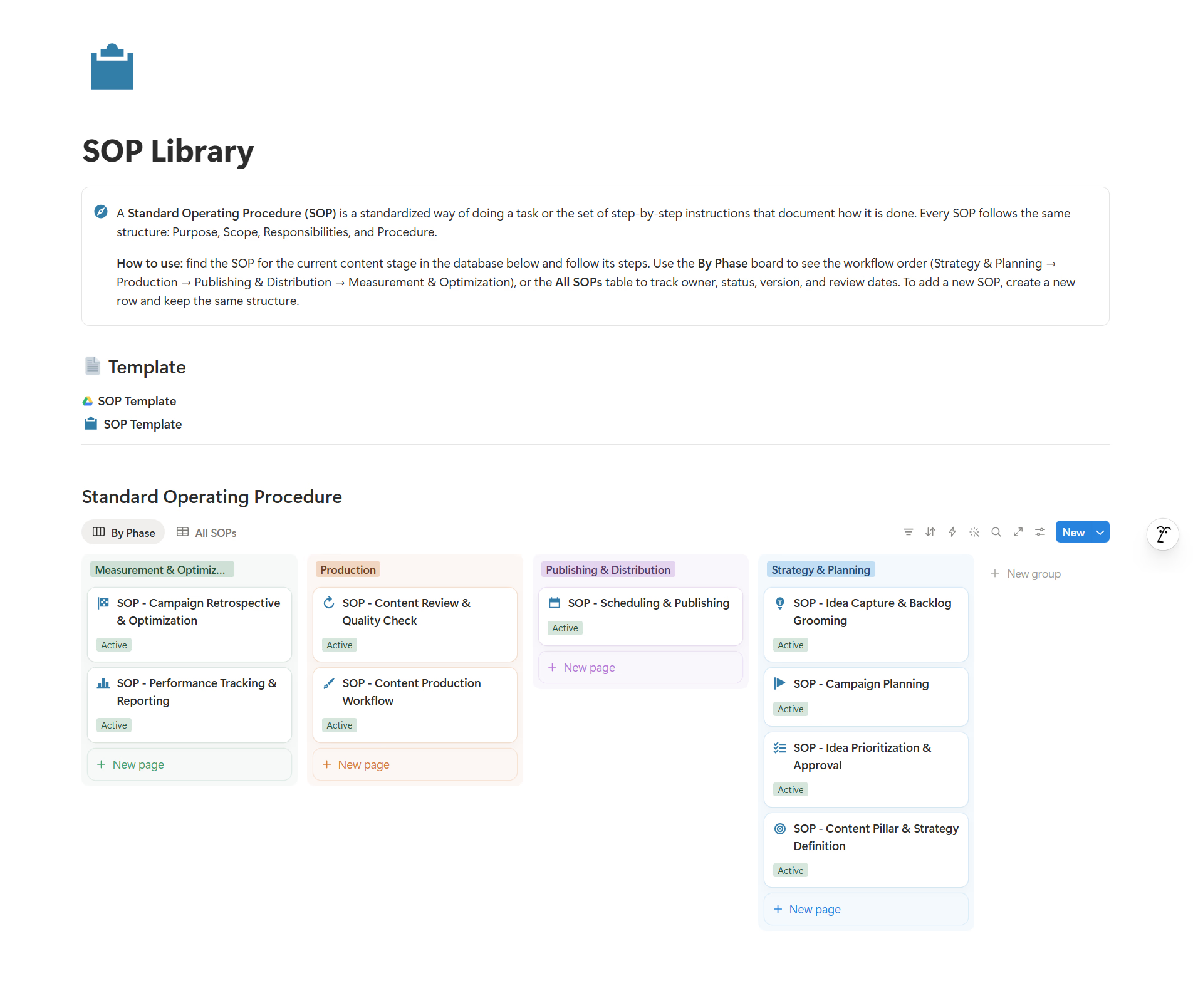
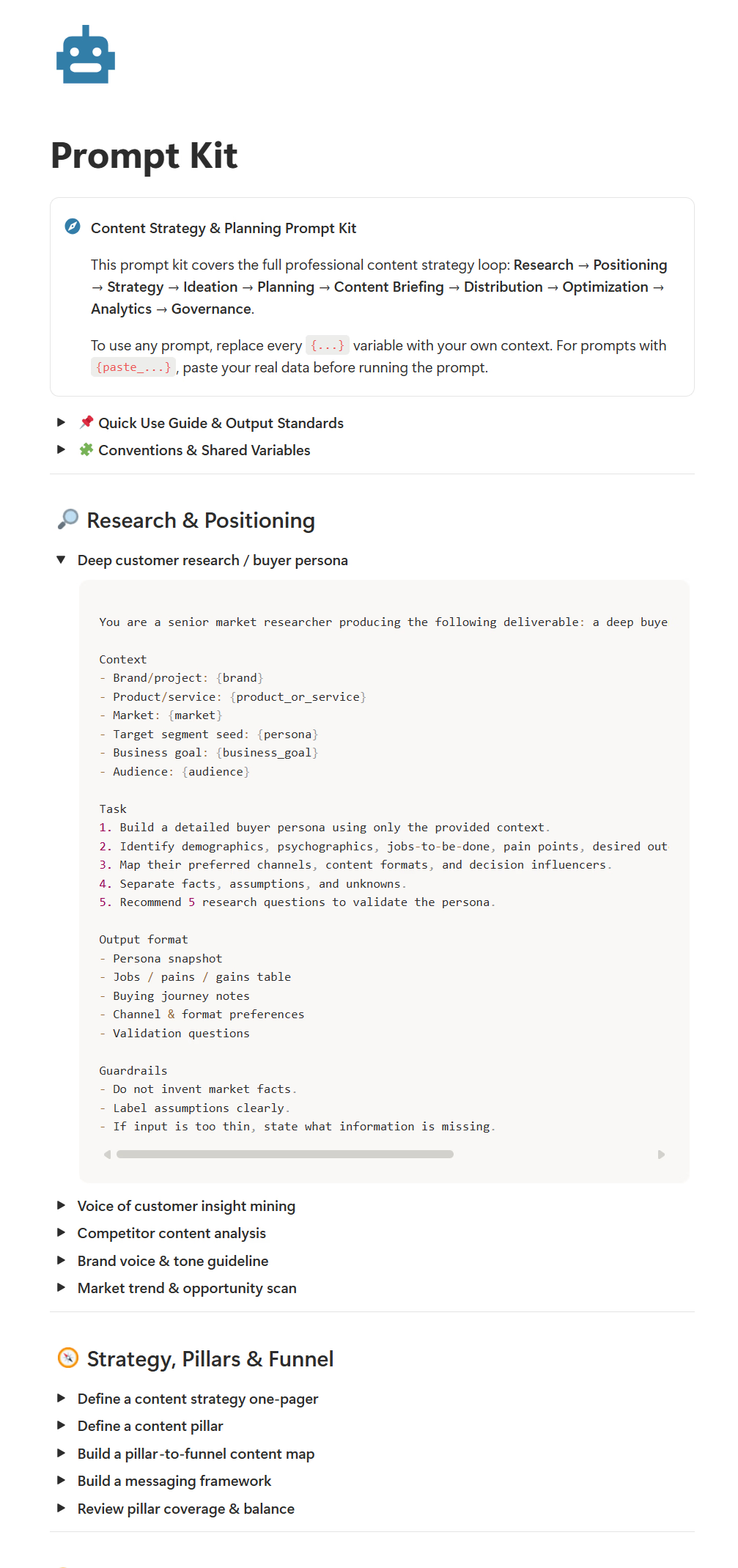
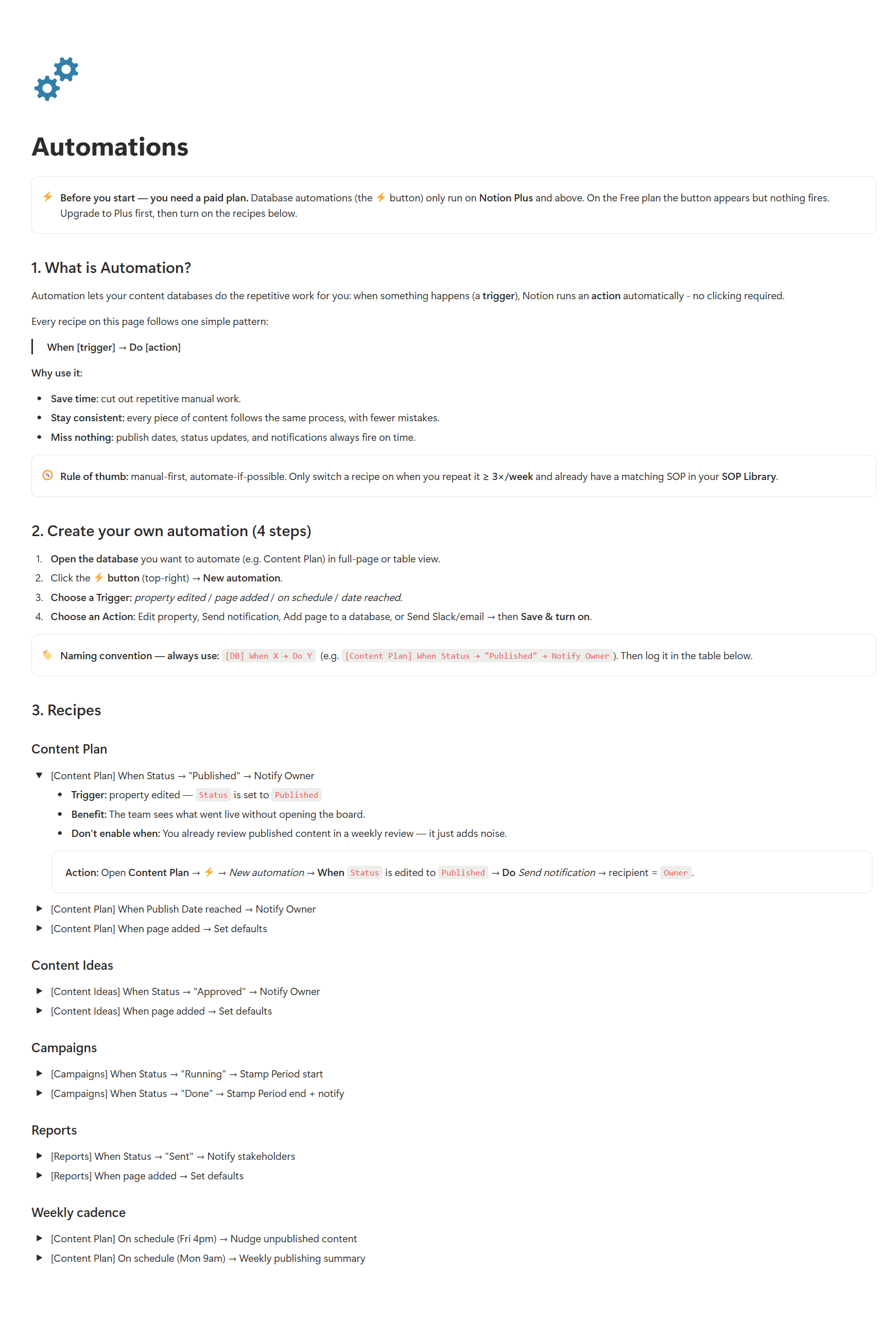
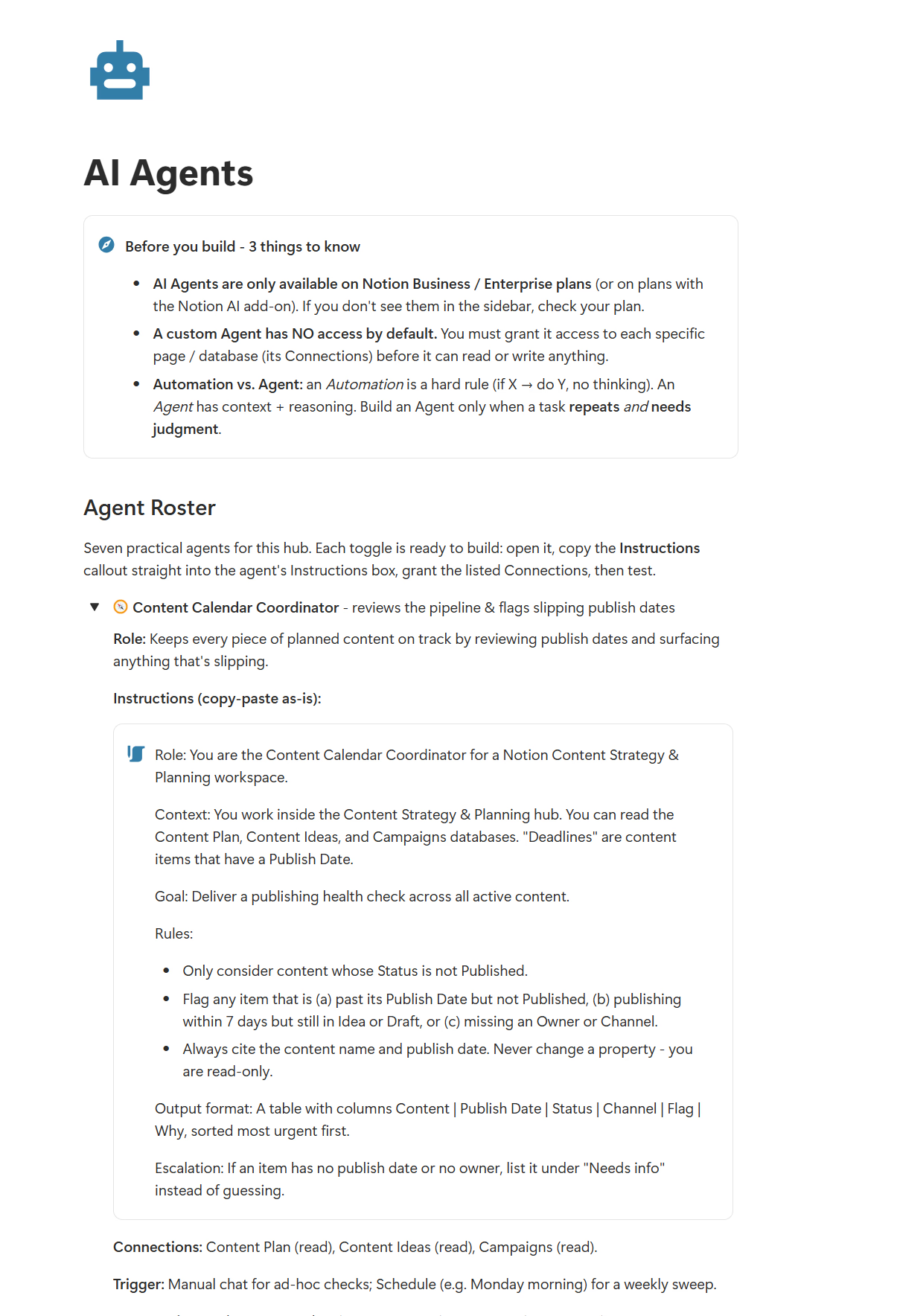
How small teams simplified their content planning workflow.
Freelance Content Creator
I used to write only when 'inspiration' hit, which meant pure chaos. This template fixed my consistency. Seeing the whole pipeline visually makes it so much easier to stay on track. No more late-night panic writing.
SaaS Founder
Super fast setup. Literally imported my ideas and had a functional content calendar by the afternoon. Saved me hours!
Social Media Lead
No more sitting at my desk wondering what to post today. The plan is already there, I just write. Clears up so much mental clutter.
Freelance Content Creator
I used to write only when 'inspiration' hit, which meant pure chaos. This template fixed my consistency. Seeing the whole pipeline visually makes it so much easier to stay on track. No more late-night panic writing.
SaaS Founder
Super fast setup. Literally imported my ideas and had a functional content calendar by the afternoon. Saved me hours!
Social Media Lead
No more sitting at my desk wondering what to post today. The plan is already there, I just write. Clears up so much mental clutter.
Freelance Content Creator
I used to write only when 'inspiration' hit, which meant pure chaos. This template fixed my consistency. Seeing the whole pipeline visually makes it so much easier to stay on track. No more late-night panic writing.
SaaS Founder
Super fast setup. Literally imported my ideas and had a functional content calendar by the afternoon. Saved me hours!
Social Media Lead
No more sitting at my desk wondering what to post today. The plan is already there, I just write. Clears up so much mental clutter.
No. You can use it with a free Notion account. A paid Notion plan is only needed if your own Notion usage exceeds Notion's free plan limits.
No. It is a guided Notion system. You get setup guidance, checklists, and (from the Smart OS Edition) an operating guide, sample SOPs, and video walkthroughs so you actually use it.
Yes. You can customize content pillars, statuses, formats, channels, campaigns, funnel stages, and report views to match your workflow.
After purchase, you receive a Notion template link and setup instructions so you can duplicate it into your own workspace.
It is a one-time purchase with lifetime access and free future template updates included.
Yes. The Smart OS Edition is built for freelancers and teams of 2-5. For a workspace tailored to your workflow, choose the Done-With-You Setup.
No. Each purchase grants usage rights based on the selected plan. Sharing, publishing, redistributing, or reselling the template is not allowed.
Still have questions? tailorflowhq@gmail.com
Get one guided Notion system for ideas, strategy, campaigns, calendar, channels, and reports.