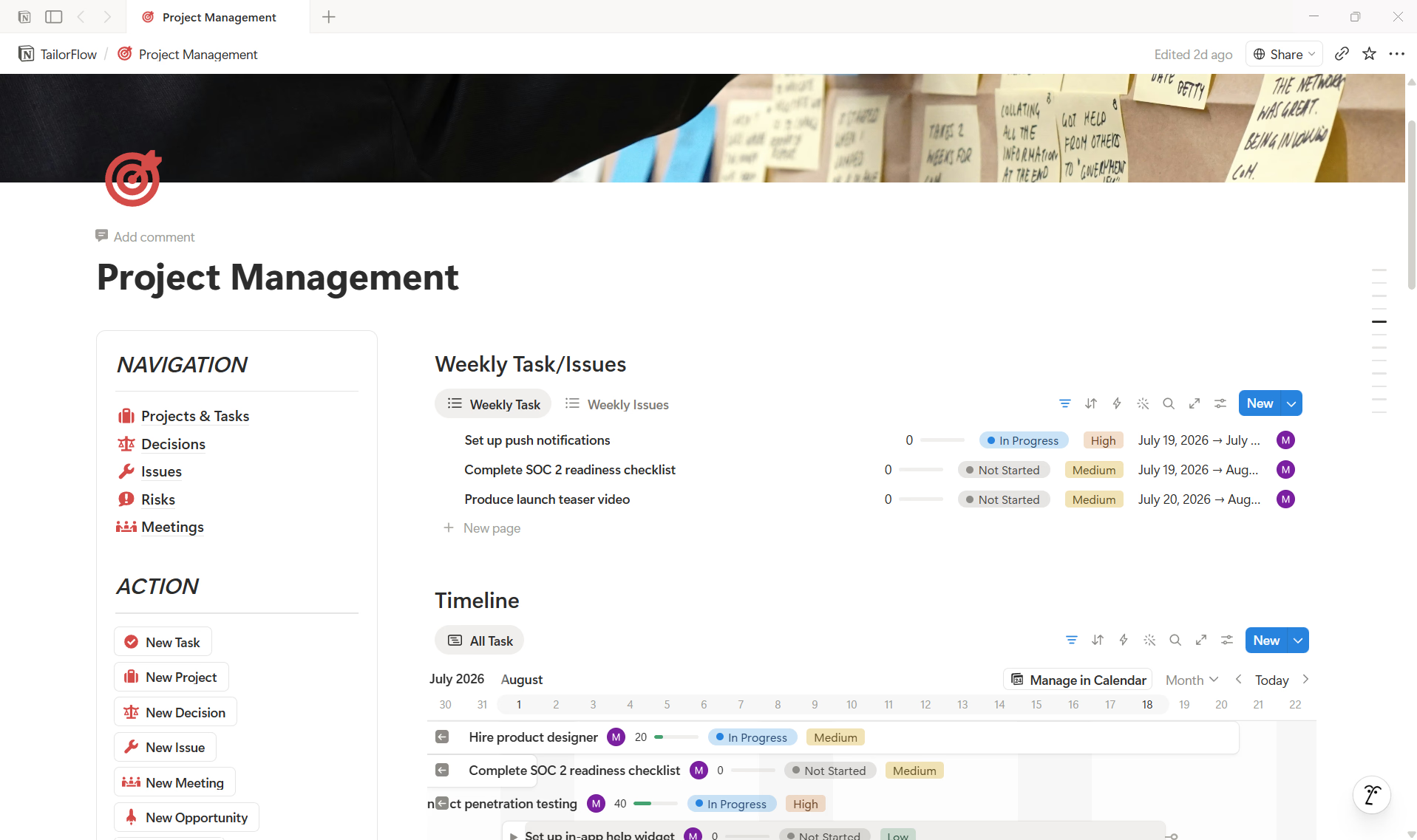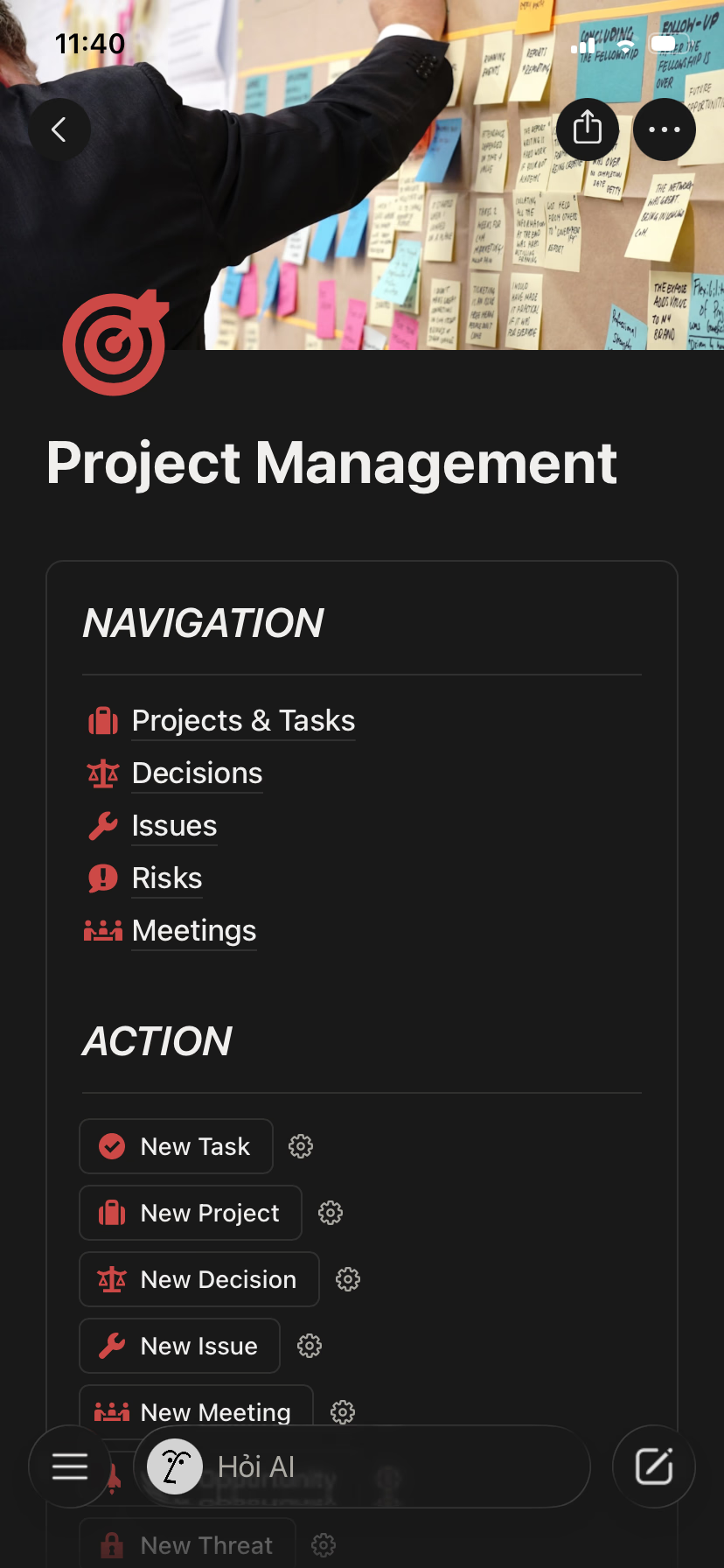
Run Your Product From One Dashboard
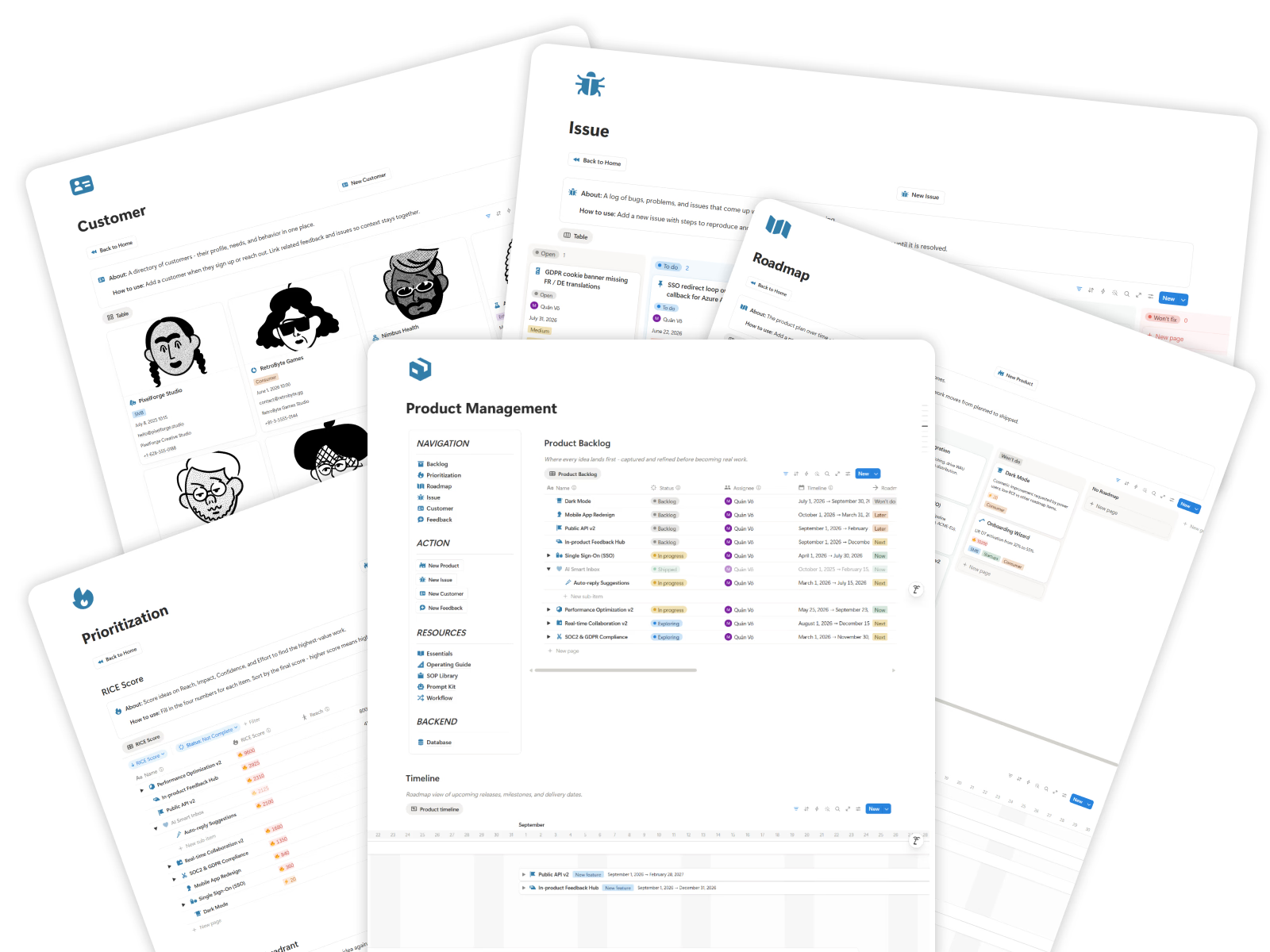
Give your team one central command center where backlog, prioritization, roadmap, issues, customers, feedback, and product resources are easy to access without switching between scattered tools.
Notion System
Replace scattered feedback, messy spreadsheets, and unclear roadmap decisions with one visual product command center for backlog, prioritization, roadmap, issues, customers, and feedback.
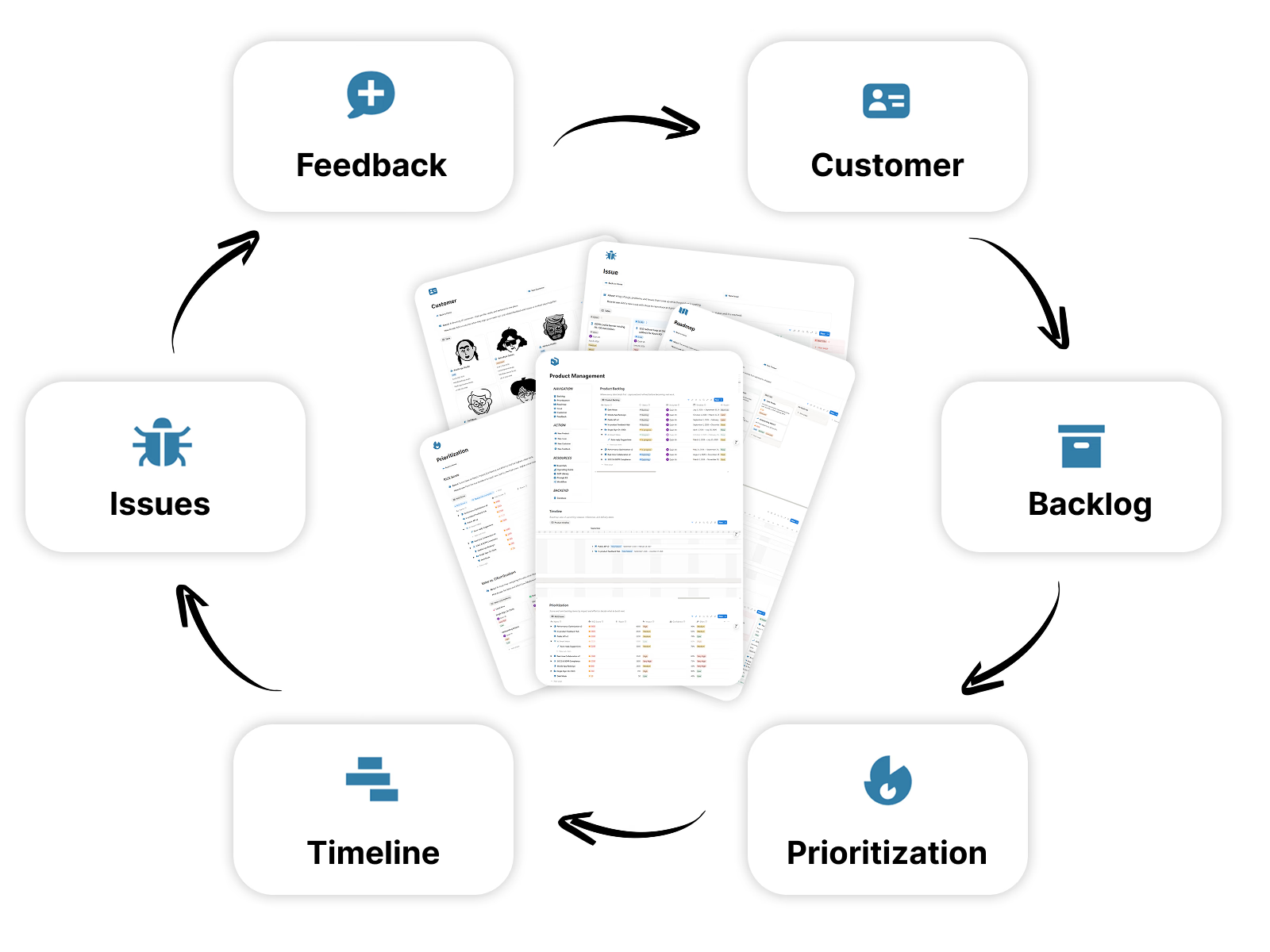
Get Lifetime AccessA product operating flow from discovery and prioritization to launch learning loops.
Collect signals and user needs
Score impact and effort
Shape requirements and UX
Build with linked tasks
Validate and release
Review results and improve
Product Management helps you stop losing ideas, guessing priorities, and shipping without a clear product system.
Feature ideas, customer requests, bugs, and improvements live across chat, email, meetings, and scattered notes.
Without a clear scoring system, roadmap decisions feel reactive, emotional, or based on whoever asks the loudest.
Teams struggle to see what is planned, what is moving, what is blocked, and why priorities changed.
Customer insights are collected but rarely connected back to backlog items, roadmap decisions, or shipped improvements.
Simple, visual, and structured product management without heavy tools or complicated setup.
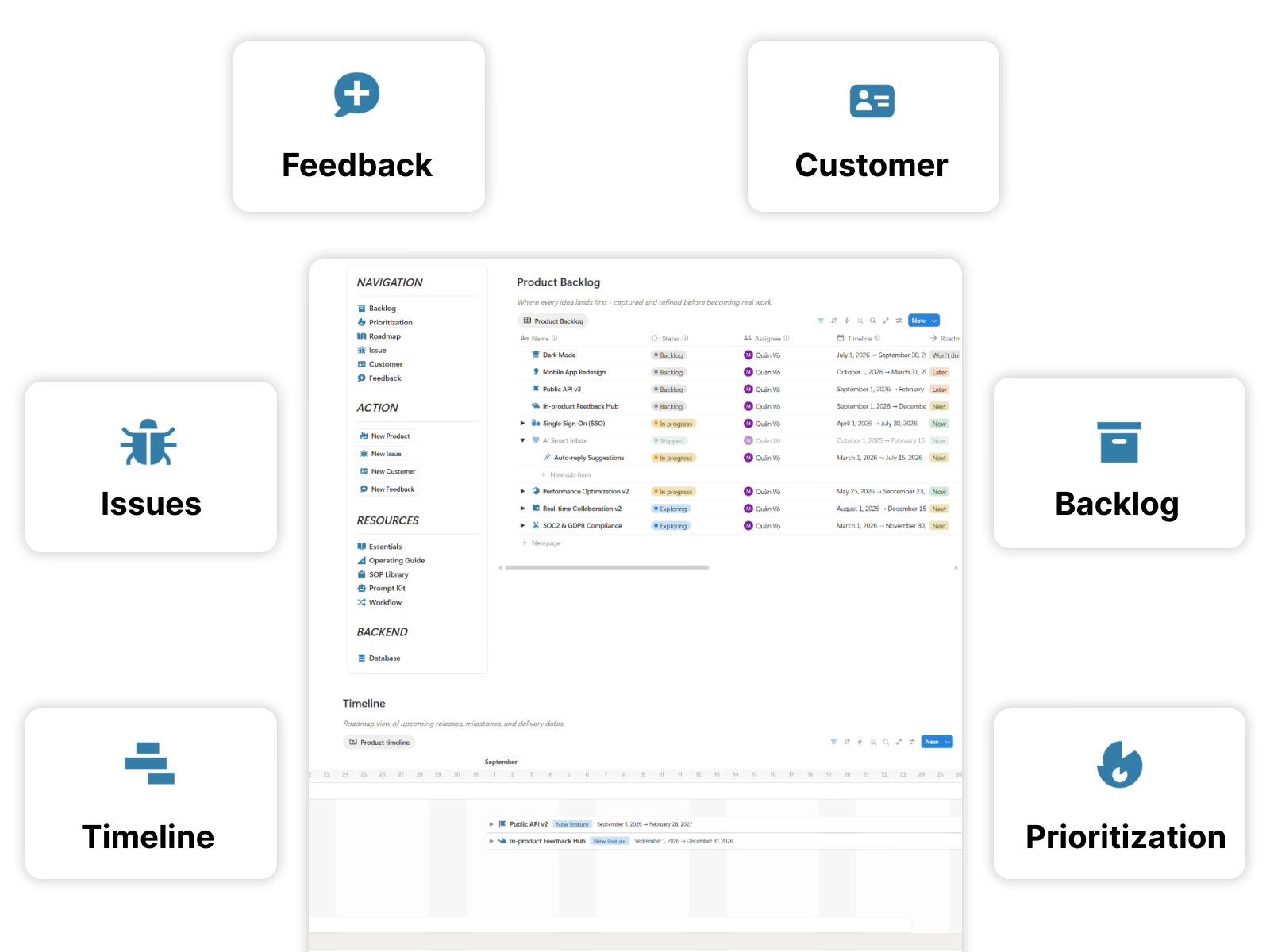
The essential tools you need to capture, prioritize, plan, and ship better product work.
Give your team one central command center where backlog, prioritization, roadmap, issues, customers, feedback, and product resources are easy to access without switching between scattered tools.
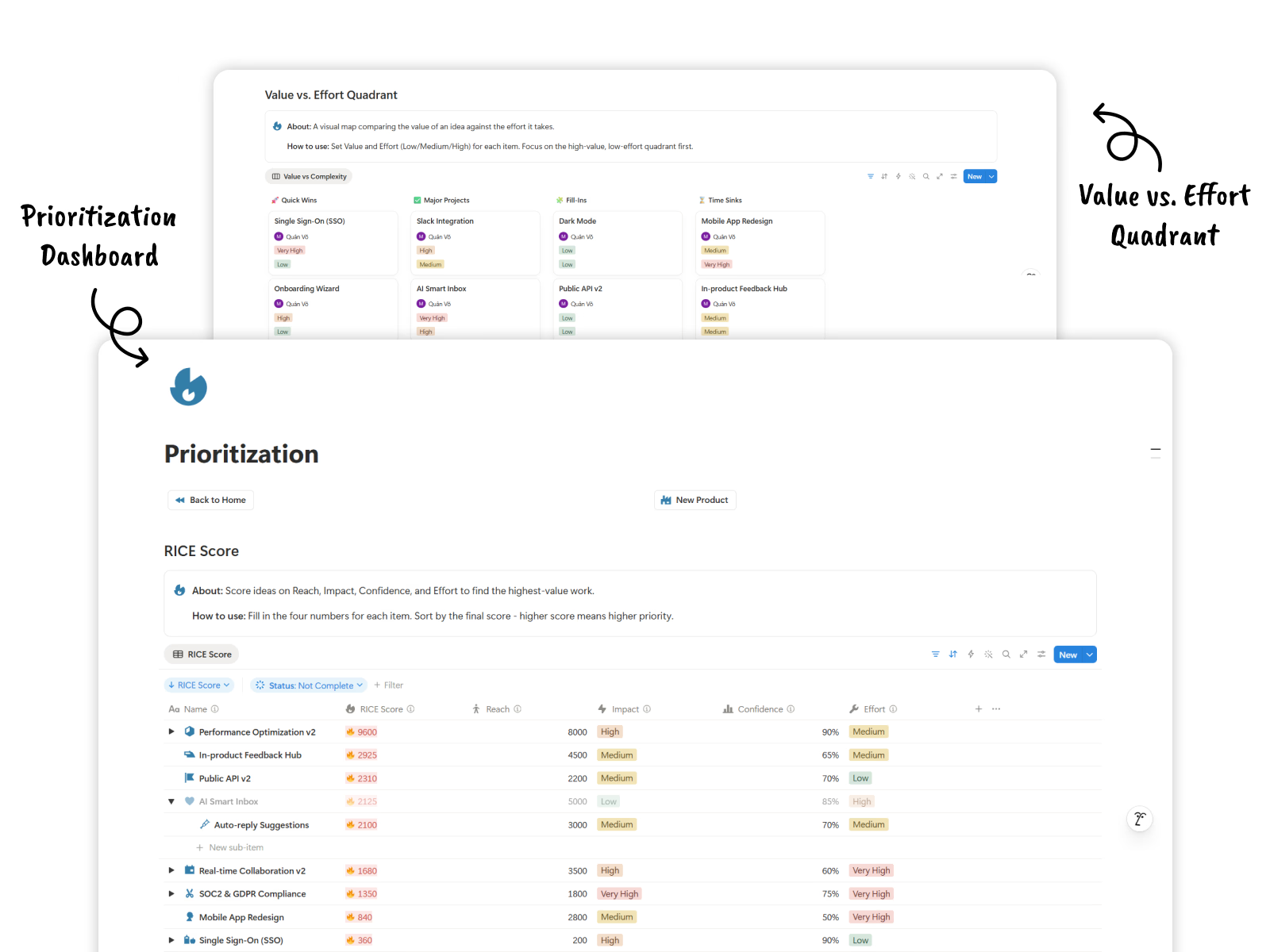
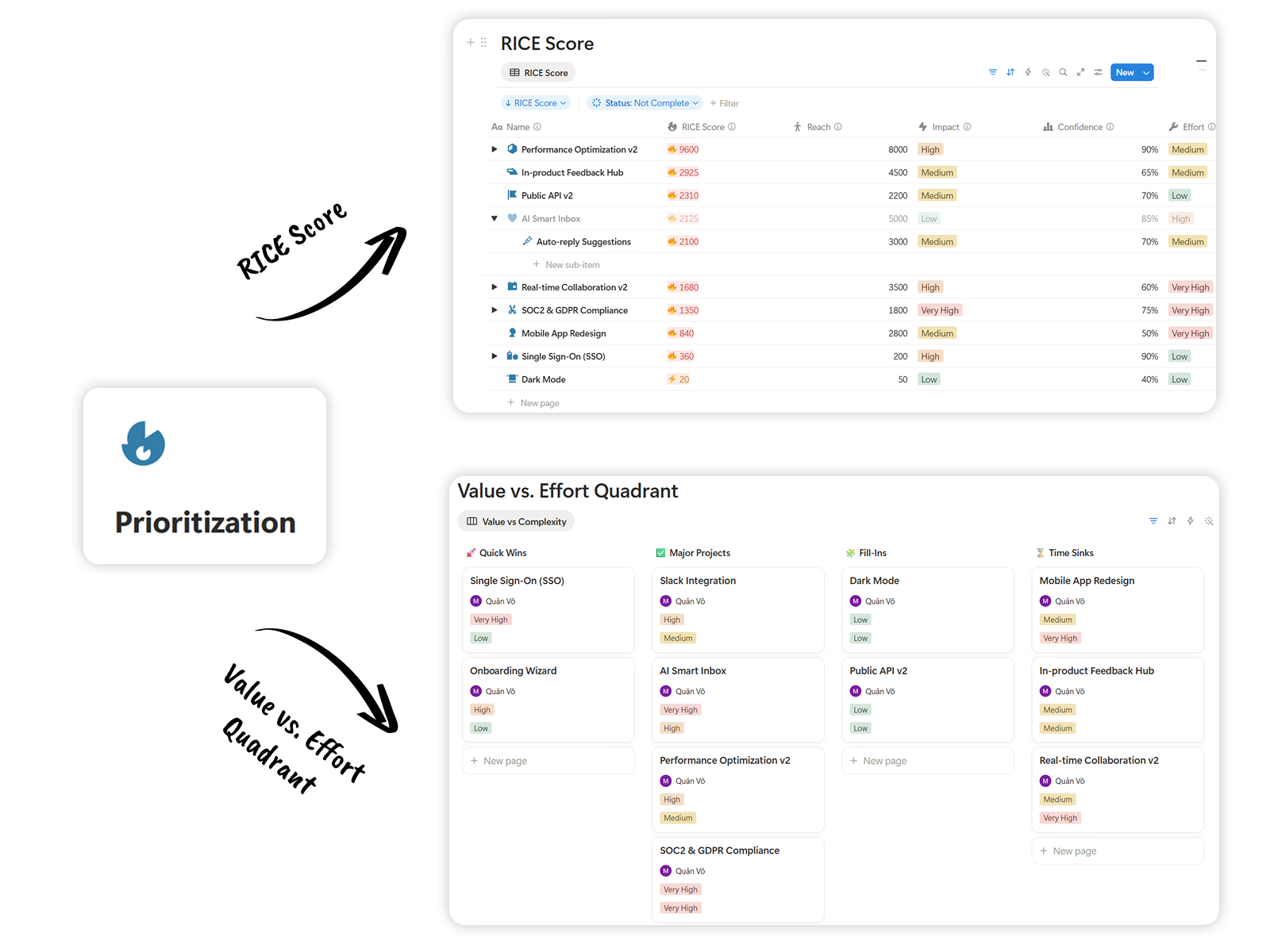
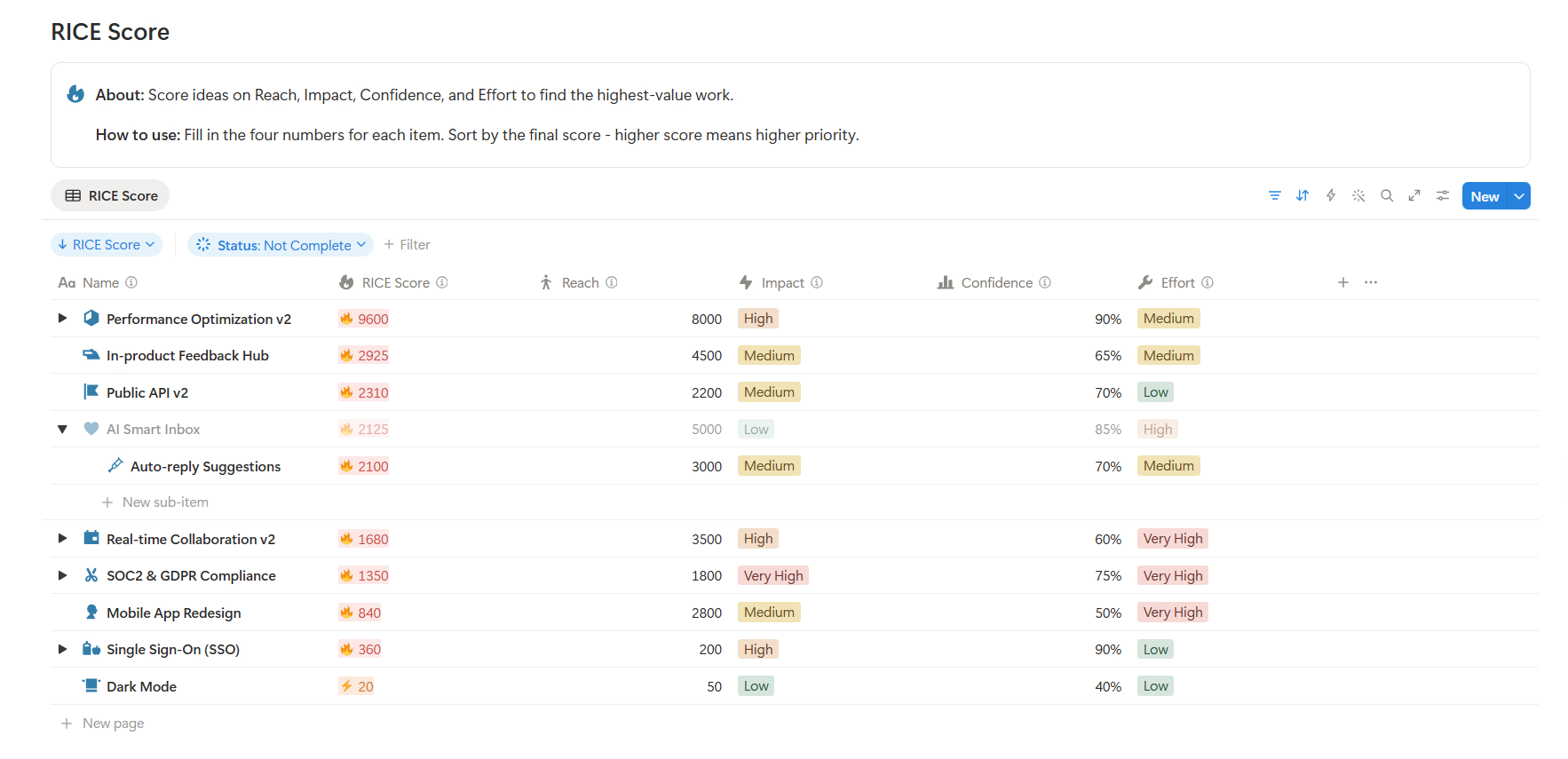
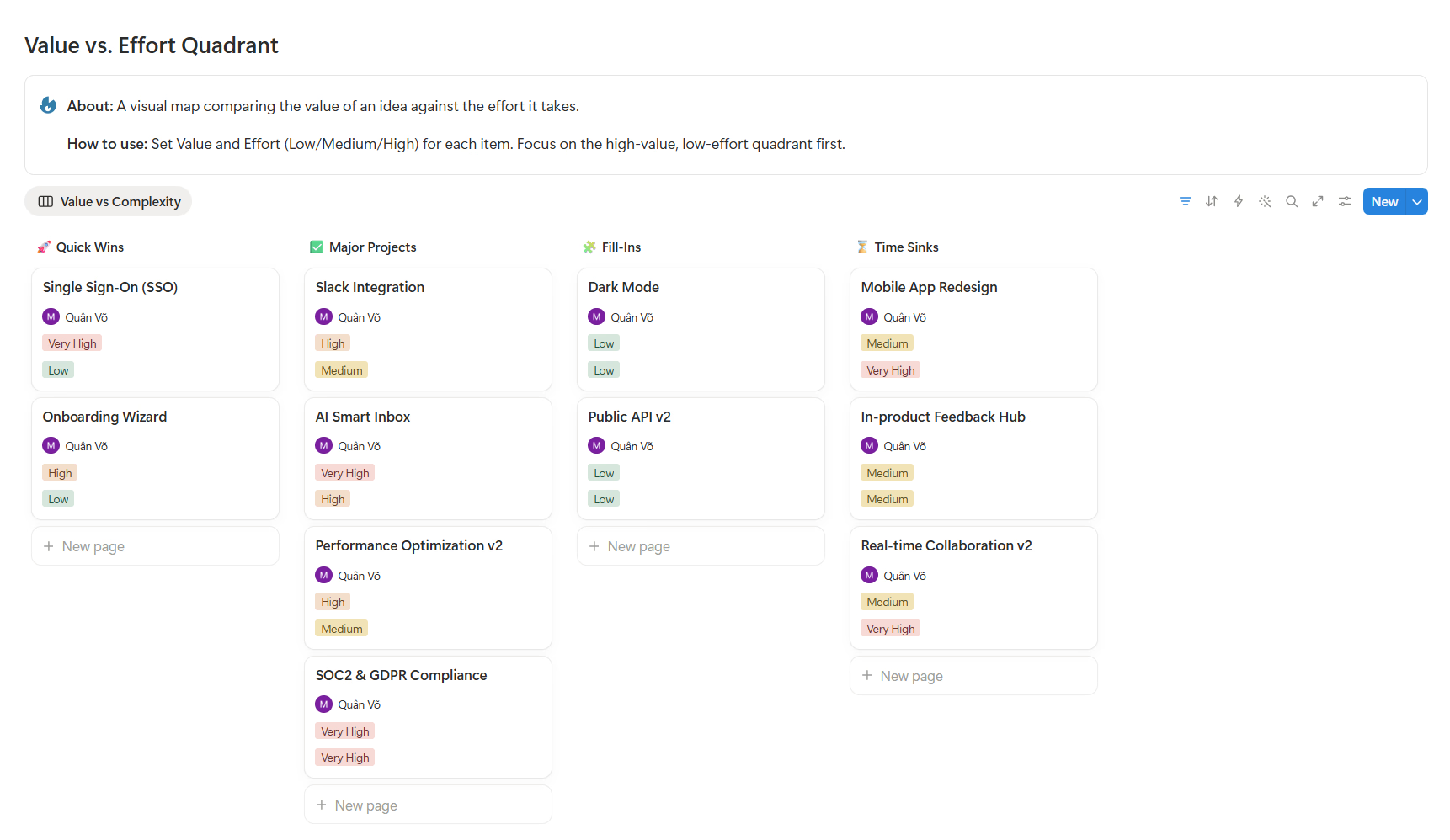
Capture ideas, feature requests, bugs, and improvements in one backlog, then use RICE scoring and Value vs Complexity views to decide what deserves attention first.
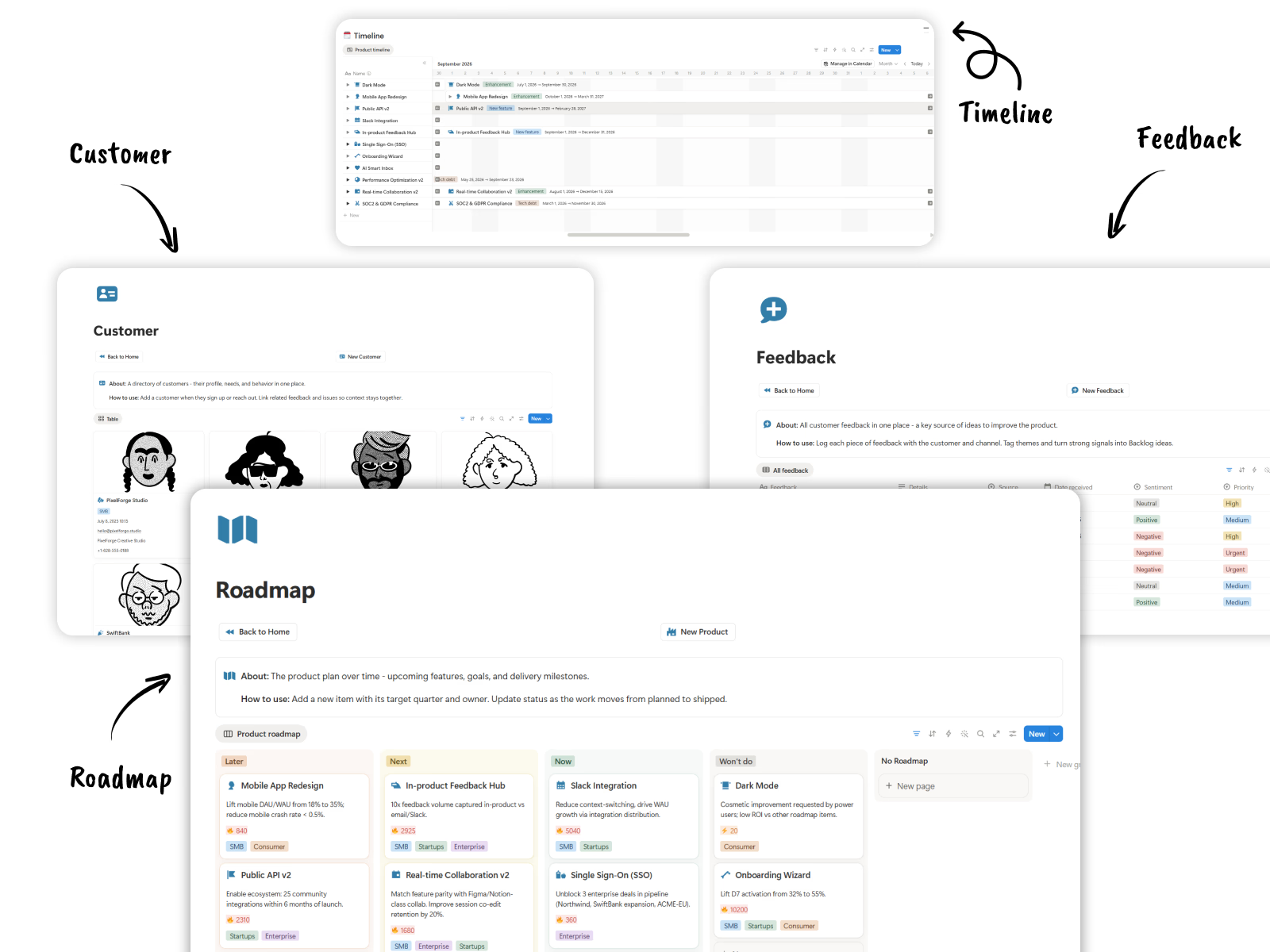
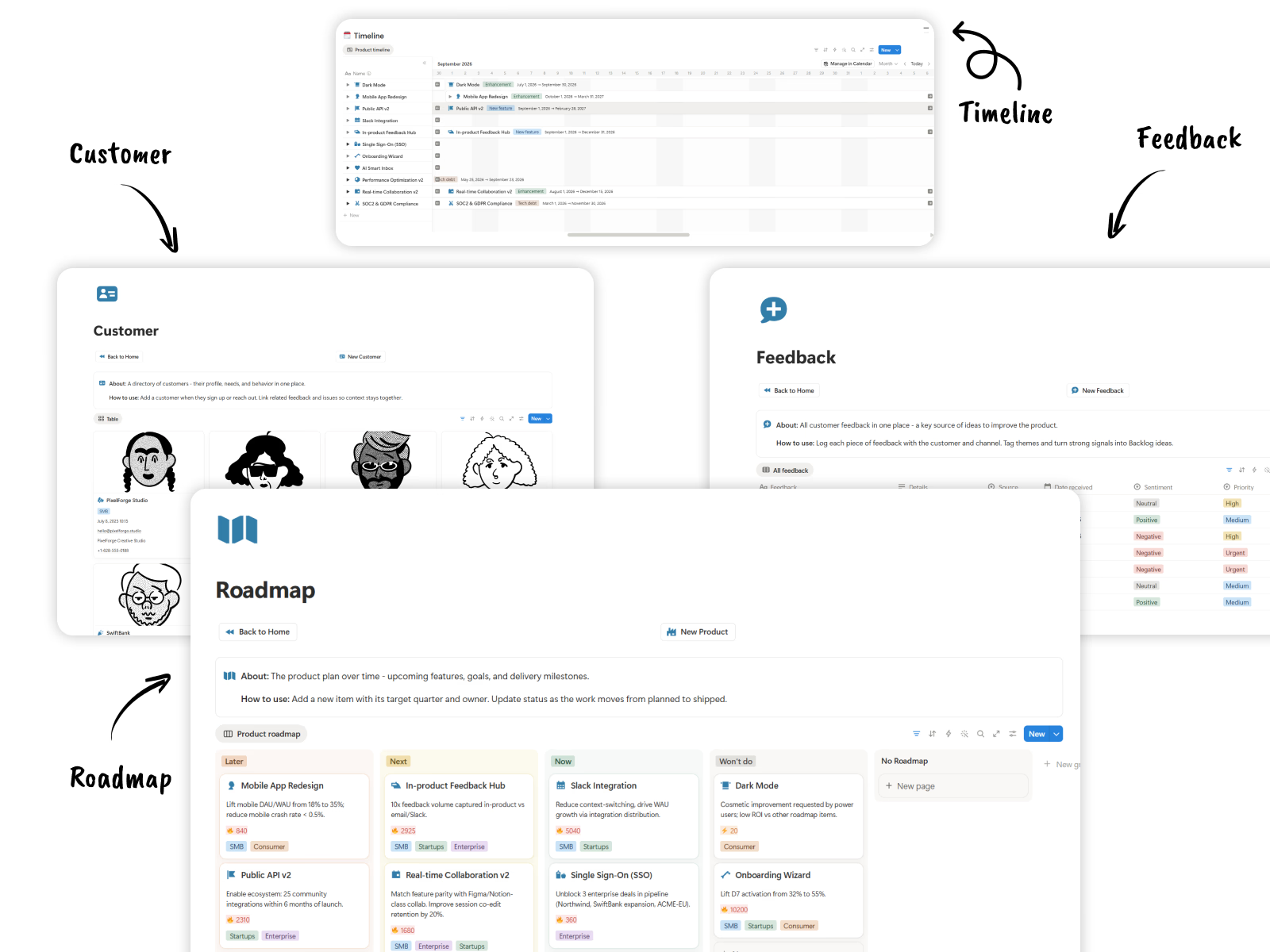
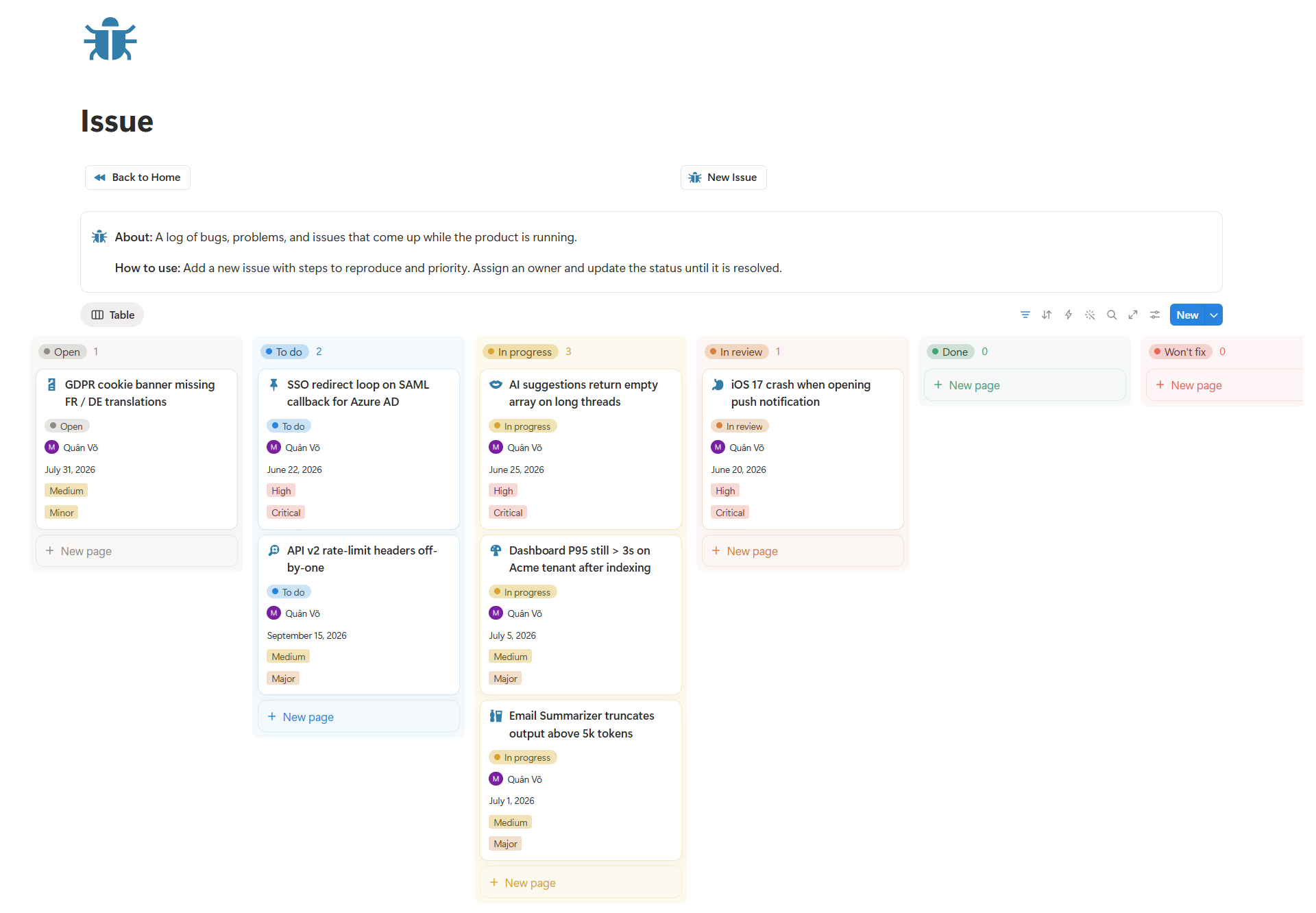
Connect customer feedback, issues, and product ideas to your roadmap so the team can see what users need, what is planned, and what has already shipped.
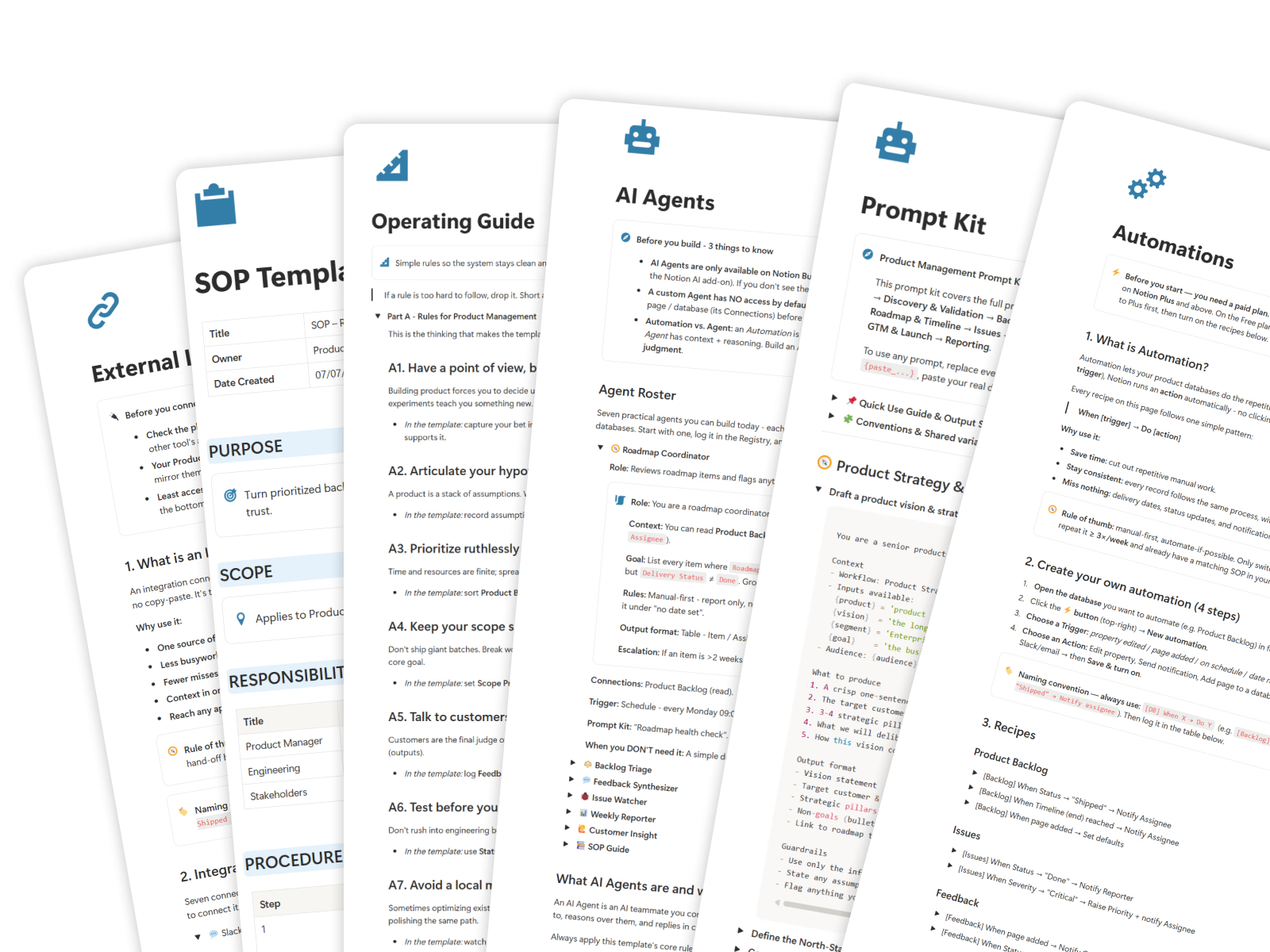
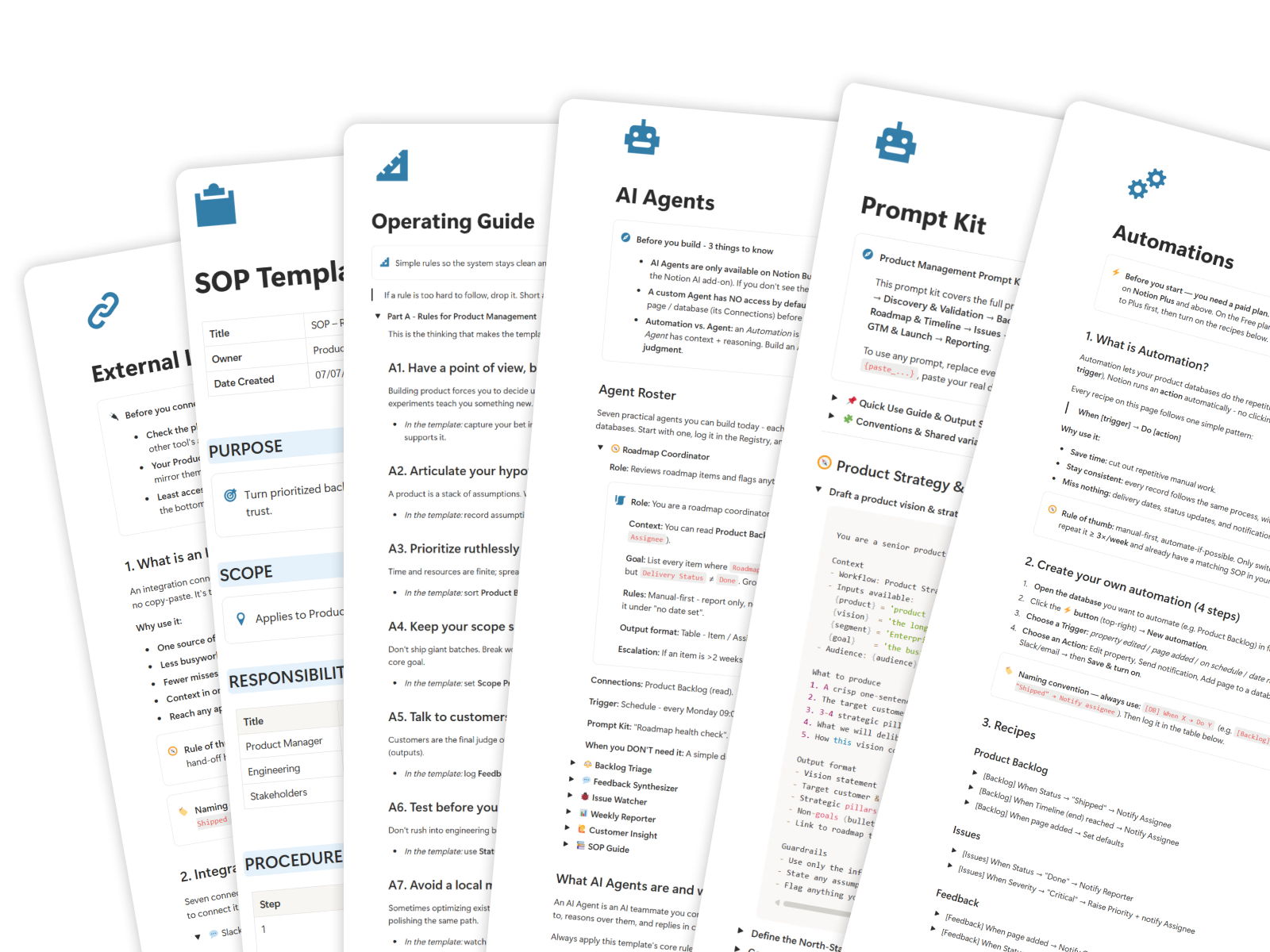
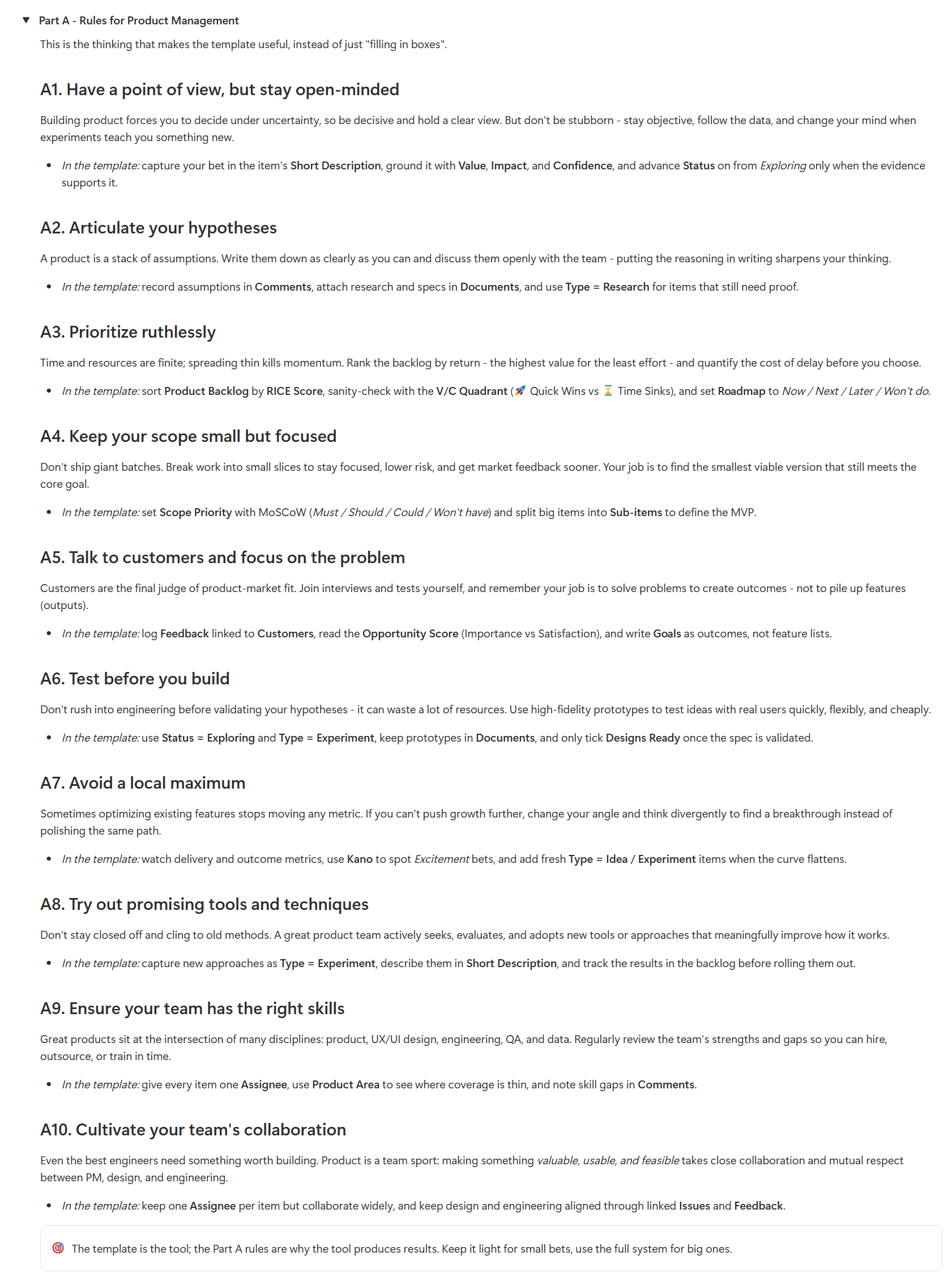
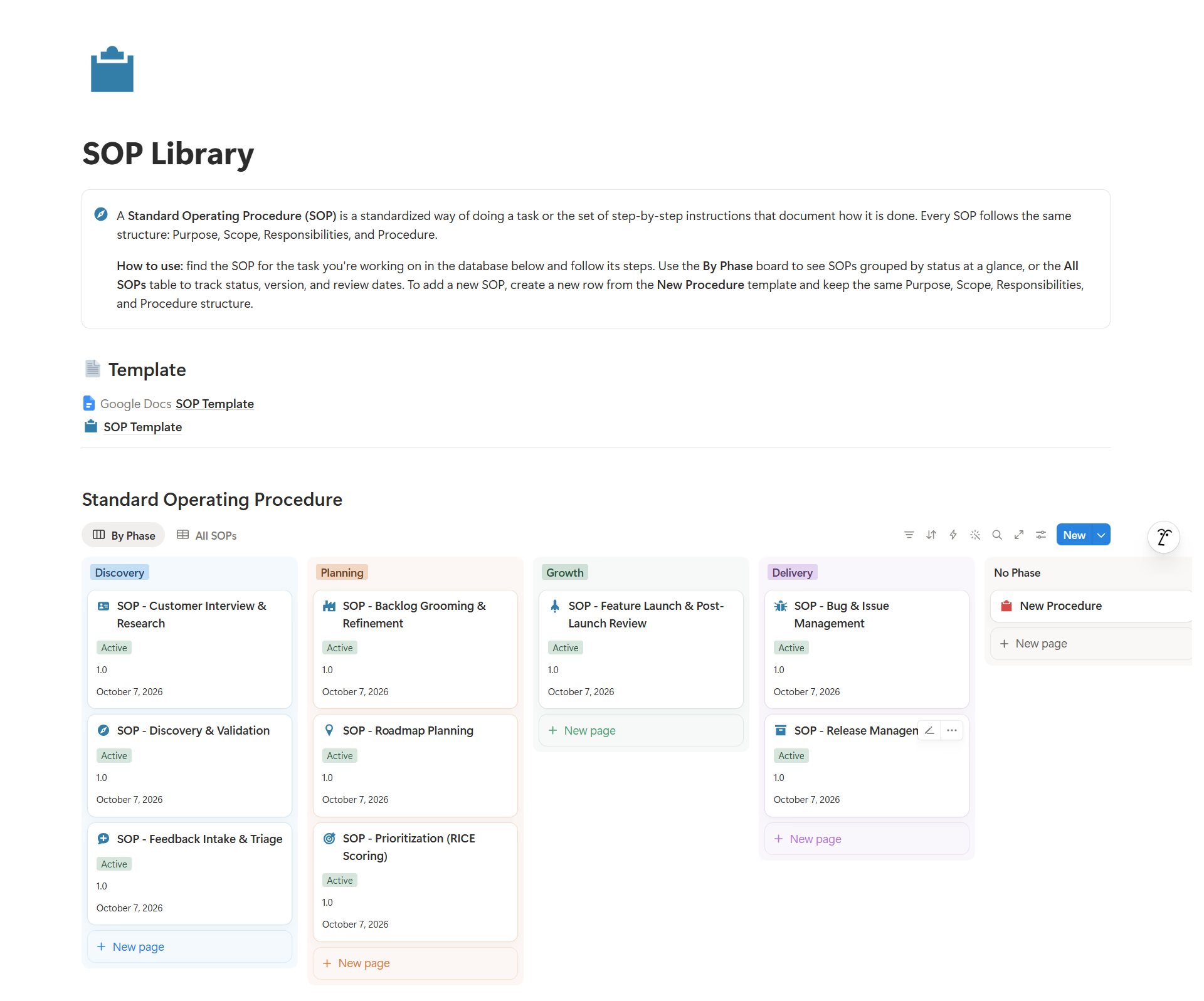
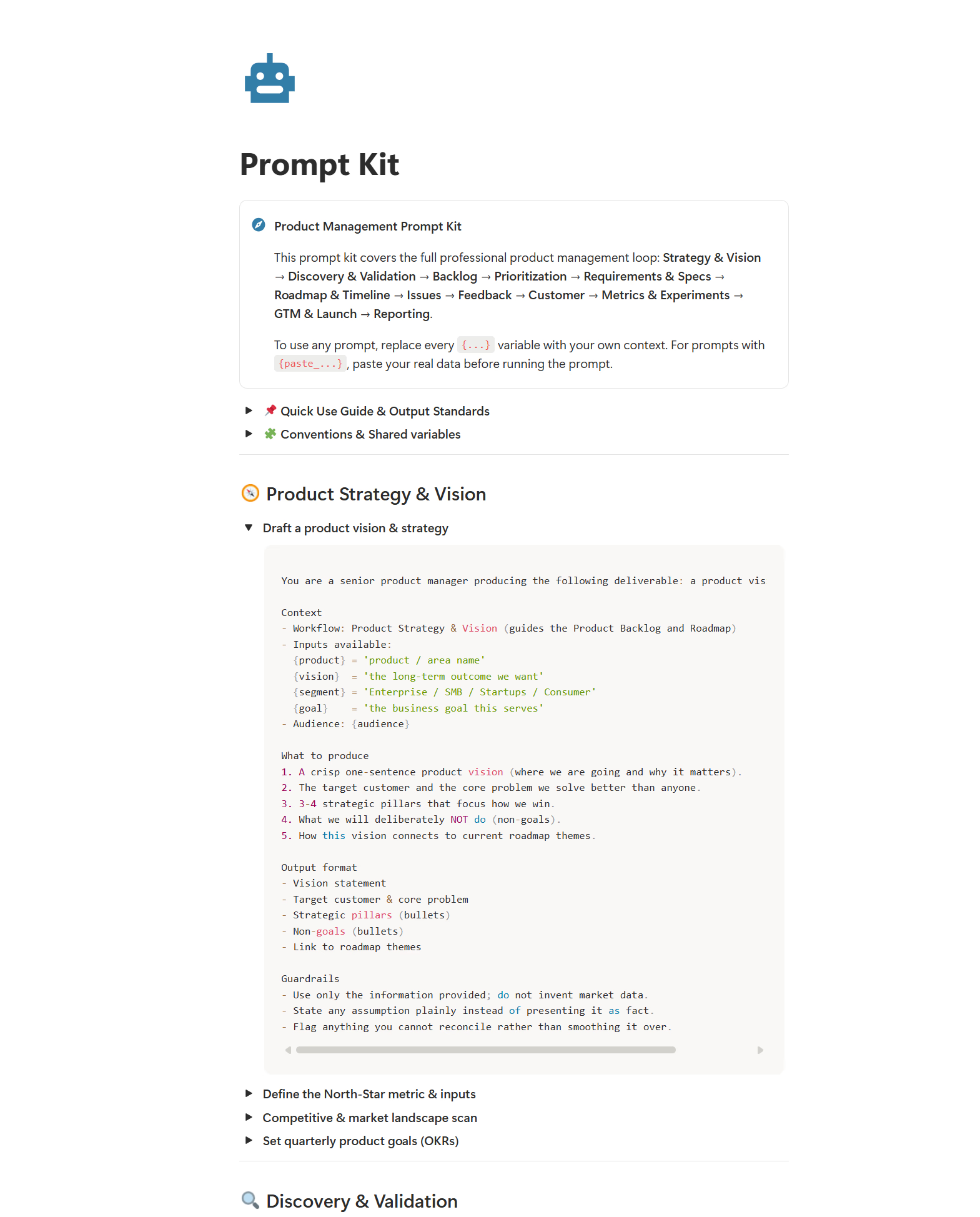
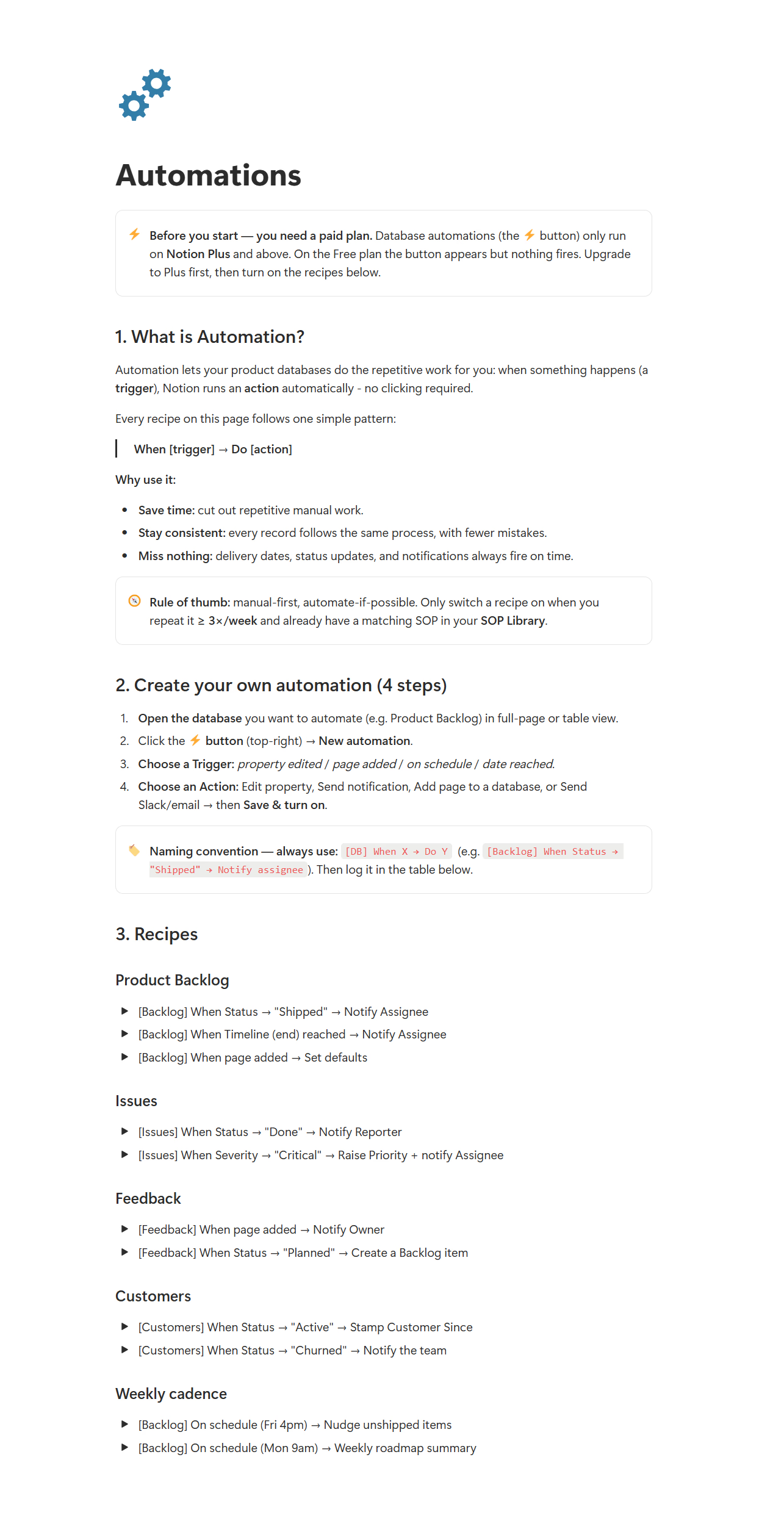
Align your team with built-in product SOP templates, ready-made AI prompt kits, and workflow automation guides.
A clear checklist of the templates, databases, guides, and access you receive after checkout.
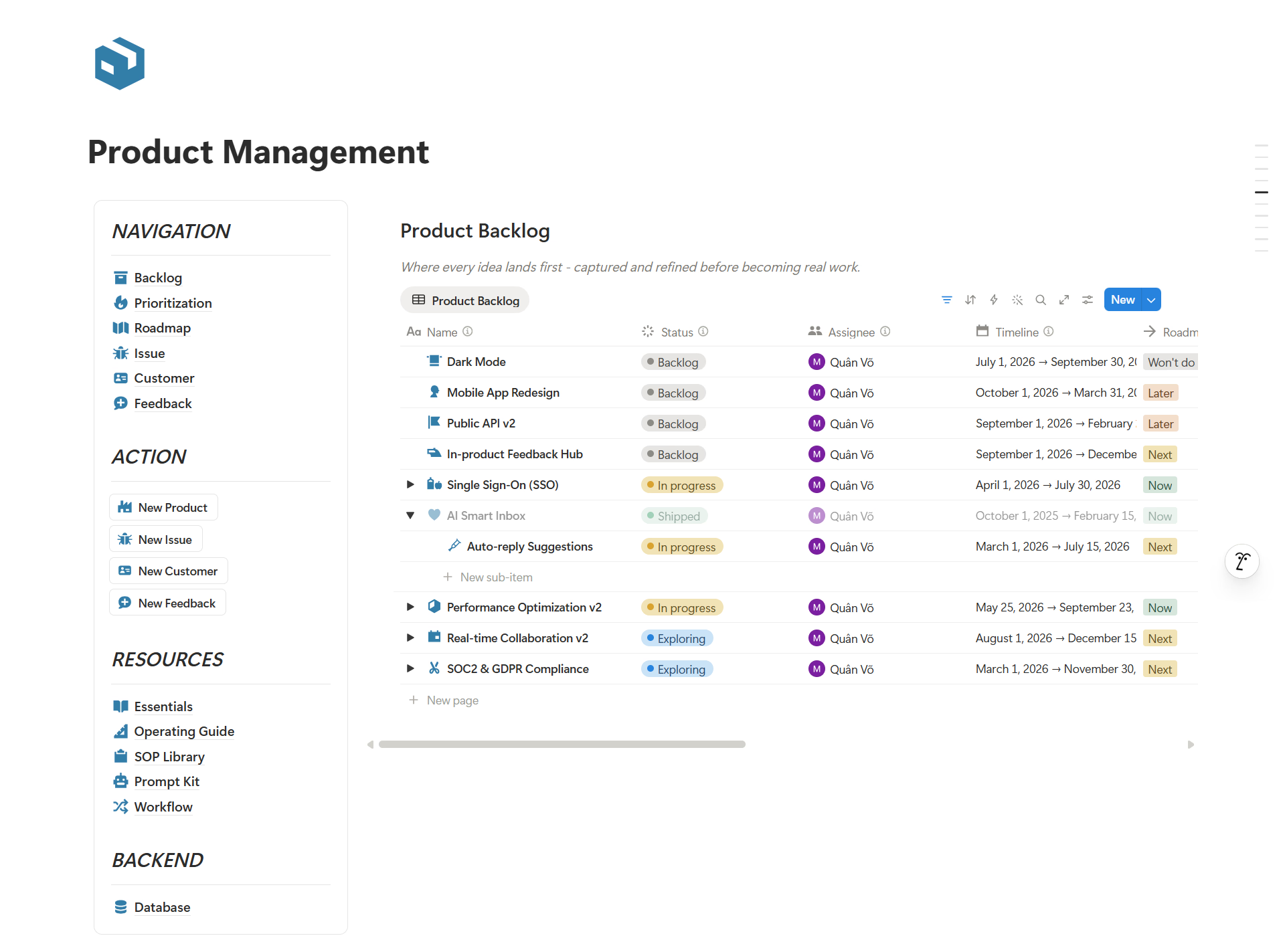
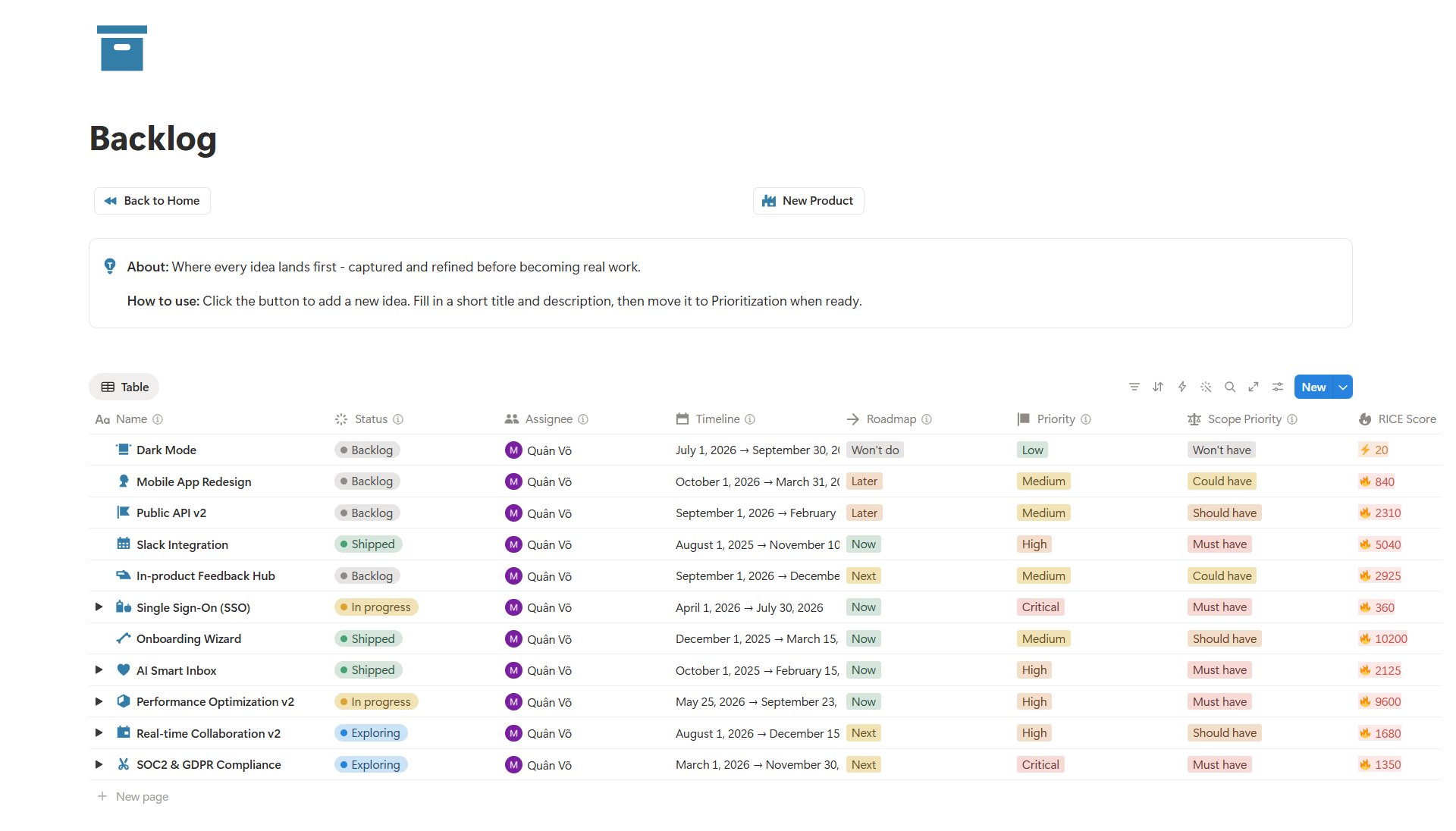
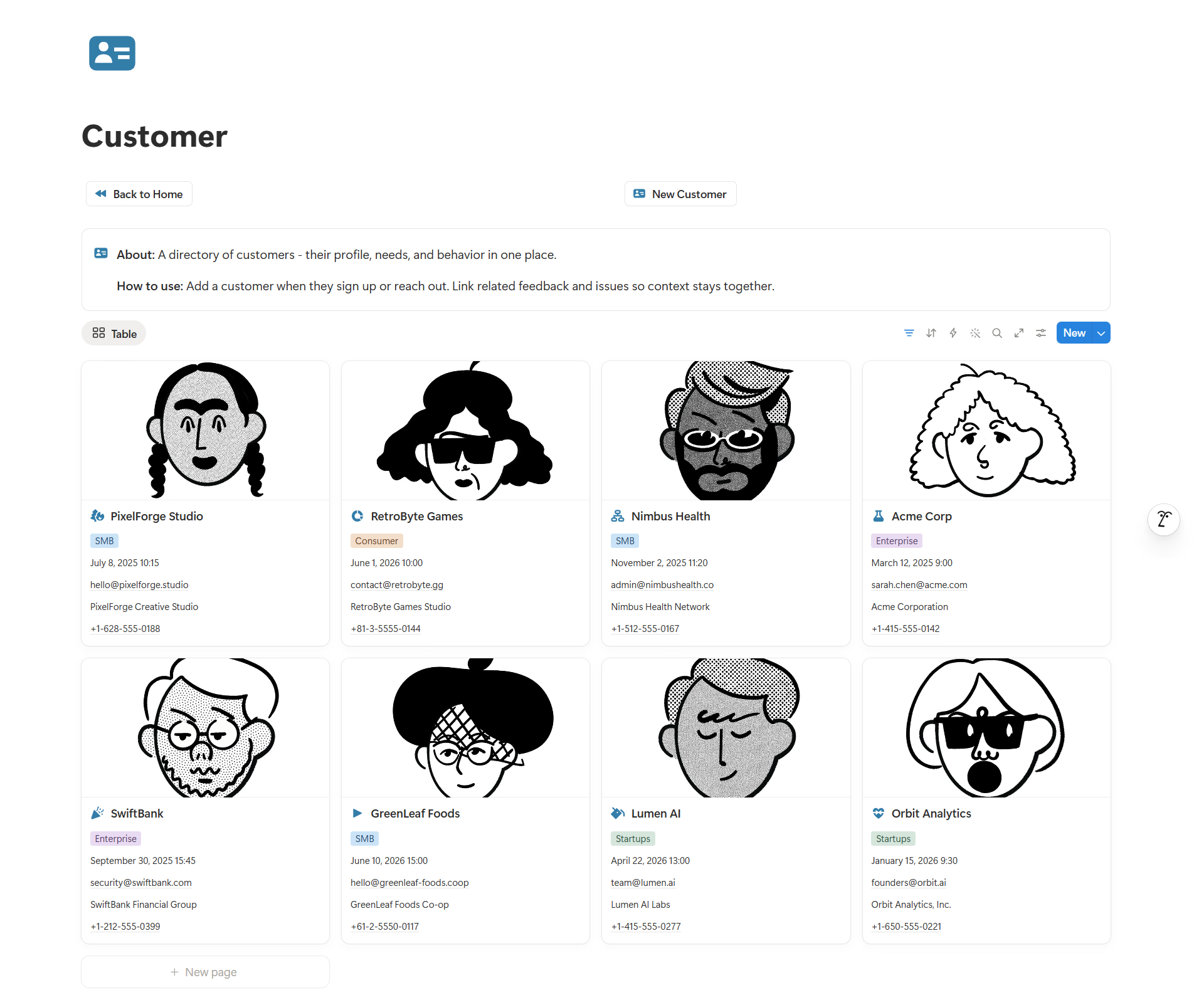
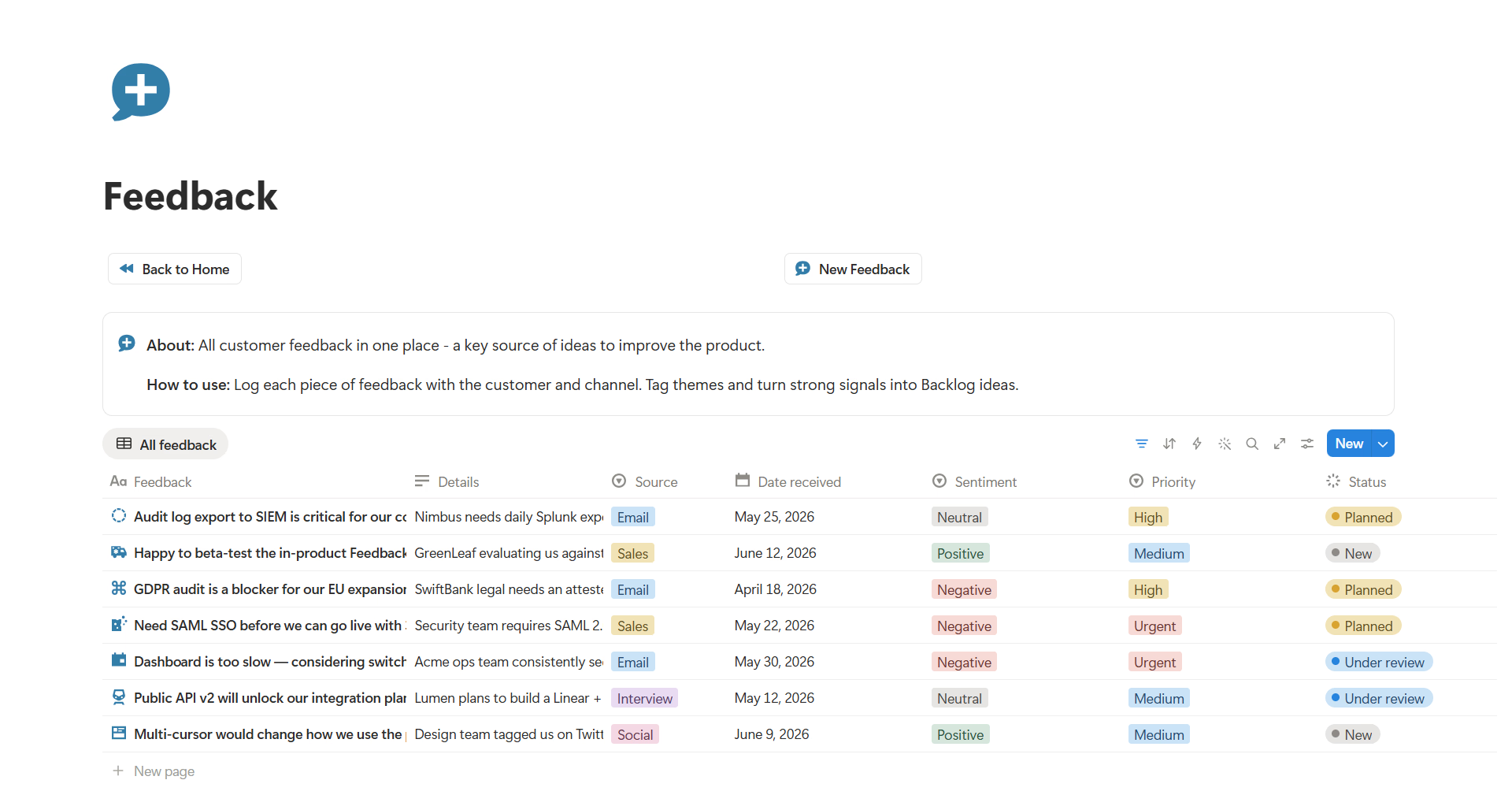
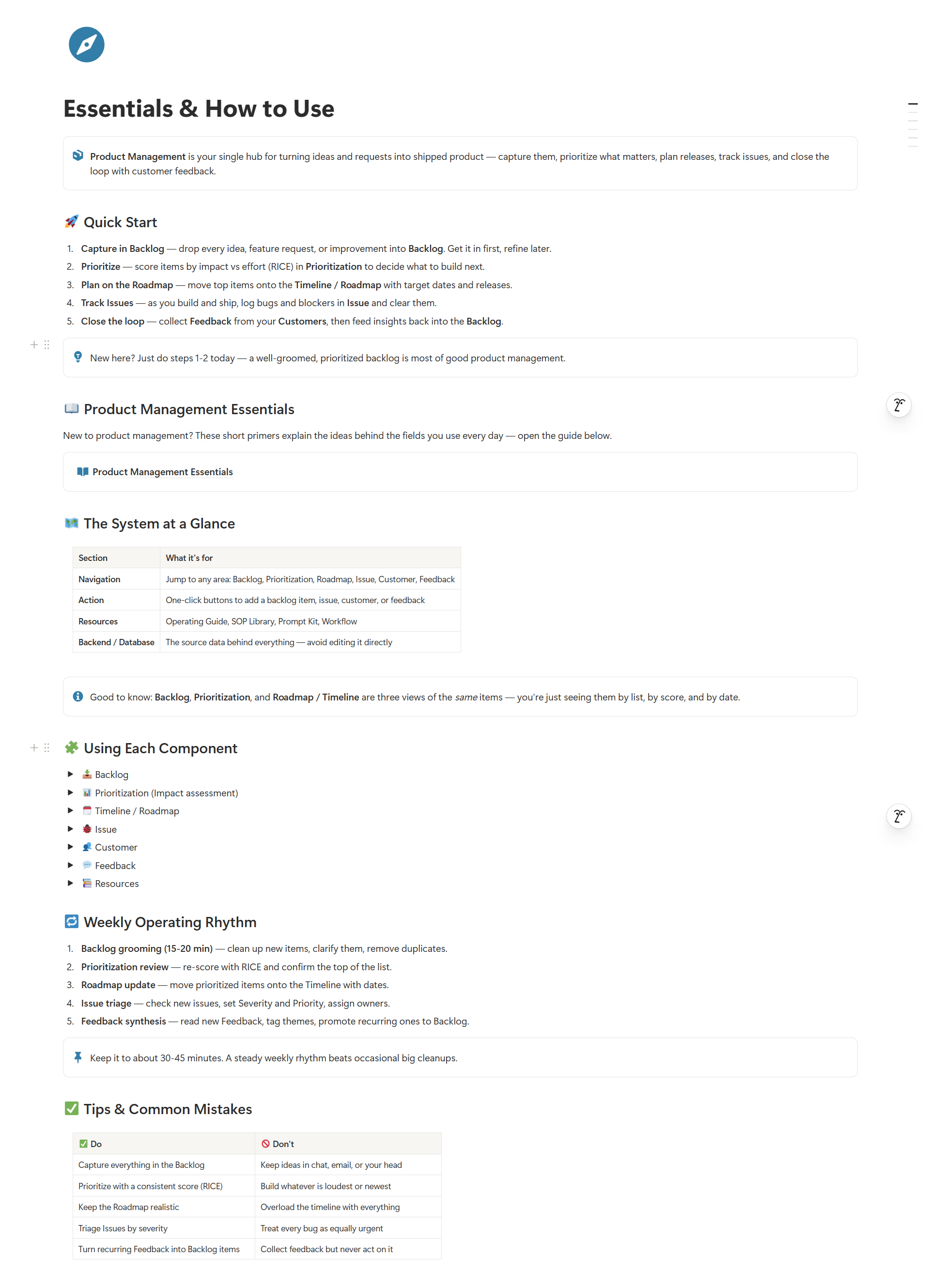
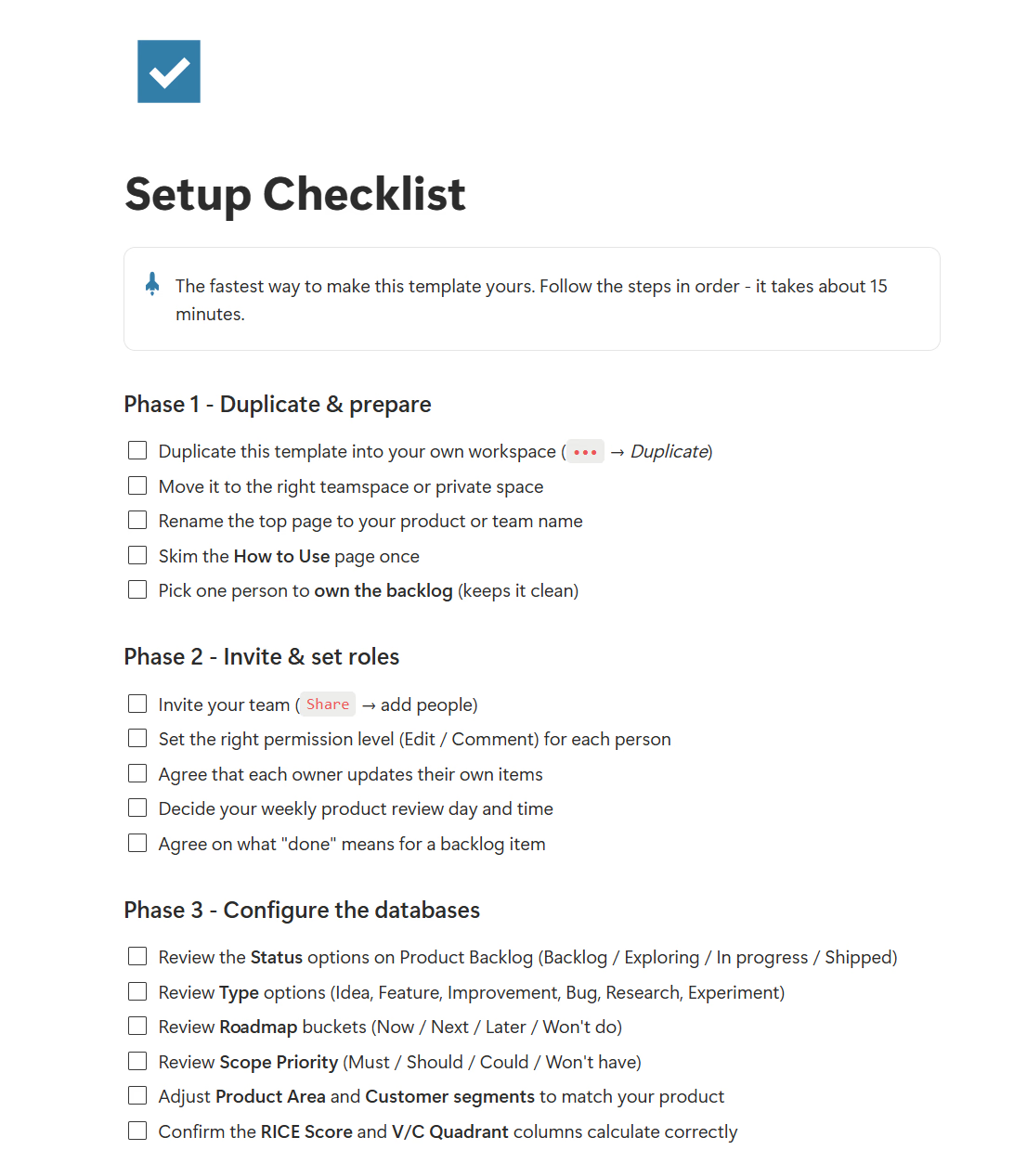
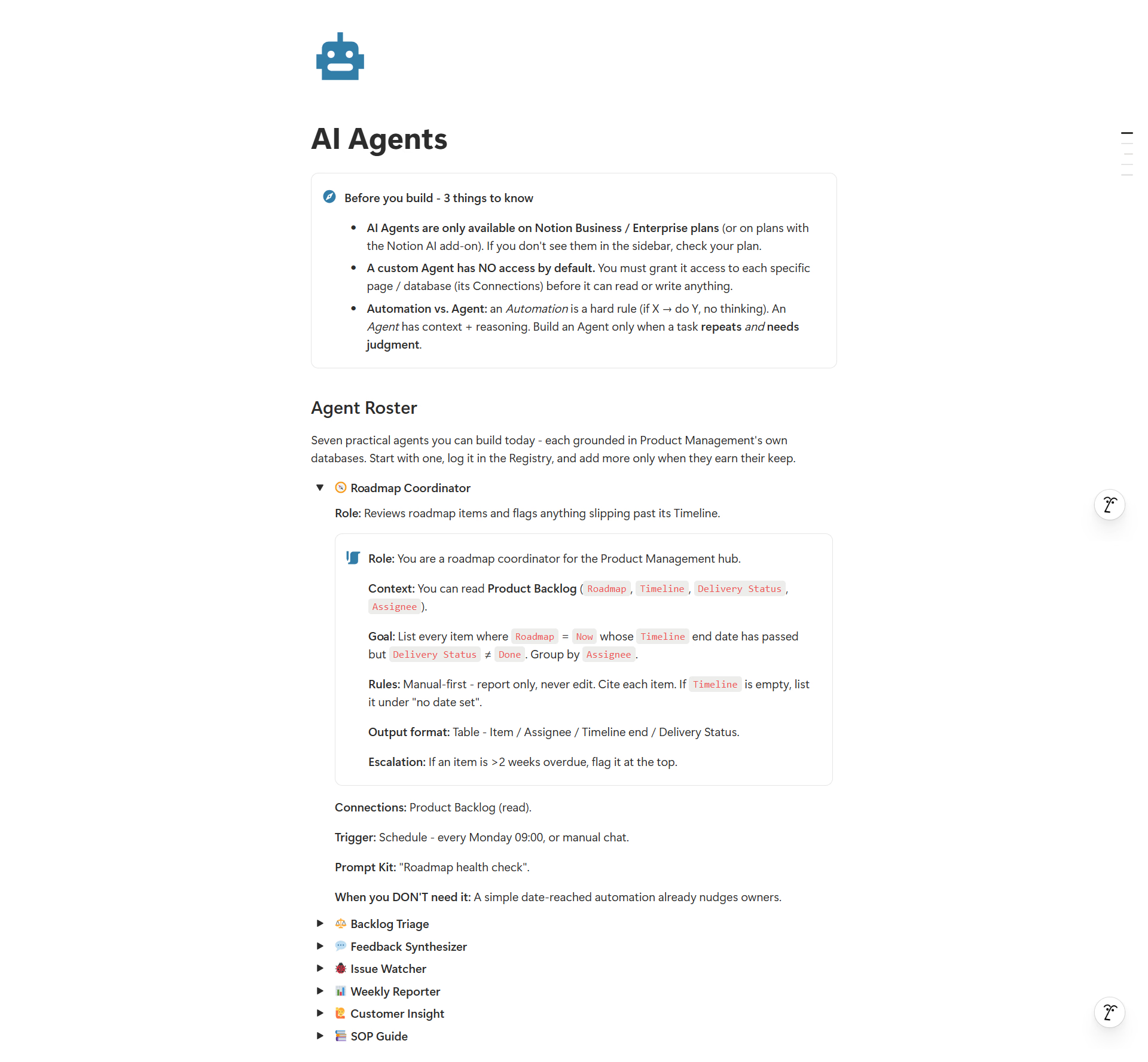
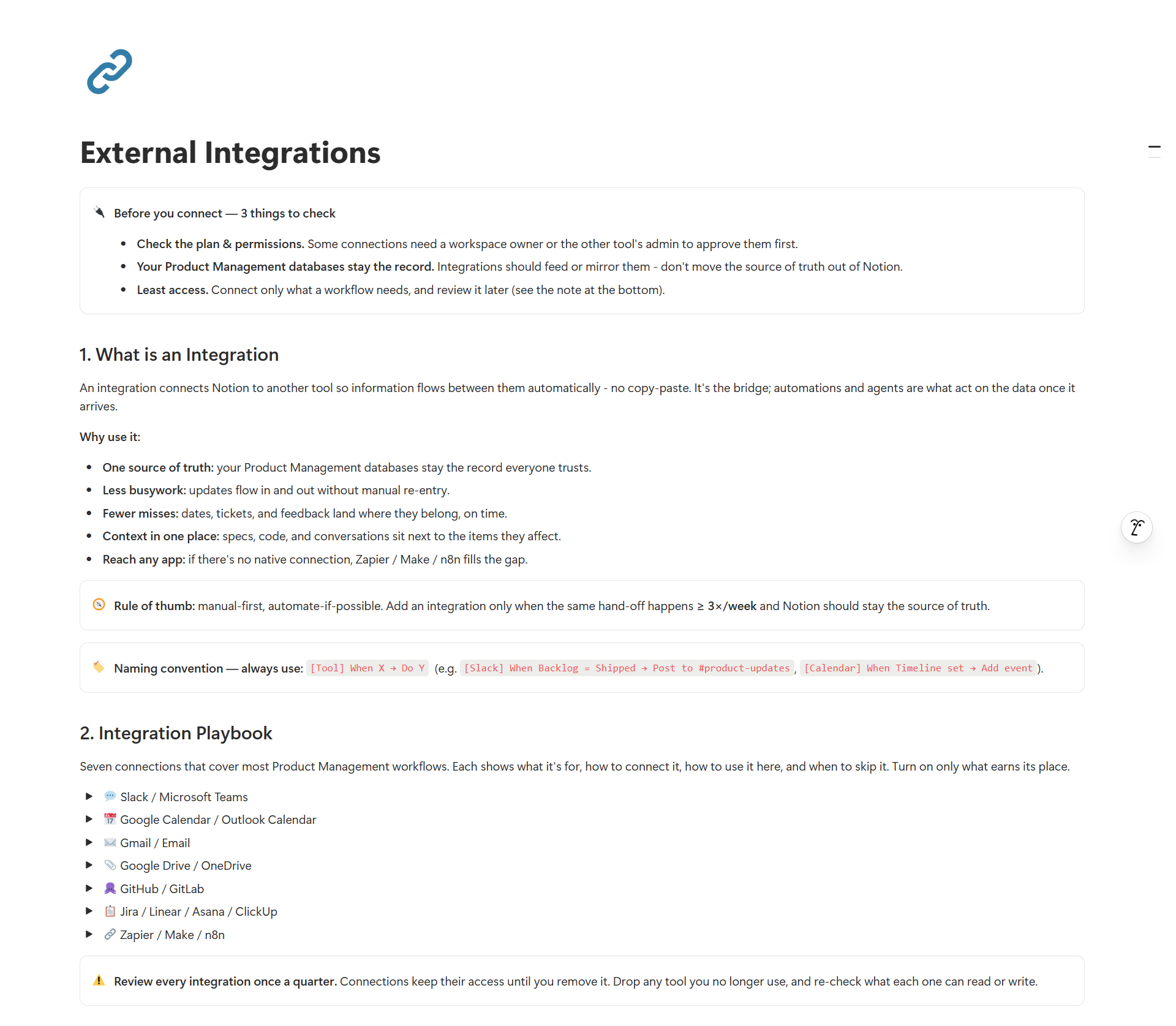
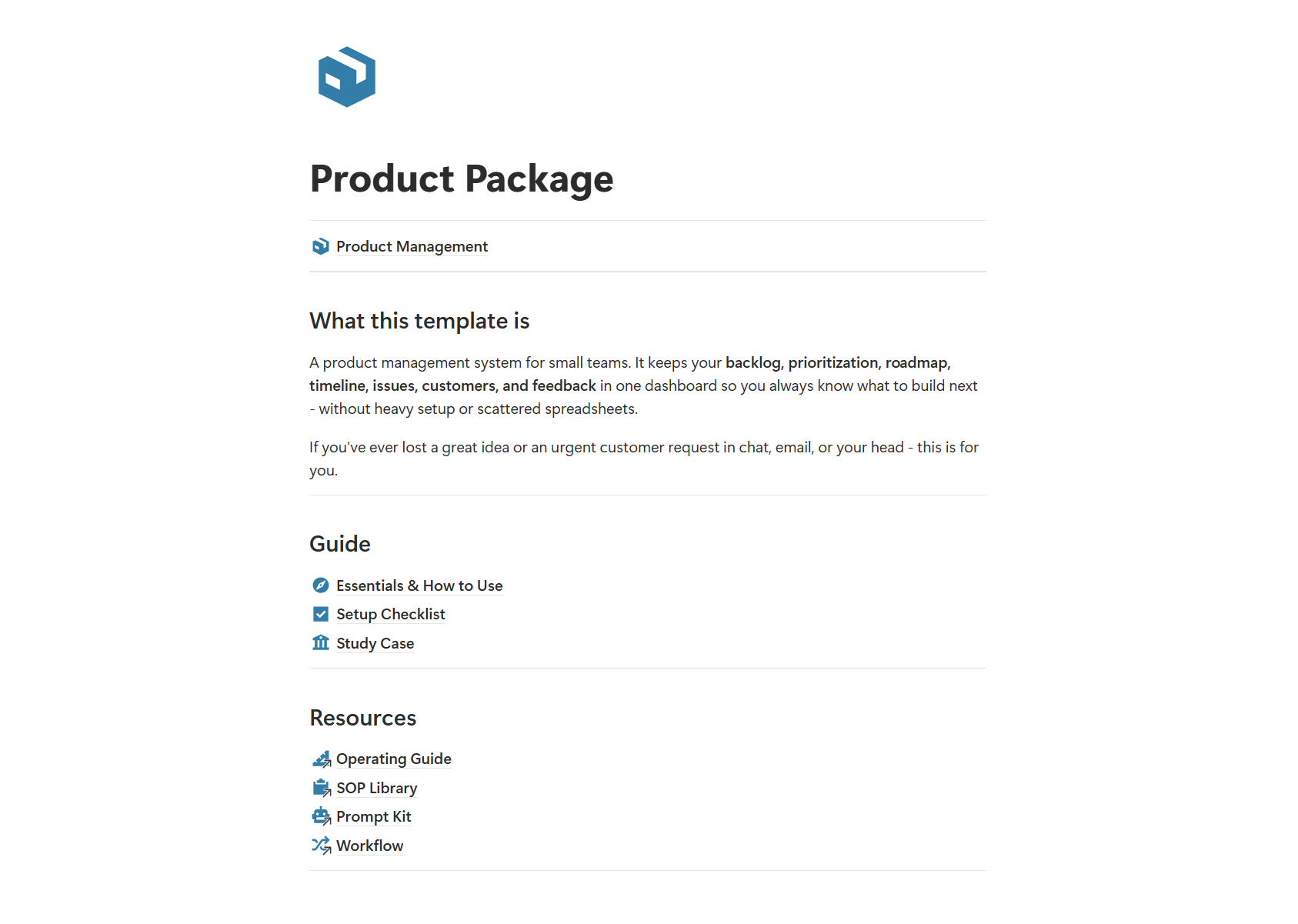
How small teams brought their product work into one clear system.
Product Owner
We were swimming in feature requests, and prioritization was basically just a shouting match. Using the RICE framework here gave us an objective way to score everything. We've saved so much time in weekly planning meetings.
Tech Lead / CTO
One dashboard shows what's in dev, what's blocked, and what's ready to ship. No more endless Slack pinging.
Customer Success Manager
Feedback used to get lost in Slack threads. Linking user requests directly to our active development roadmap has been a game changer. Now both dev and CS teams are always on the same page.
Product Owner
We were swimming in feature requests, and prioritization was basically just a shouting match. Using the RICE framework here gave us an objective way to score everything. We've saved so much time in weekly planning meetings.
Tech Lead / CTO
One dashboard shows what's in dev, what's blocked, and what's ready to ship. No more endless Slack pinging.
Customer Success Manager
Feedback used to get lost in Slack threads. Linking user requests directly to our active development roadmap has been a game changer. Now both dev and CS teams are always on the same page.
Product Owner
We were swimming in feature requests, and prioritization was basically just a shouting match. Using the RICE framework here gave us an objective way to score everything. We've saved so much time in weekly planning meetings.
Tech Lead / CTO
One dashboard shows what's in dev, what's blocked, and what's ready to ship. No more endless Slack pinging.
Customer Success Manager
Feedback used to get lost in Slack threads. Linking user requests directly to our active development roadmap has been a game changer. Now both dev and CS teams are always on the same page.
No. You can use Product Management with a free Notion account. A paid Notion plan is only needed if your own usage exceeds Notion's free plan limits.
It is a guided Notion system. You get the template plus a How-to guide, Setup Checklist, Study Case, and in higher editions, an Operating Guide, SOP Library, AI Prompt Kit, and setup guidance so you actually put it into use.
Yes. It is built for founders, freelancers, small agencies, and small teams of 2-5 who need a lightweight product management system without heavy tools.
After purchase you receive access to the Notion template link and setup instructions so you can duplicate it into your own workspace.
Yes. You can customize the backlog, roadmap, prioritization, issues, customers, feedback, views, statuses, and SOPs to match how your team works.
No. The Essentials guide, setup checklist, study case, and operating rhythm walk you through it step by step, even if this is your first product system.
No. Each purchase grants usage rights based on the selected plan. Sharing, publishing, redistributing, or reselling the template is not allowed.
Still have questions? tailorflowhq@gmail.com

Get one guided Notion workspace for backlog, roadmap, prioritization, issues, customers, and feedback.