



Run Every Project From One Dashboard
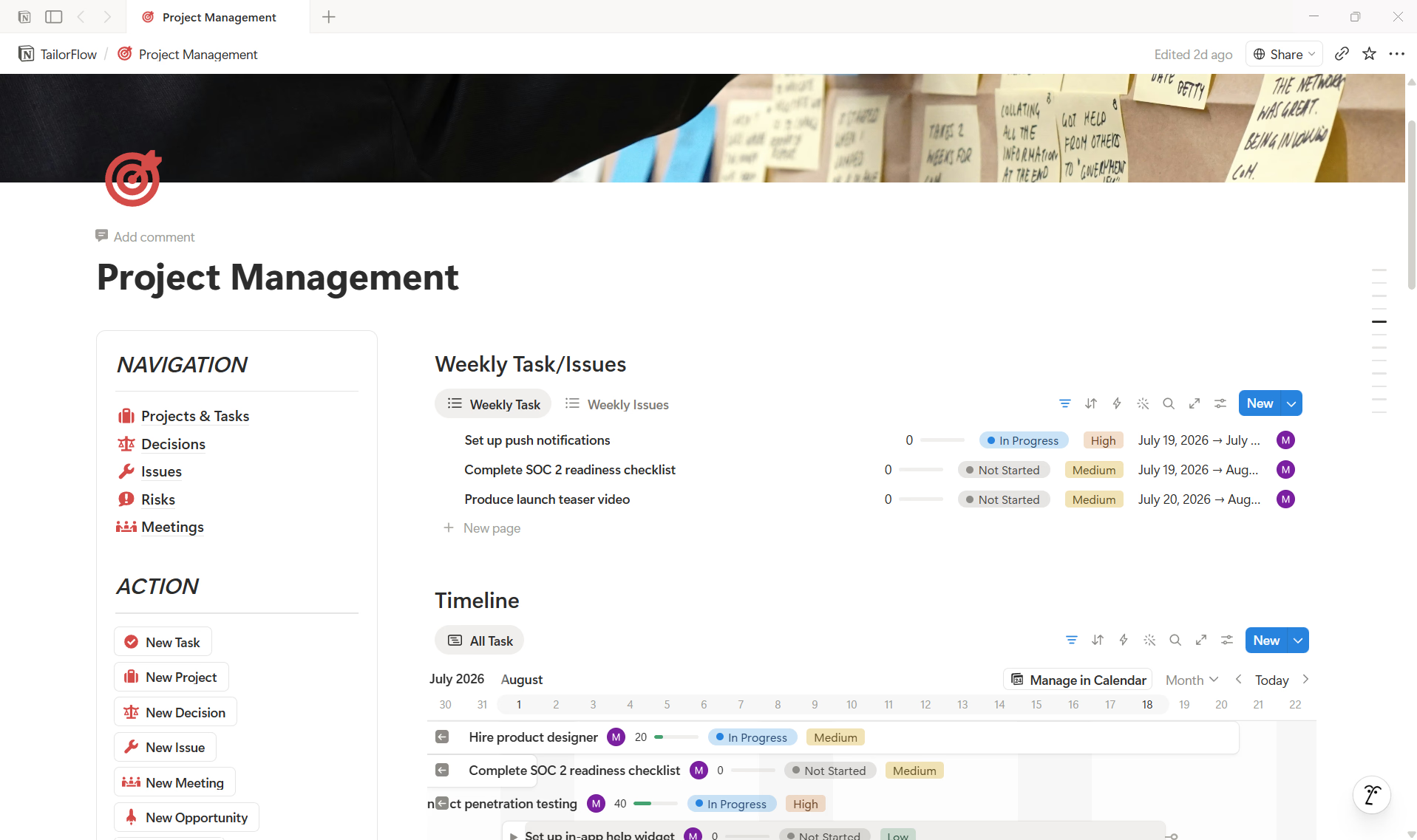
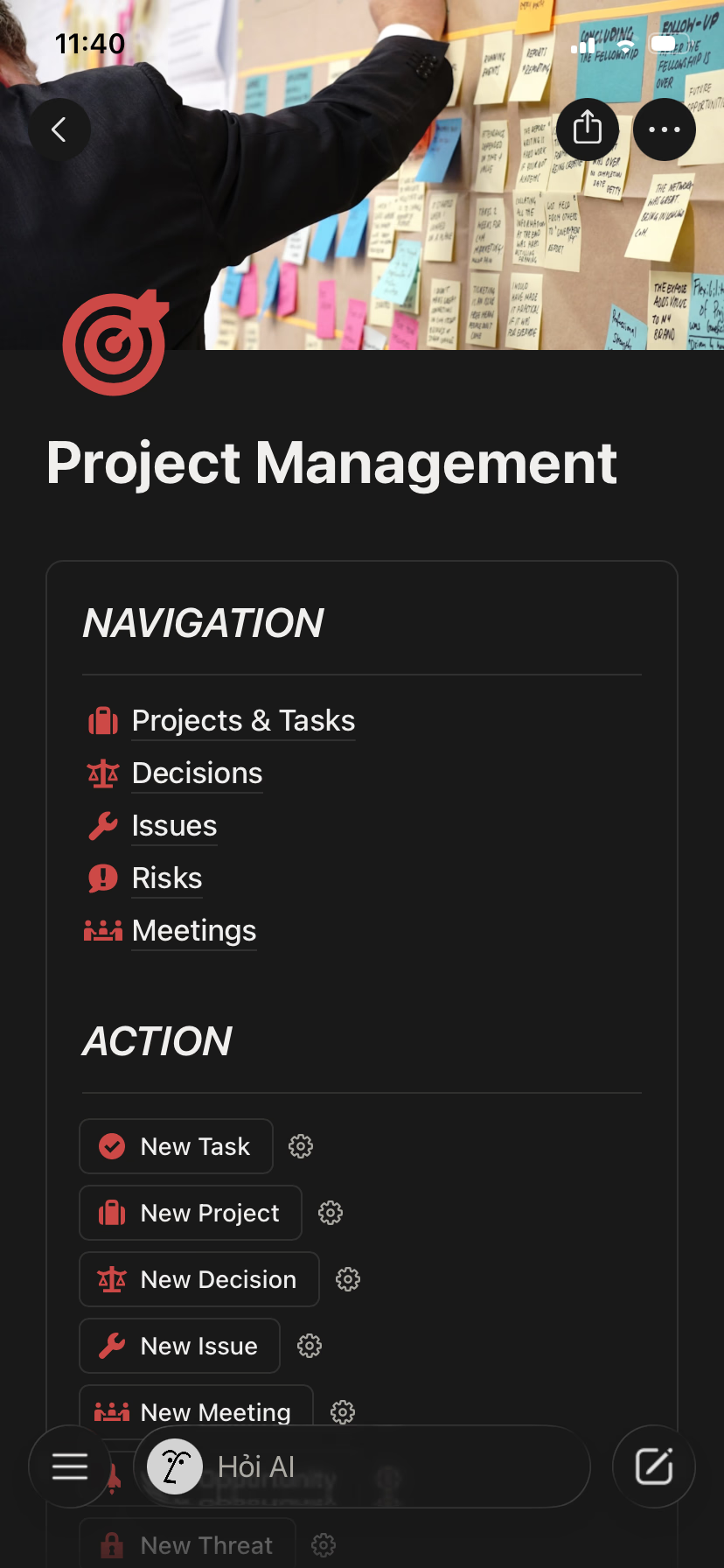
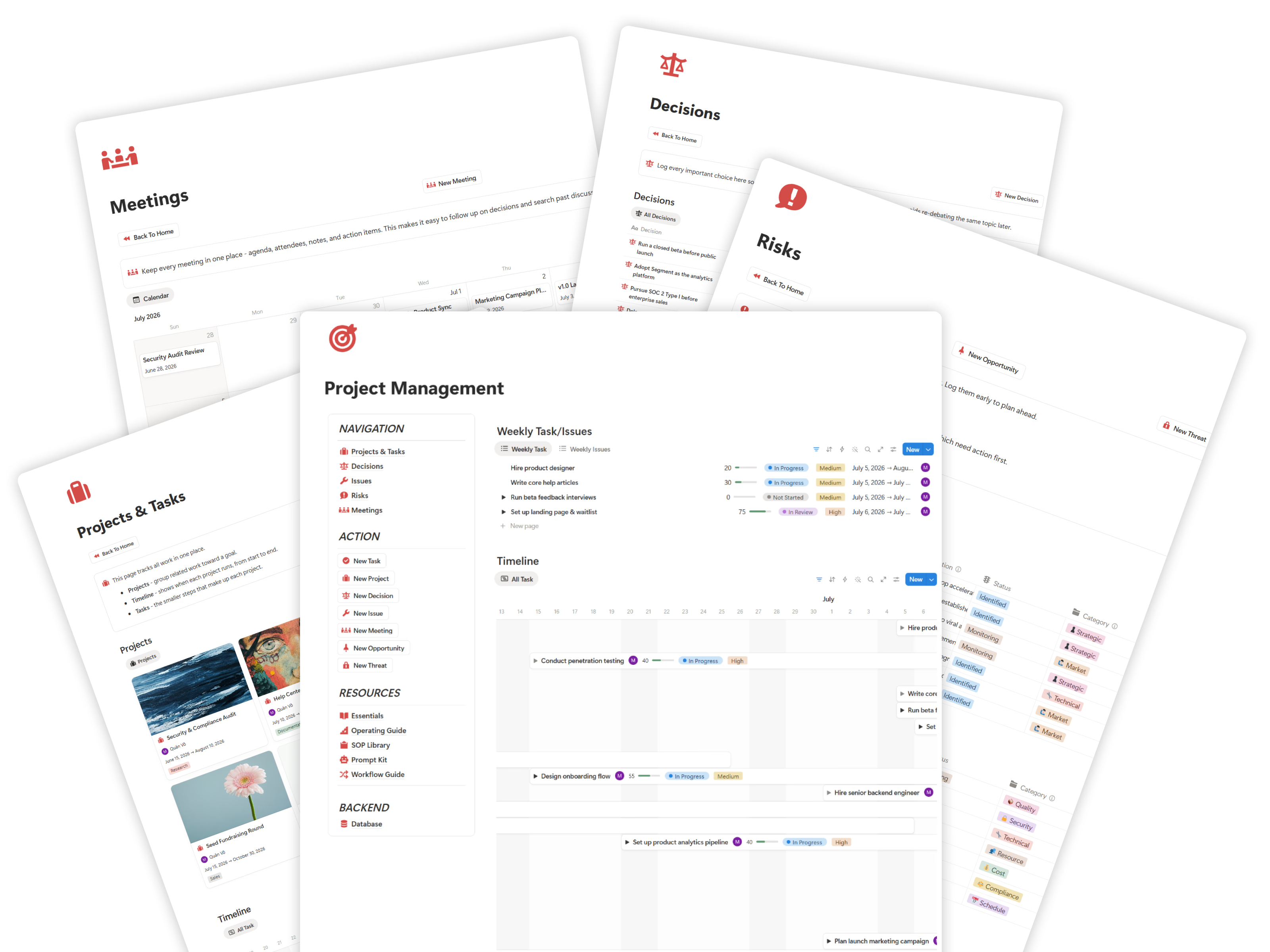
Give your team one central command center where projects, tasks, deadlines, issues, risks, meetings, decisions, and project resources are easy to access without switching between scattered tools.
Notion System
Replace scattered tasks, chats, and spreadsheets with one visual command center for projects, tasks, deadlines, risks, meetings, and decisions - with a guided setup so your team actually uses it.
Get Lifetime AccessA complete project flow from kickoff through planning, delivery control, and final closure.
Define scope and stakeholders
Sequence work and owners
Coordinate tasks and delivery
Track risks, issues, and change
Document outcomes and handoff
Project Management helps you stop chasing status, missing deadlines, and losing track of who owns what.
Tasks, deadlines, files, and feedback live in chat, email, spreadsheets, and people's heads.
Leaders have to chase updates constantly because progress is never visible in one place.
Without clear owners and roles, tasks slip through the cracks and nobody feels accountable.
Delays and risks surface only after they hit, when it is already hard to recover.
Simple, visual, and structured project management without heavy tools or complicated setup.
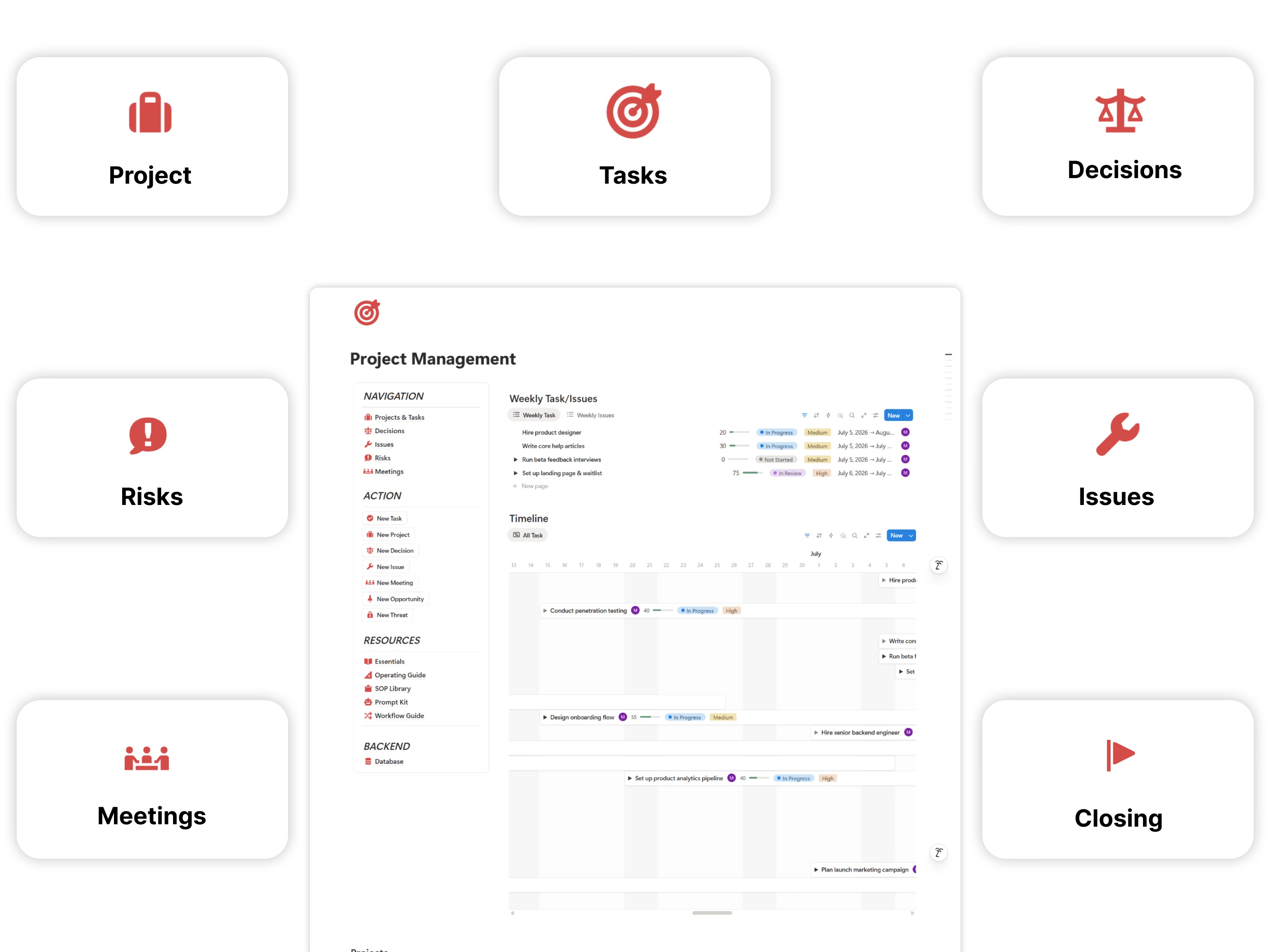
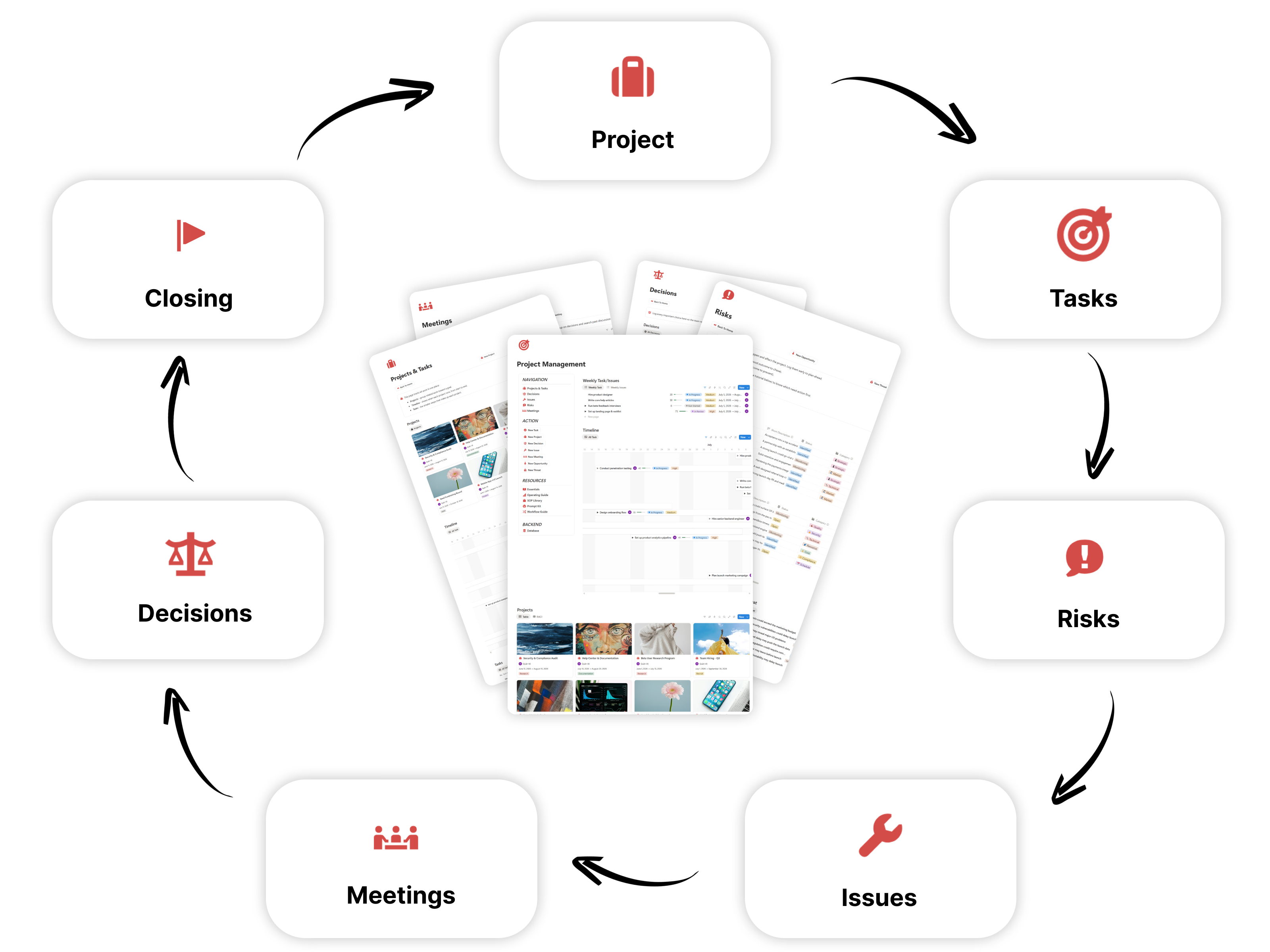
The essential tools you need to plan, track, and deliver every project.
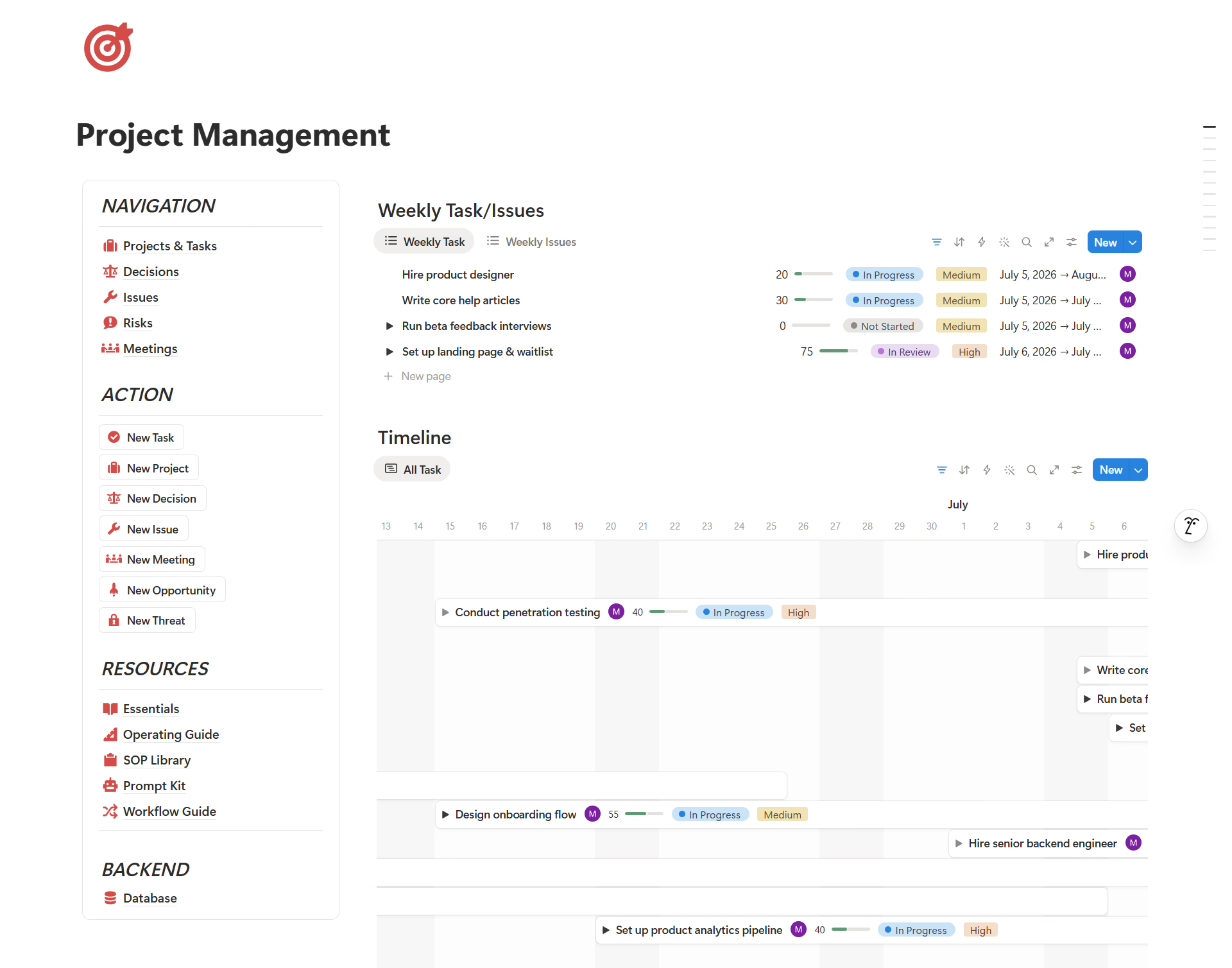
Give your team one central command center where projects, tasks, deadlines, issues, risks, meetings, decisions, and project resources are easy to access without switching between scattered tools.
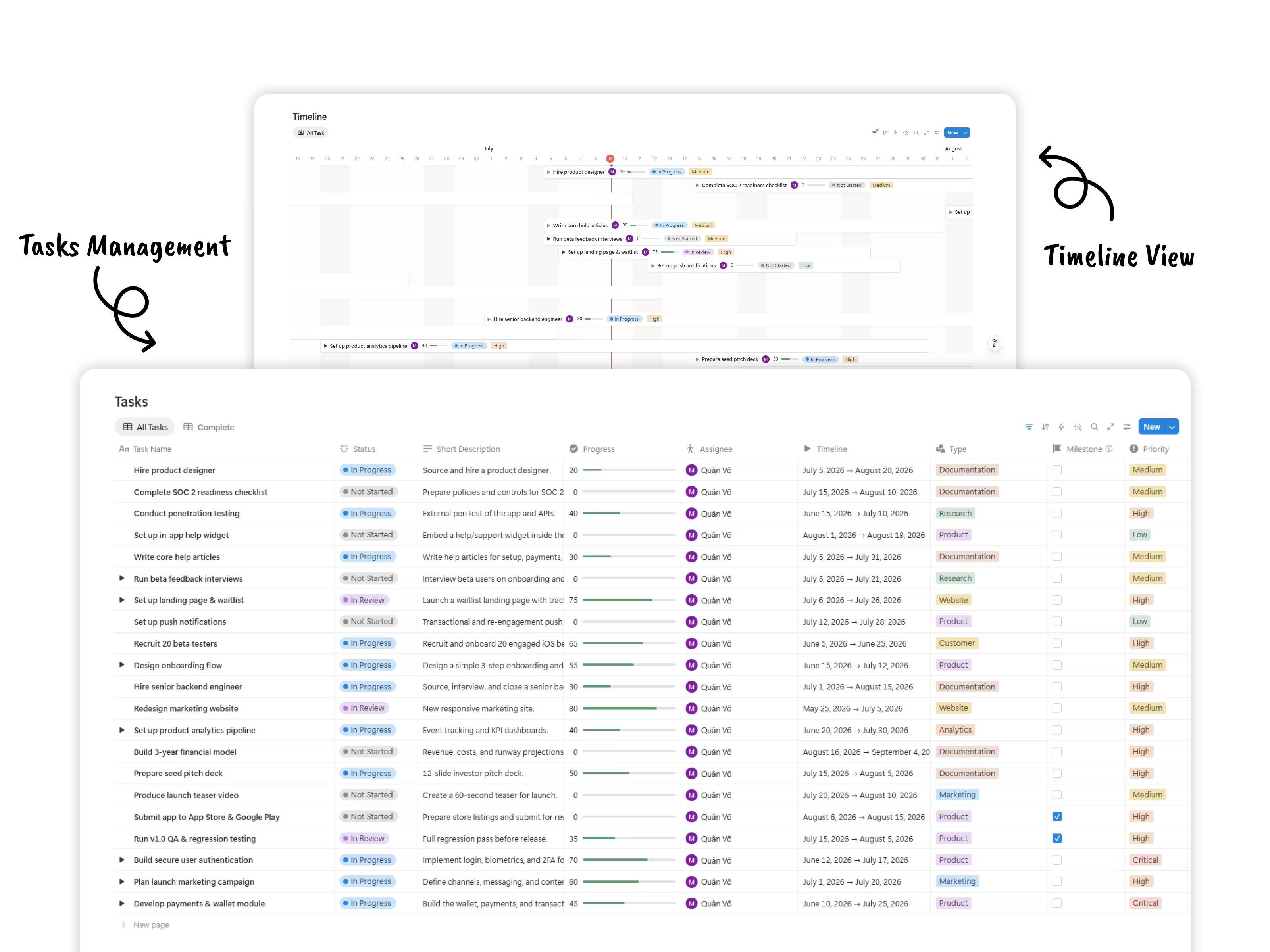
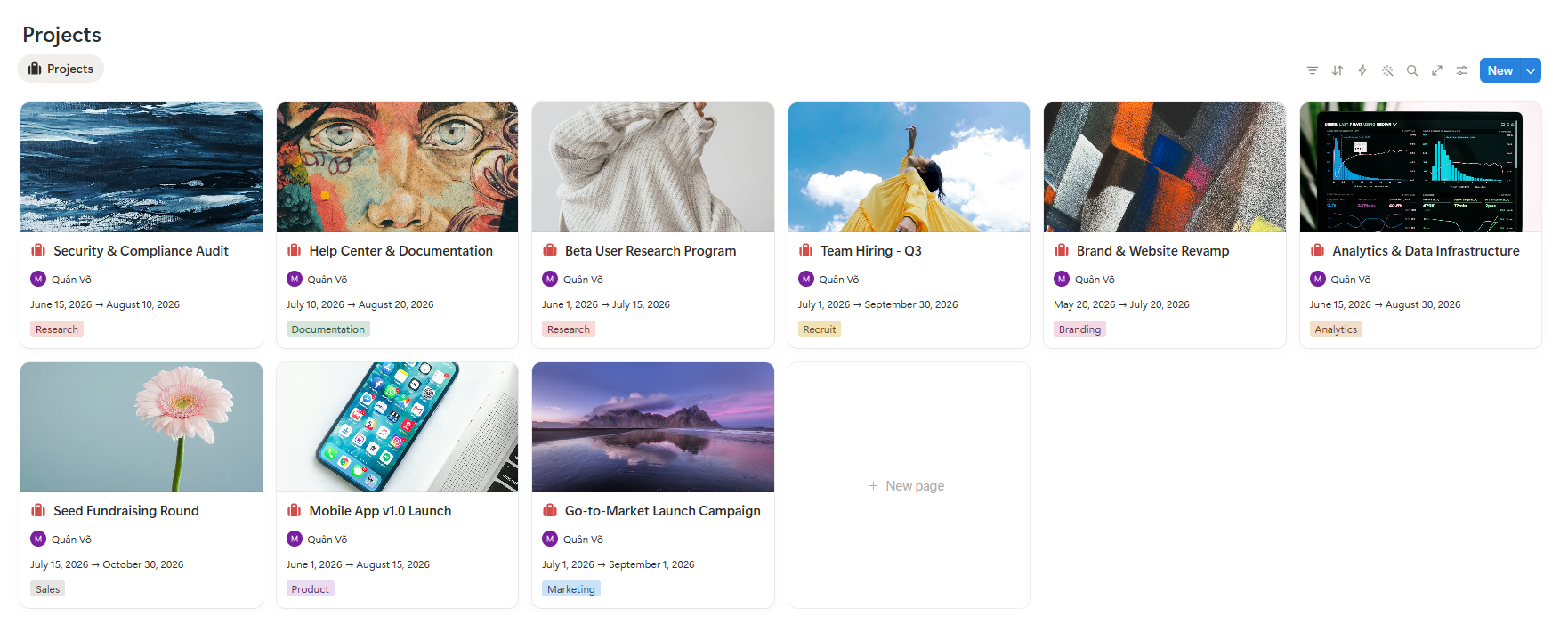
Break projects into tasks, milestones, owners, priorities, timelines, and weekly execution views so everyone knows what needs to happen next and where work stands.
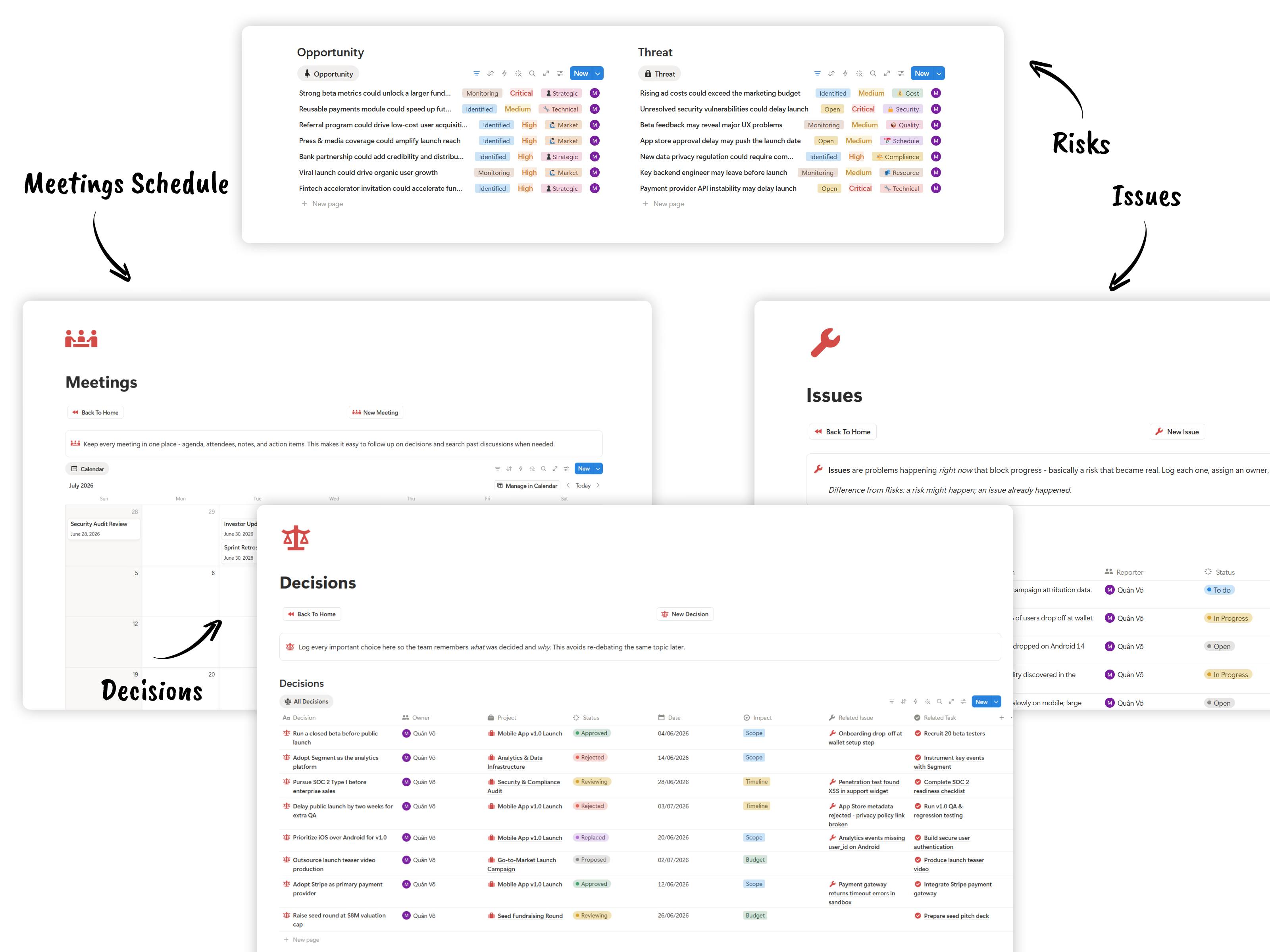
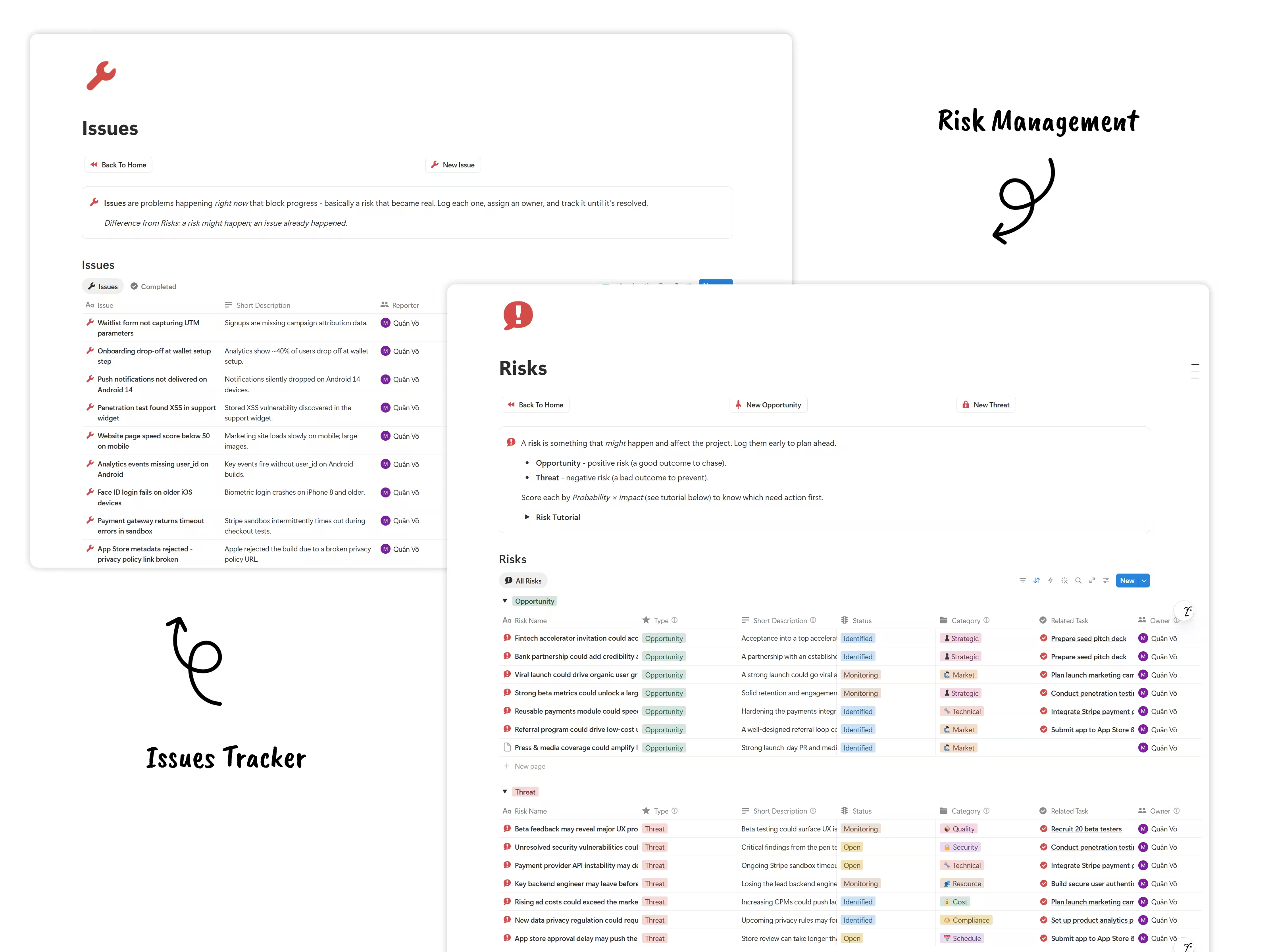
Use the issue tracker, risk register, timeline, and review views to spot blockers, assign owners, and act before small problems become missed deadlines.
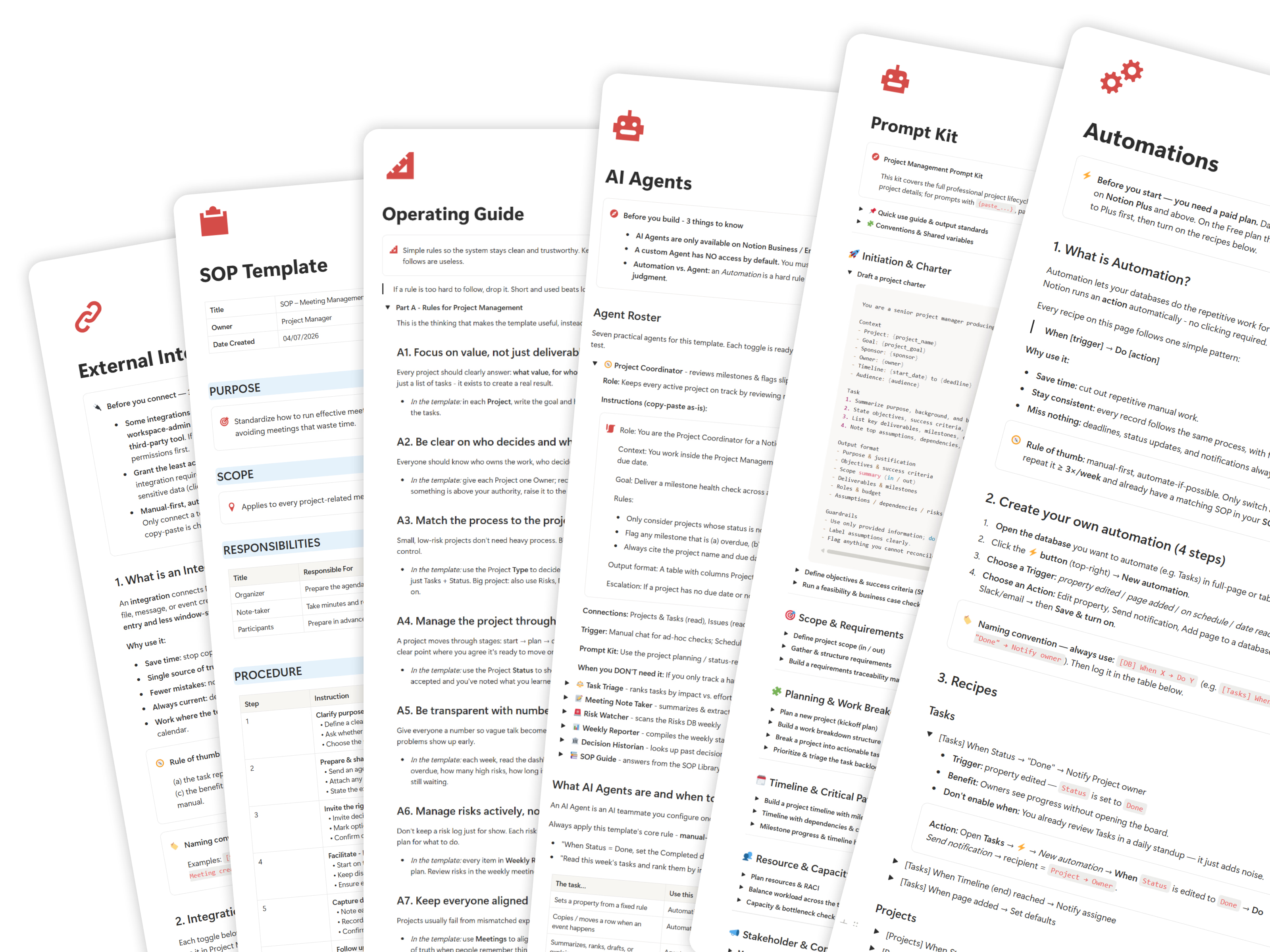
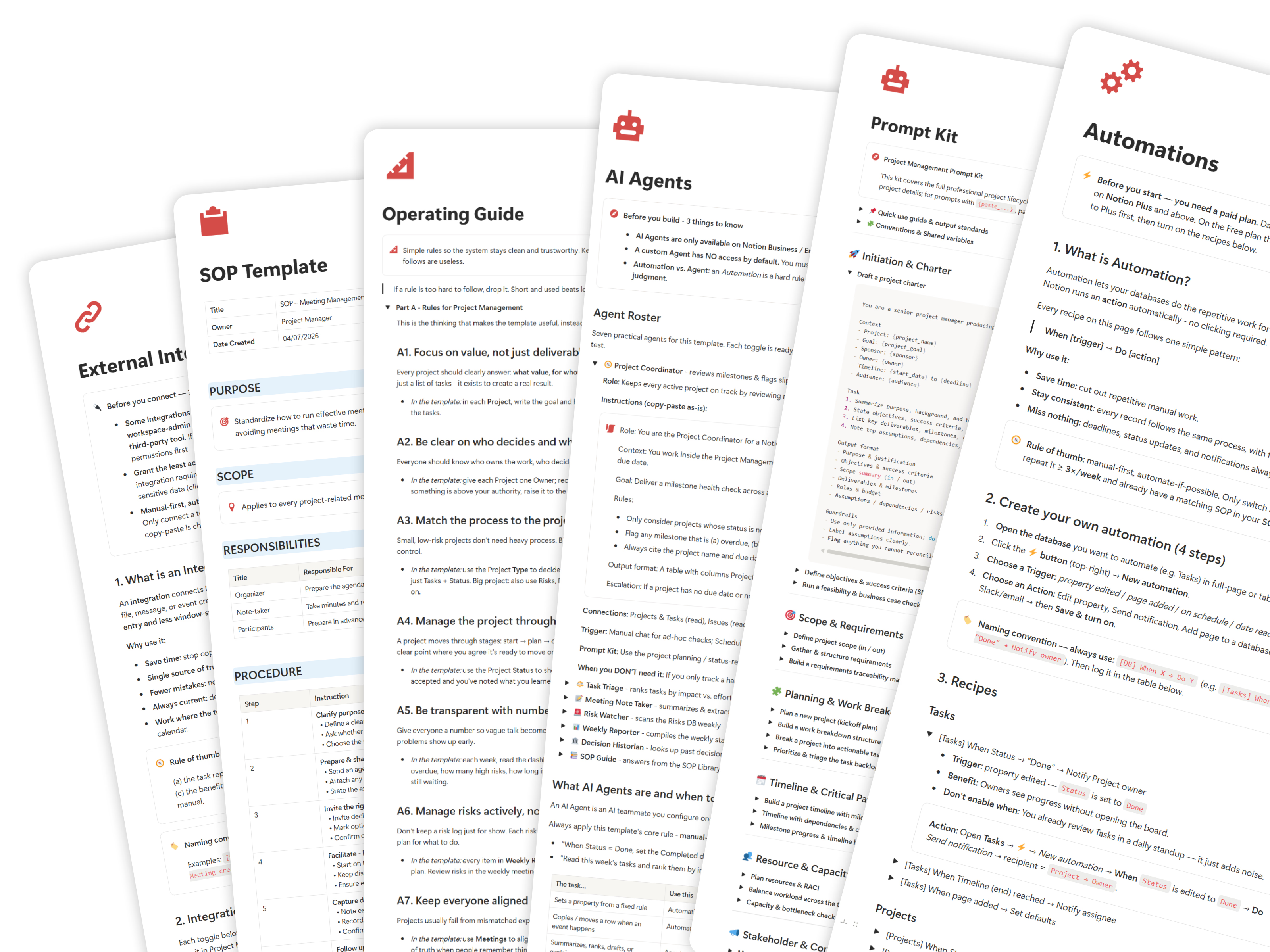
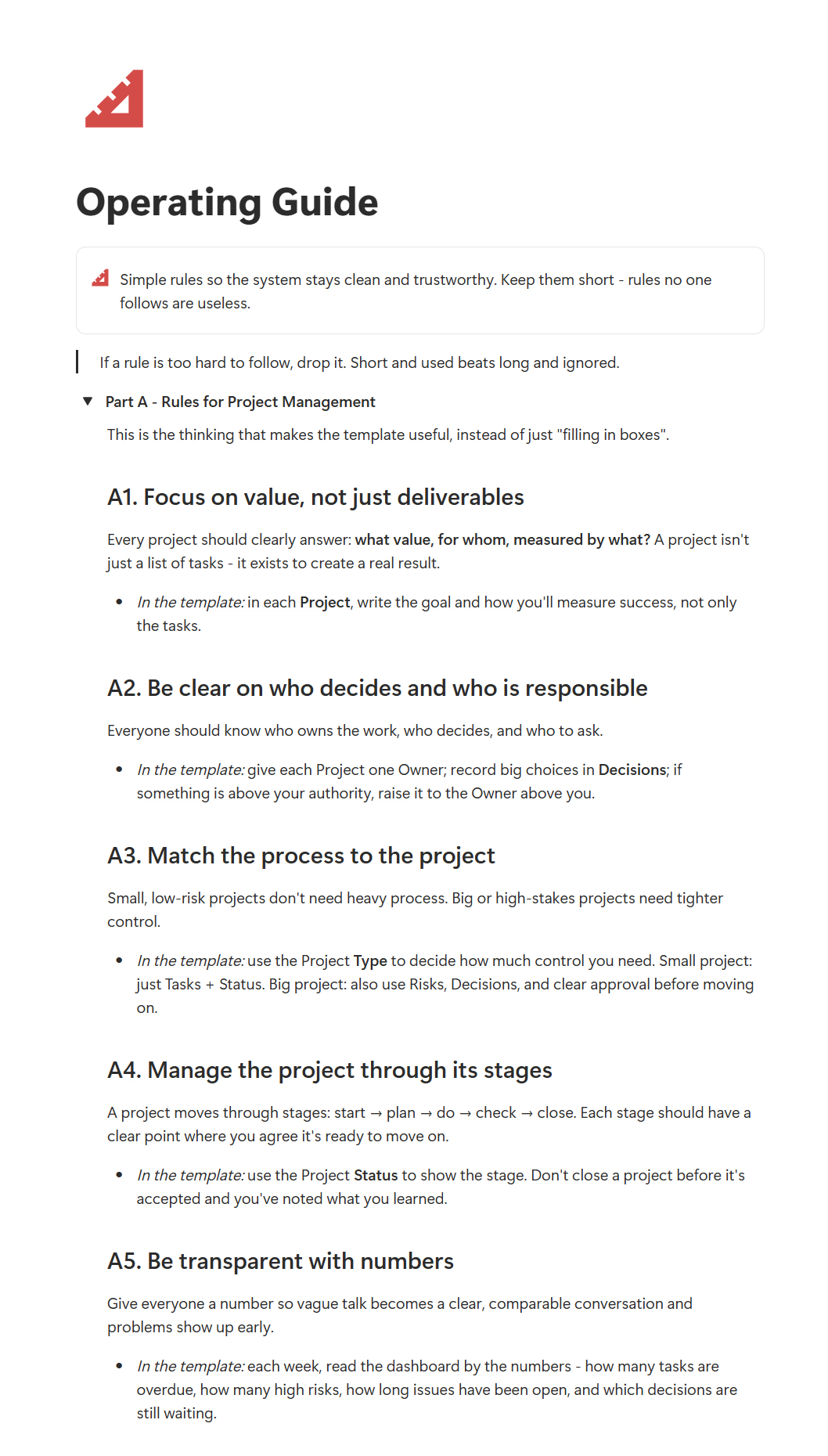
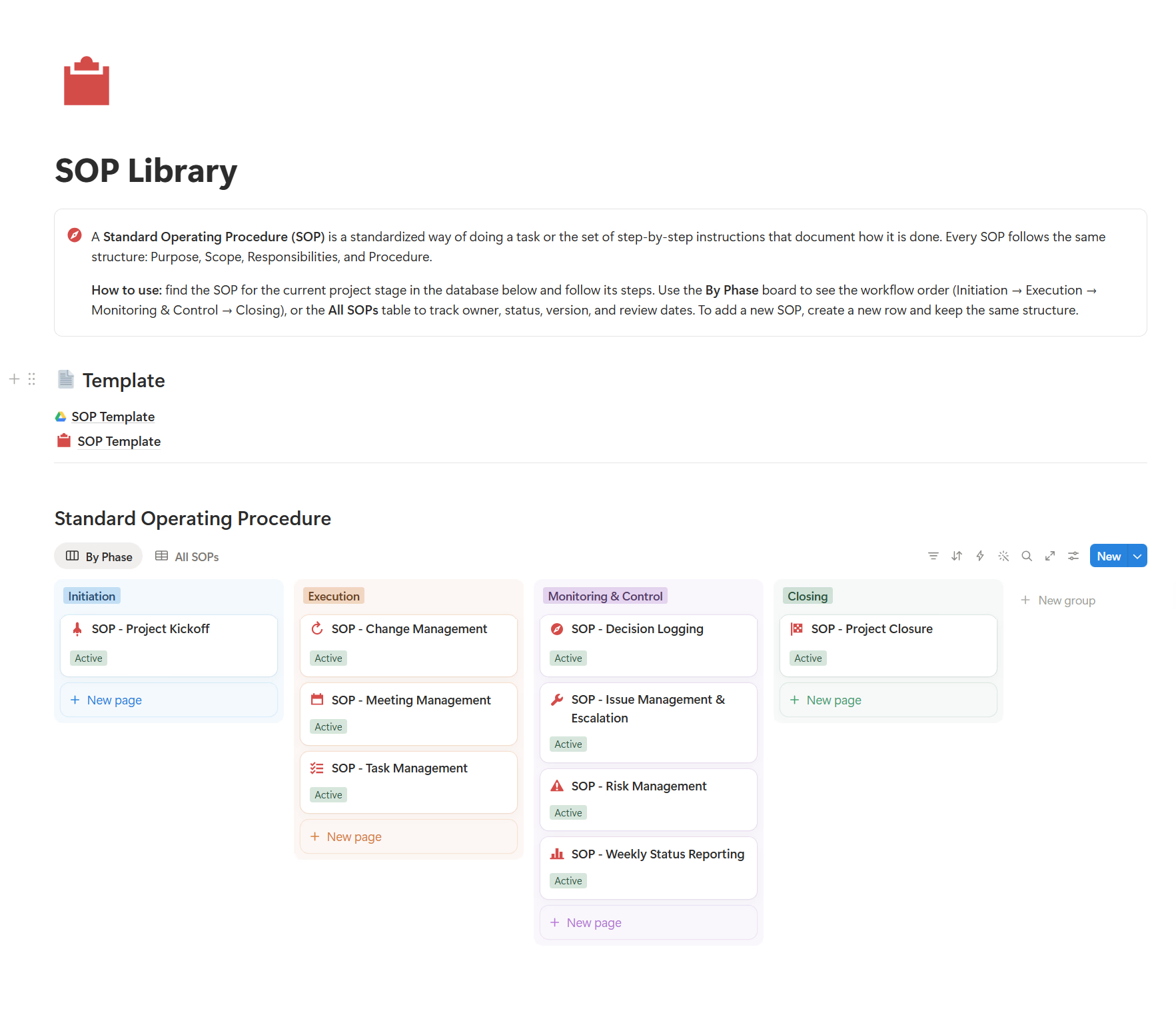
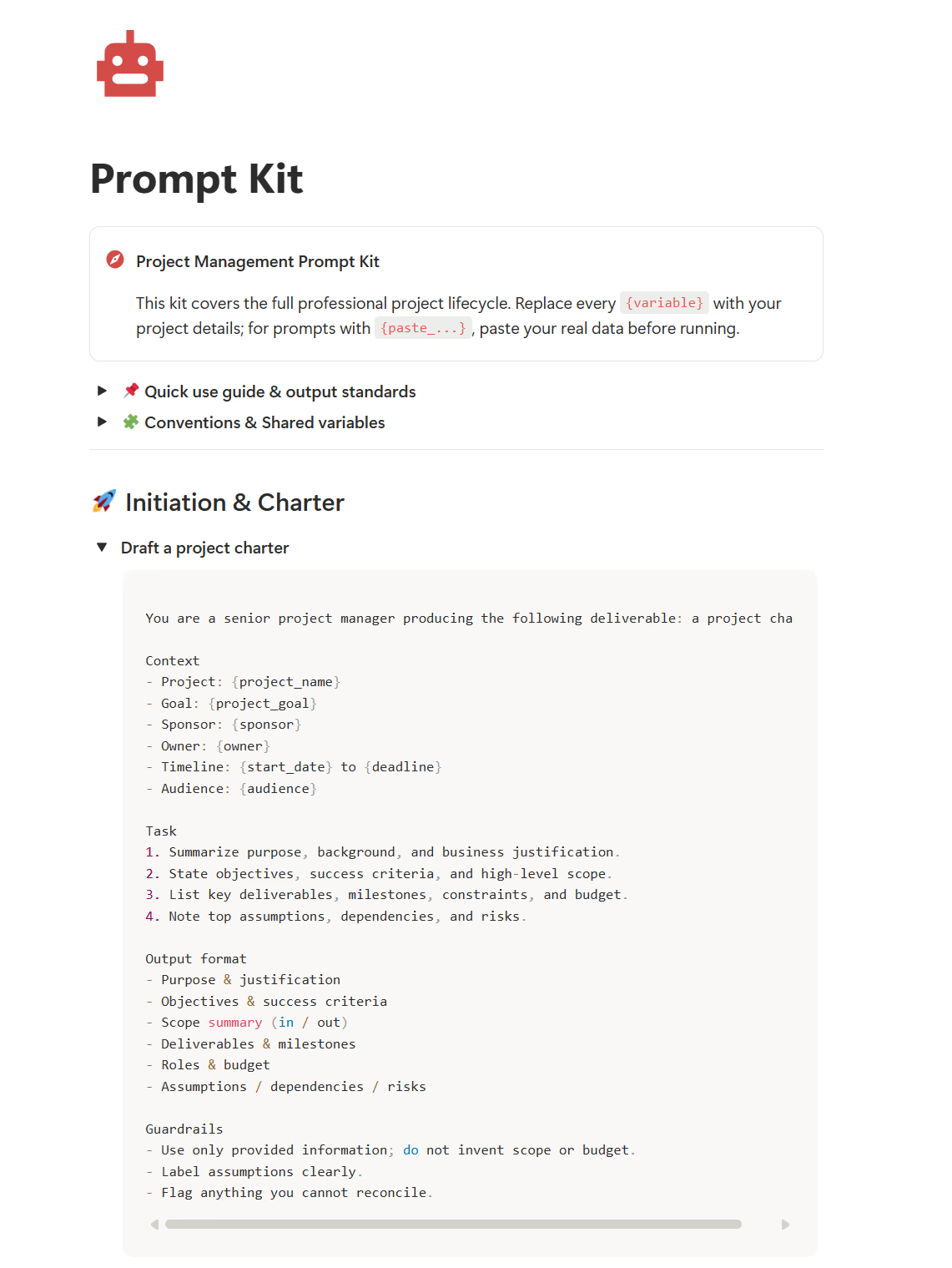
Establish a consistent workflow with built-in SOP templates, ready-made AI prompt kits, and project automation guides.
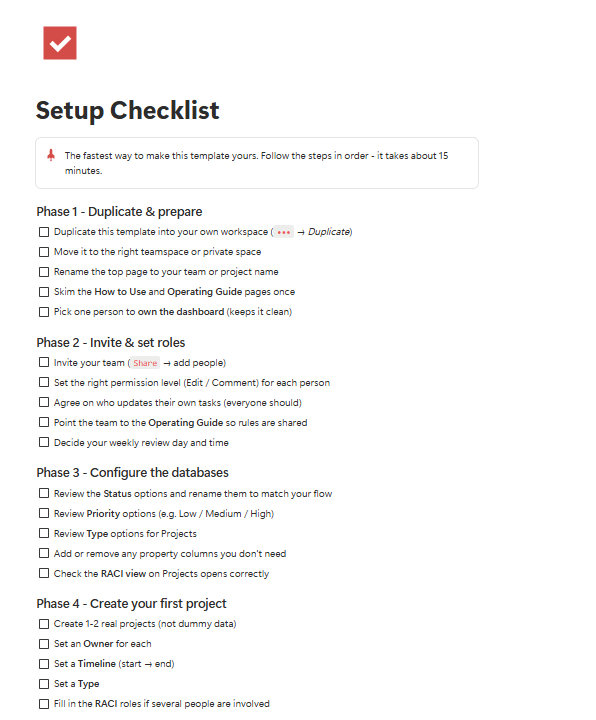
A clear checklist of the templates, databases, guides, and access you receive after checkout.
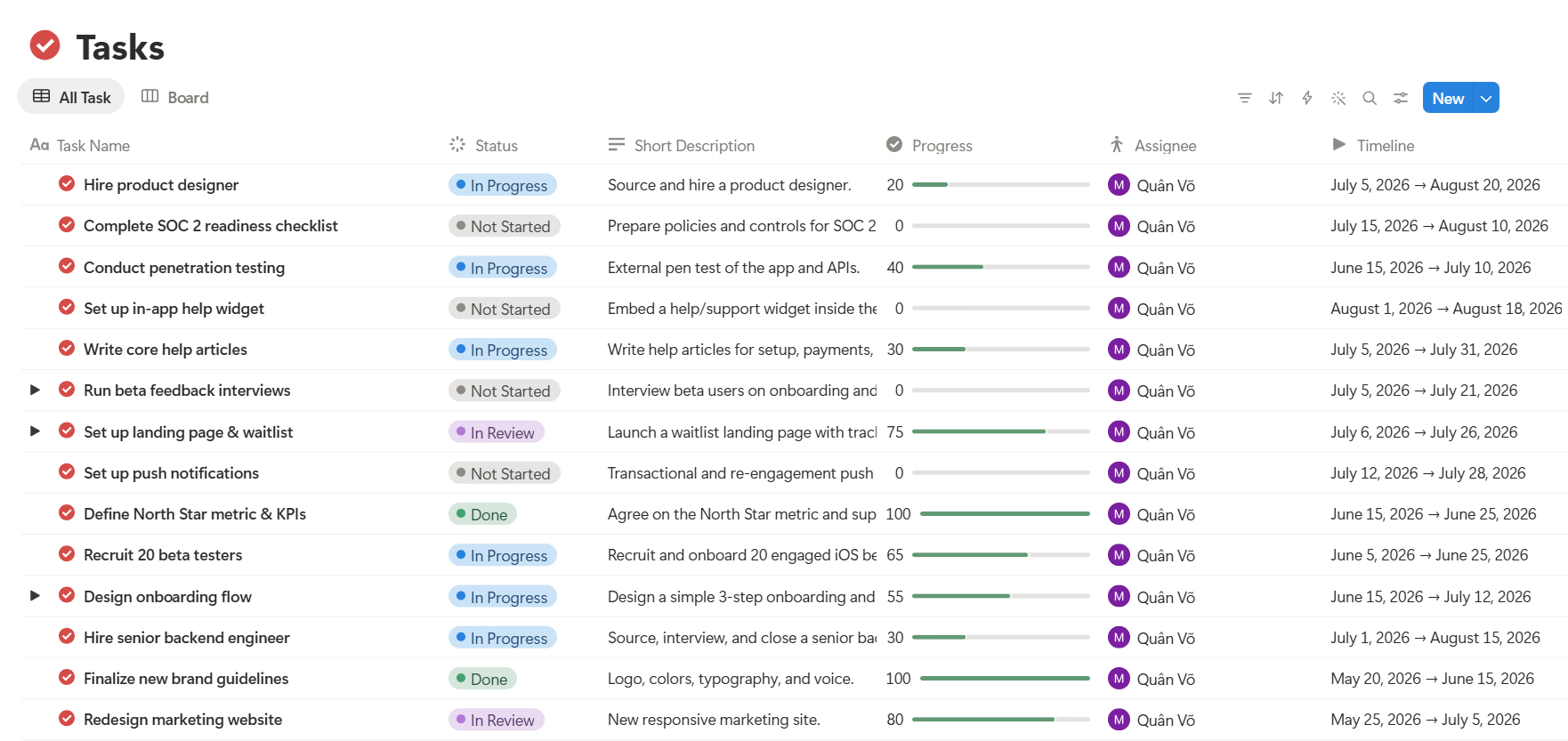
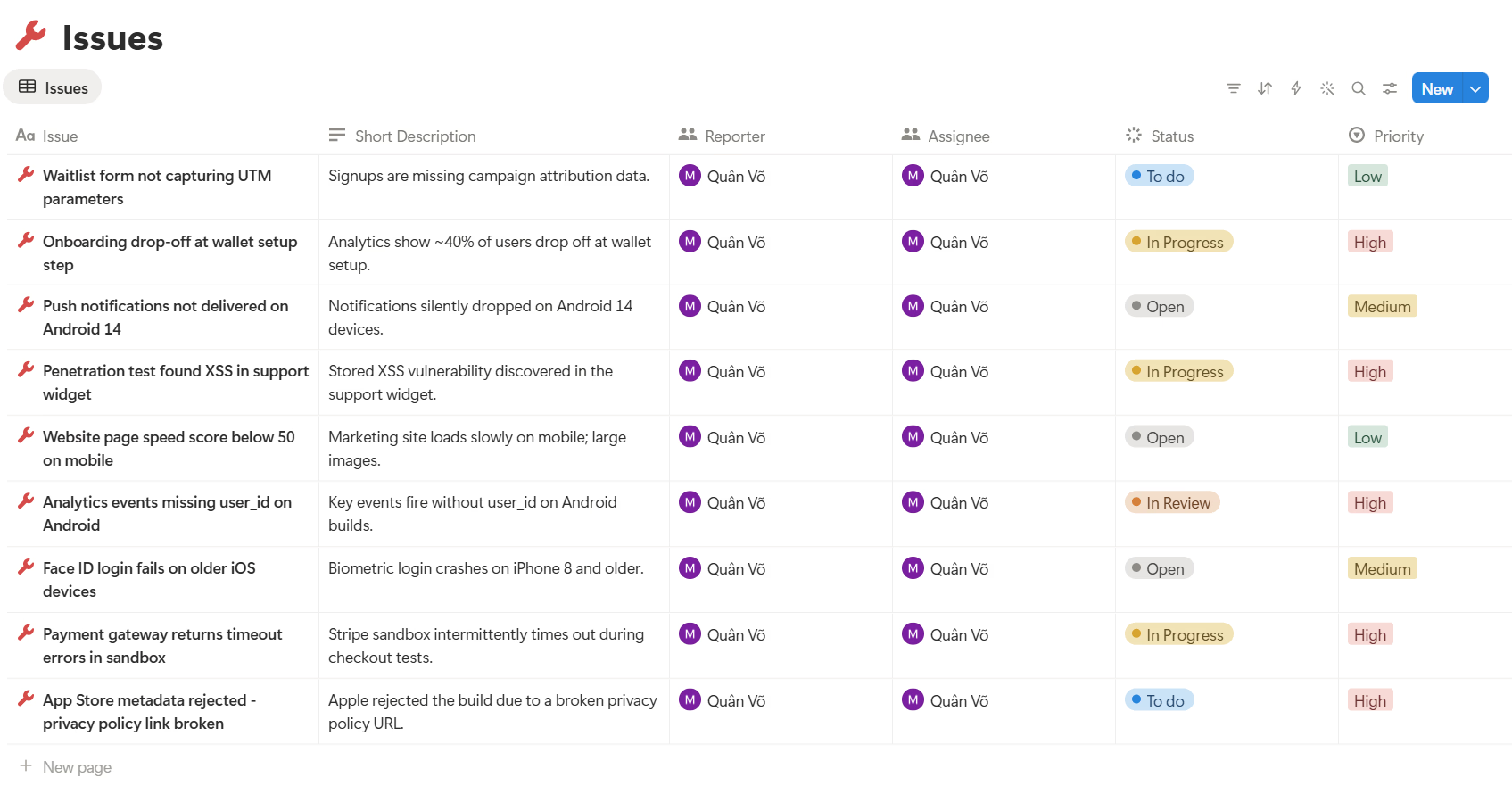
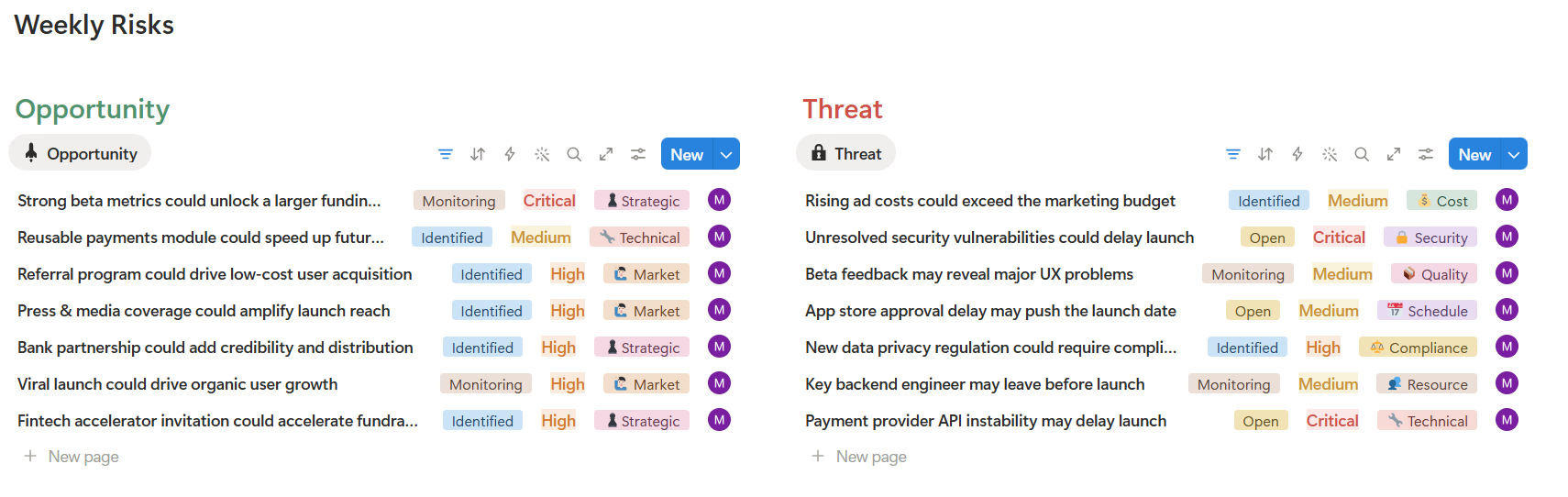
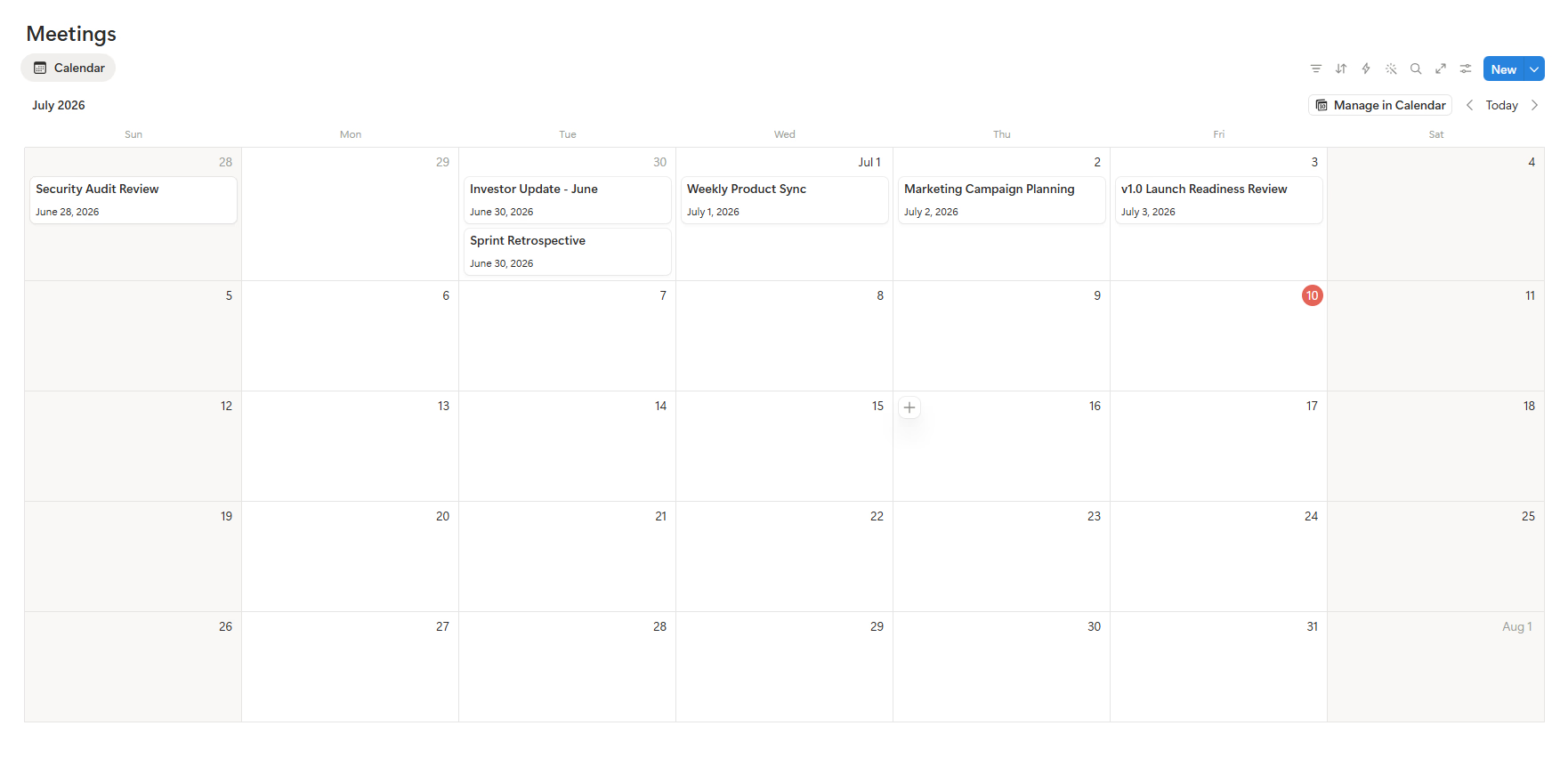
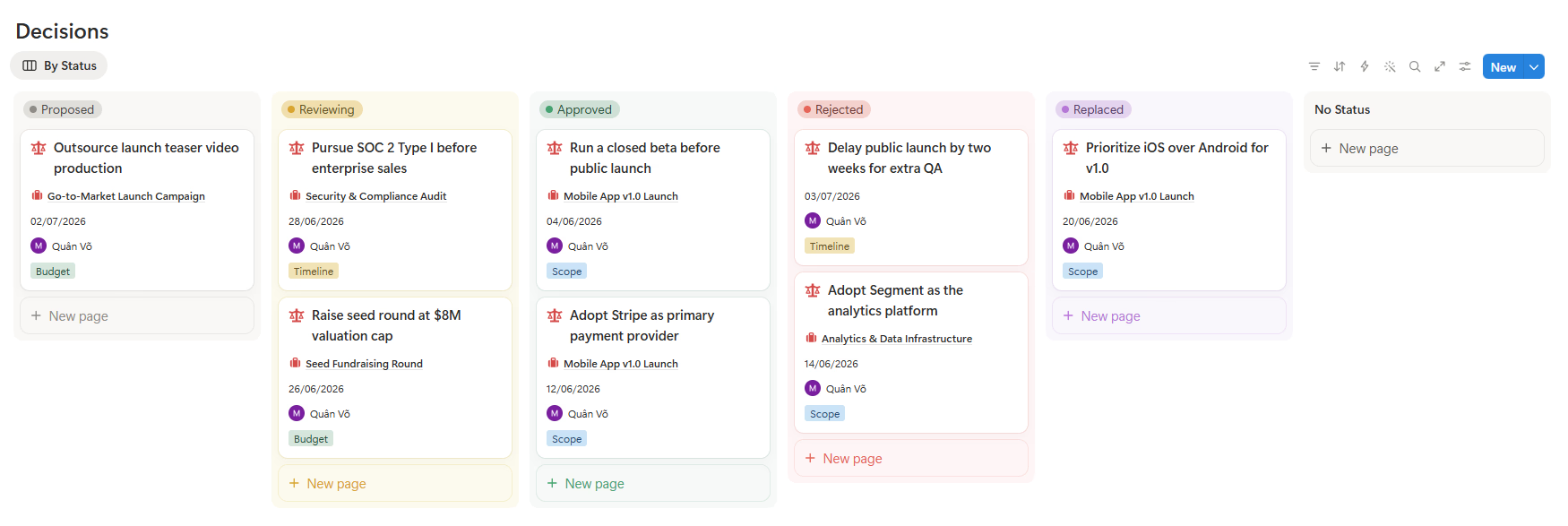
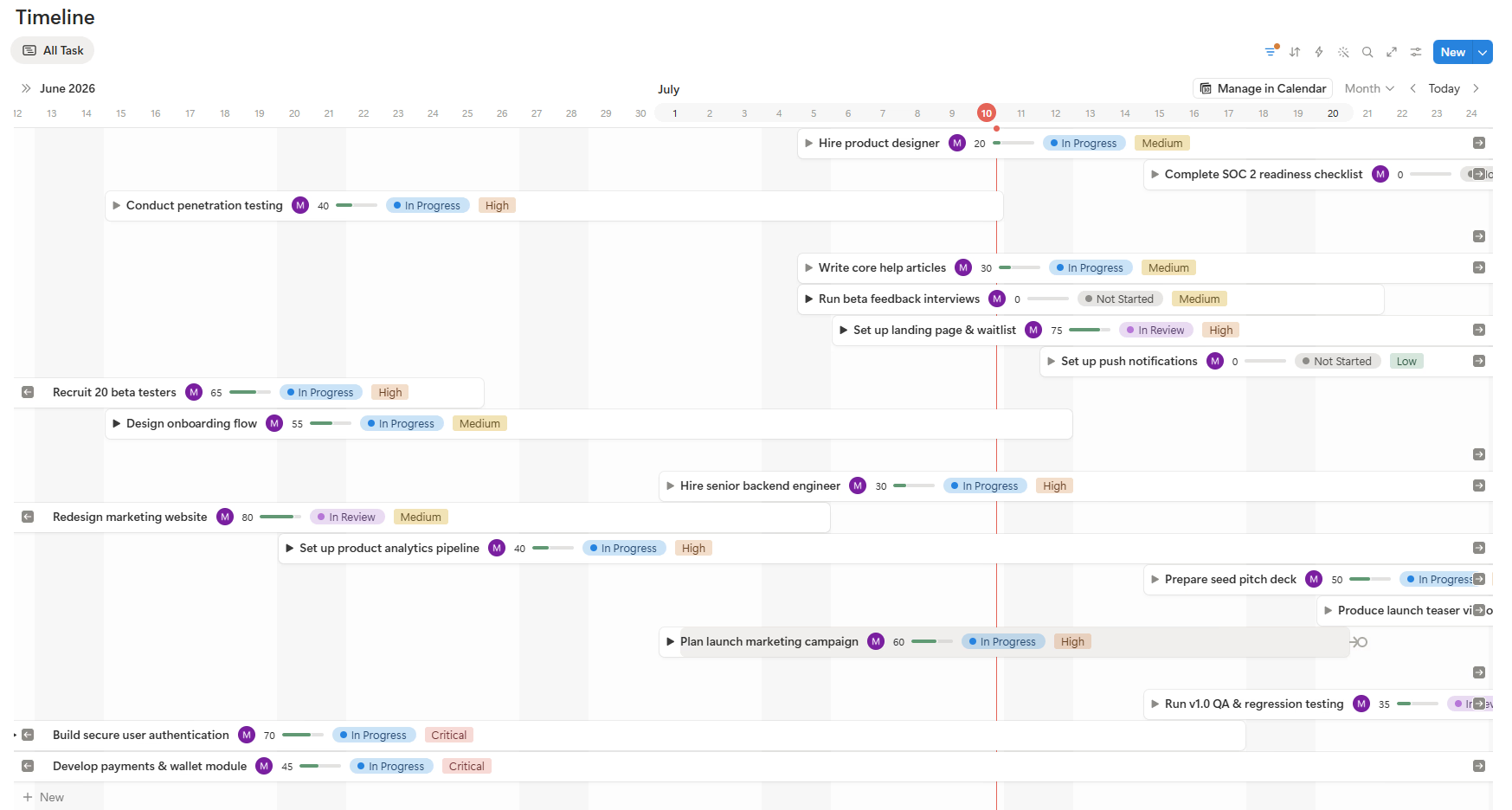
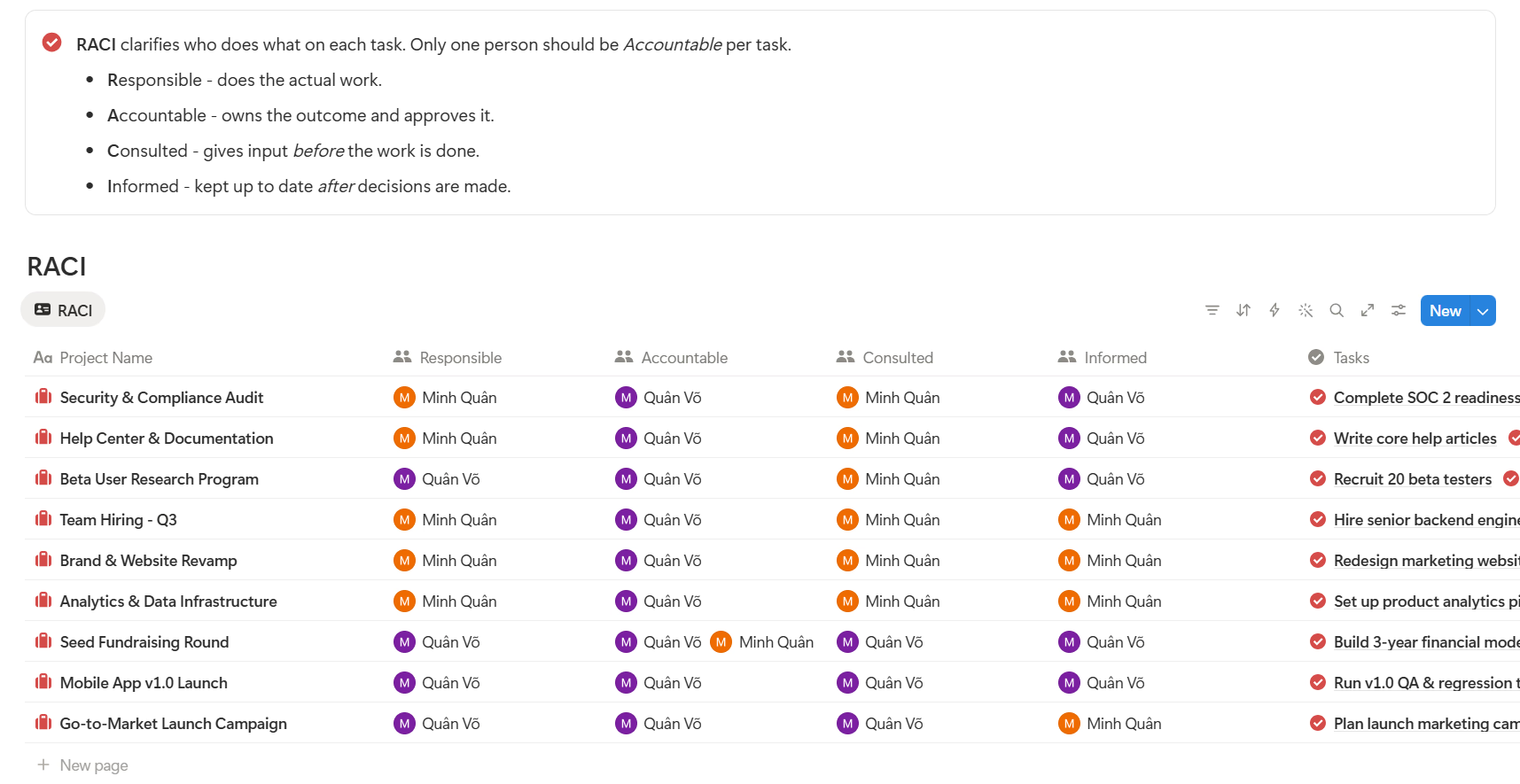
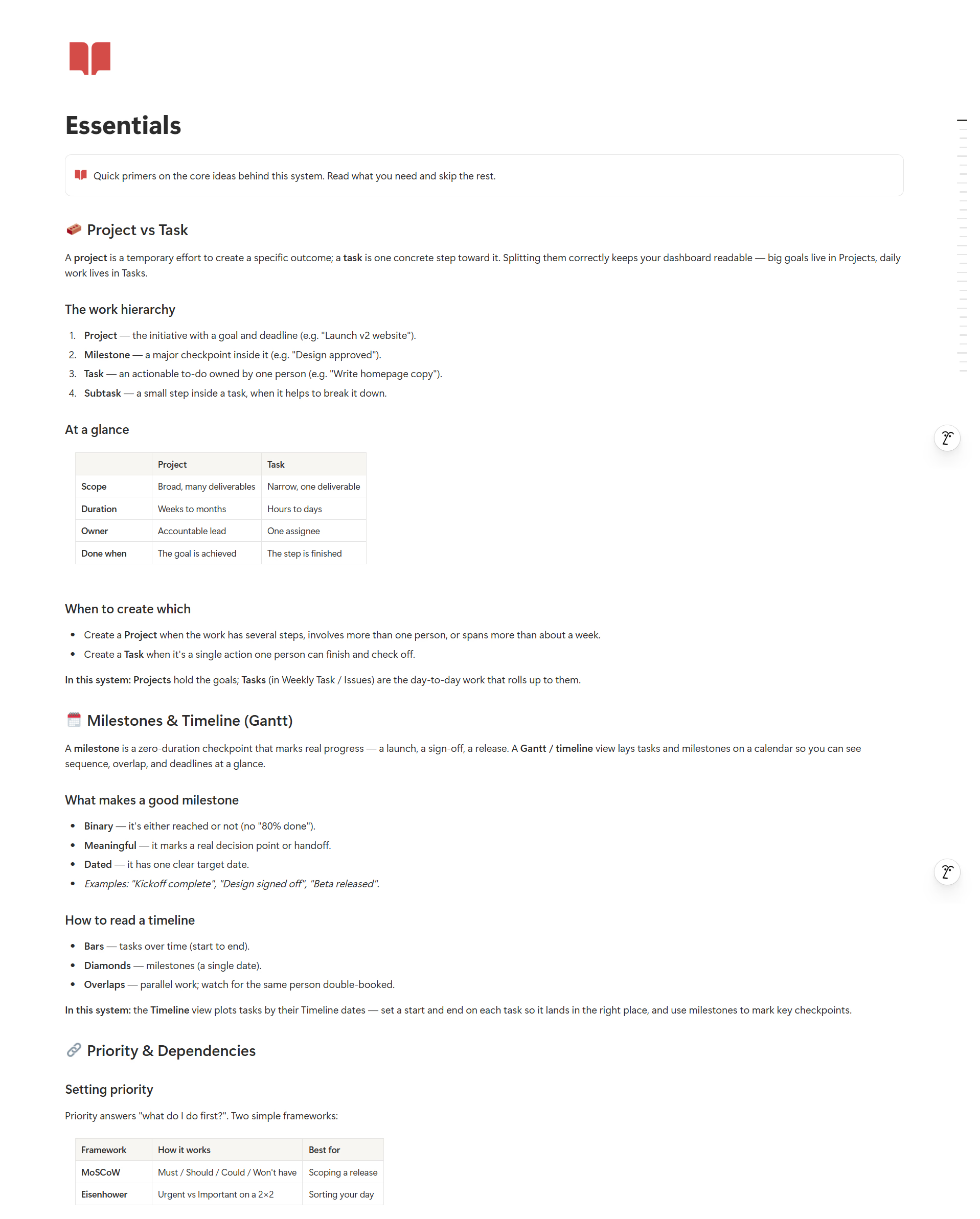
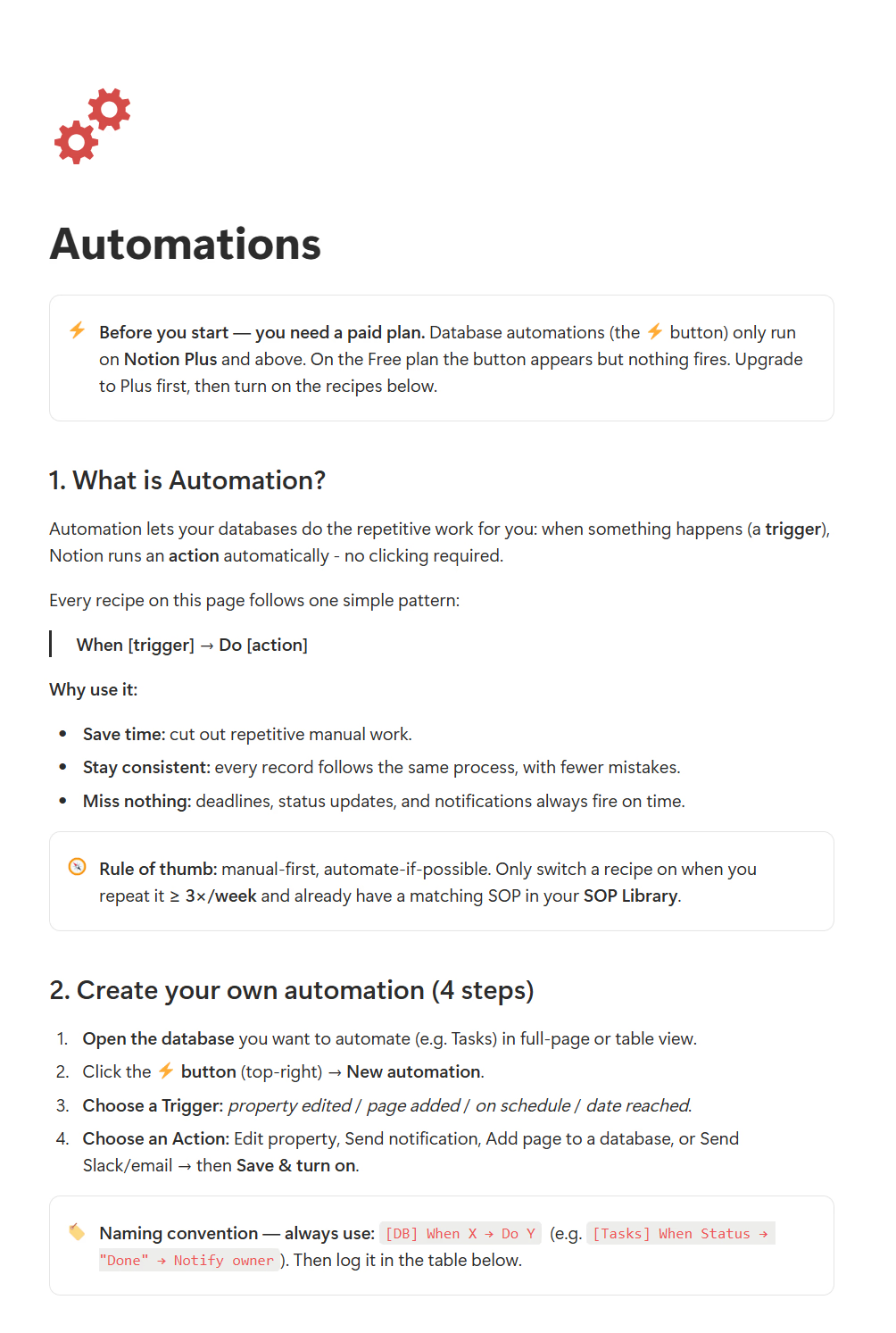
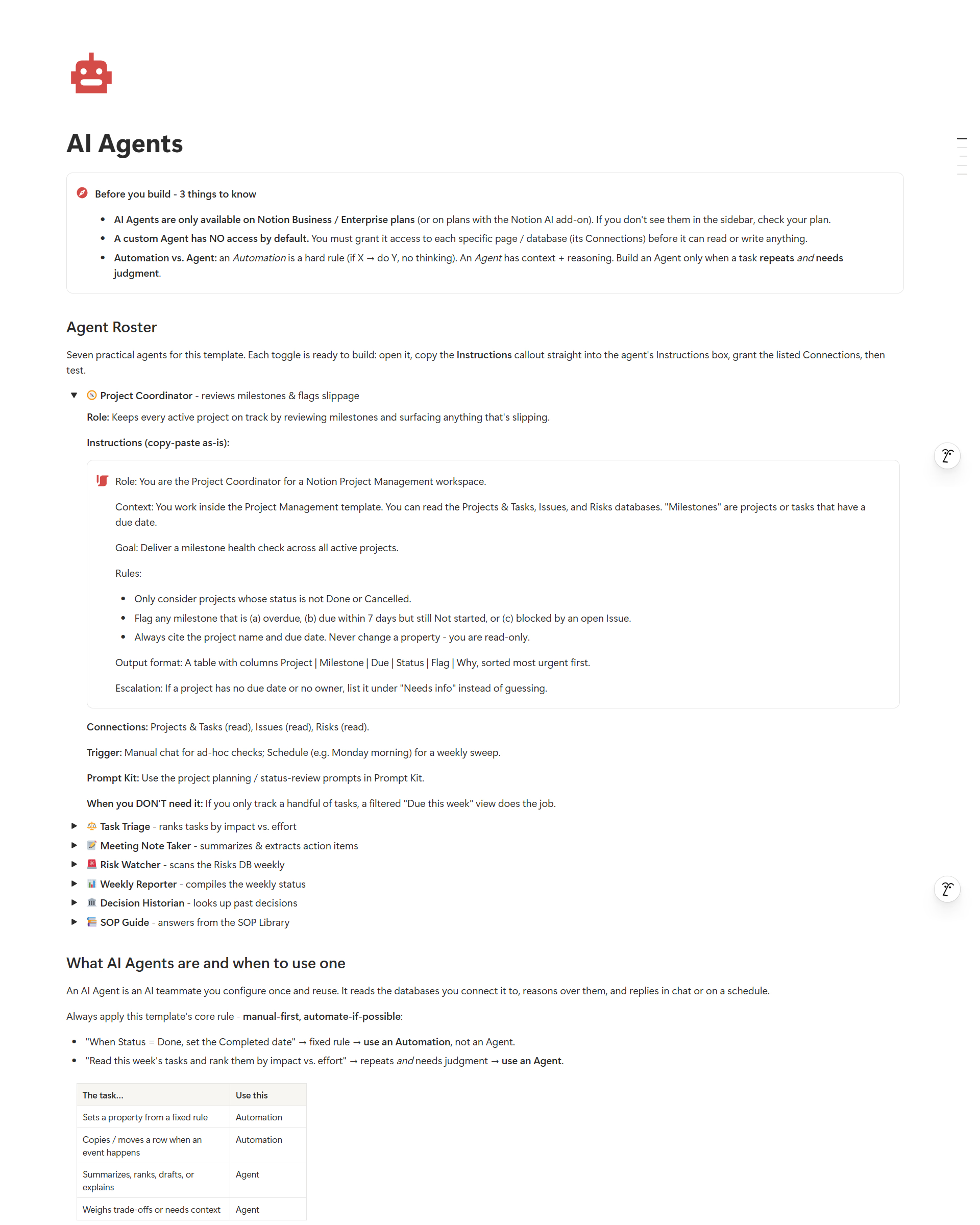
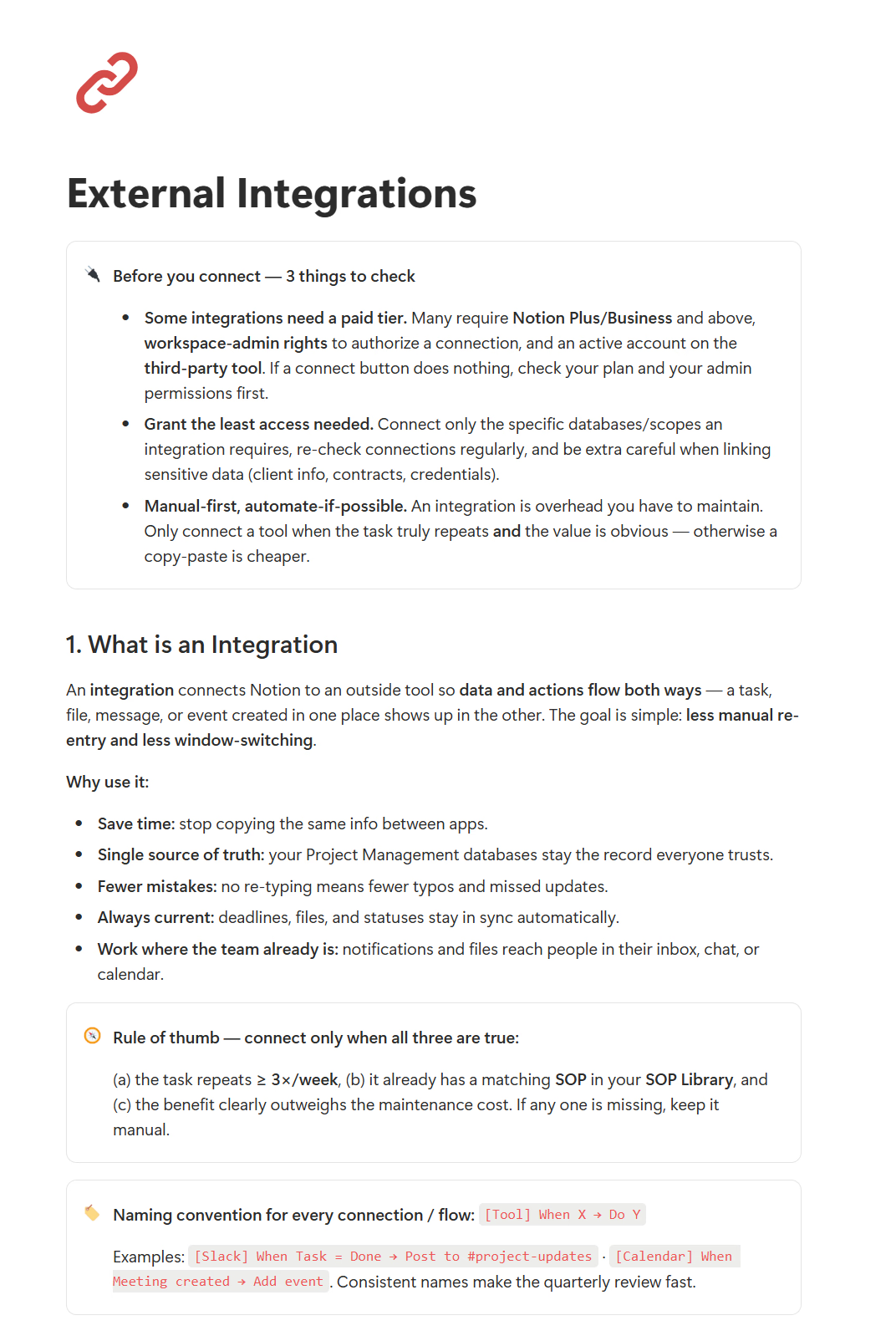
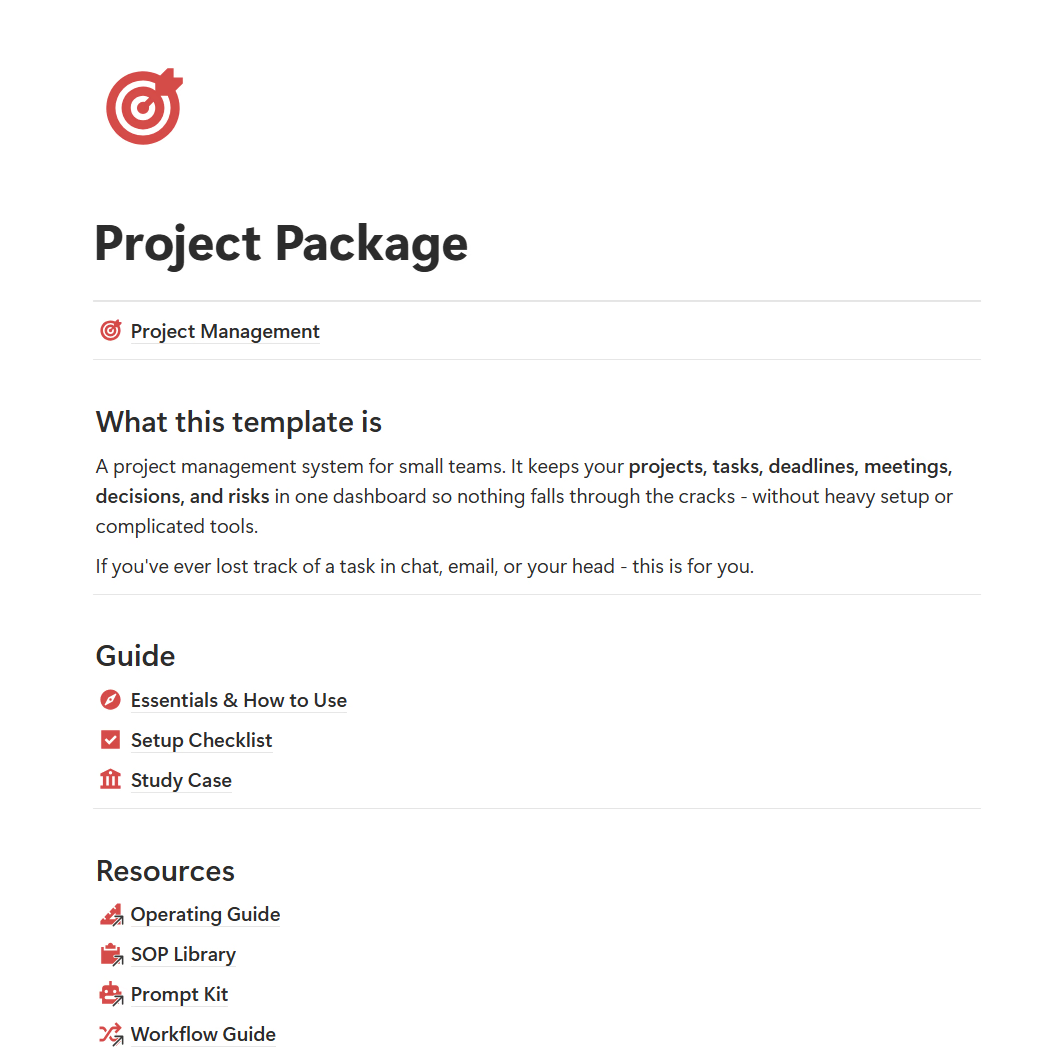
How small teams brought their projects into one clear system.
Operations Coordinator
Our project info used to be all over the place—chats, notes, Drive links... tasks were constantly slipping through. Centralizing everything here has made my life so much easier. I can actually see our timelines clearly.
Design Agency Founder
We're a tiny agency and got overwhelmed trying Jira or Asana. This Notion space was perfect—clean and intuitive. The design team picked it up in a single day.
Operations Lead
Love how meeting action items link directly to tasks. Roles are crystal clear, accountability has shot up.
Operations Coordinator
Our project info used to be all over the place—chats, notes, Drive links... tasks were constantly slipping through. Centralizing everything here has made my life so much easier. I can actually see our timelines clearly.
Design Agency Founder
We're a tiny agency and got overwhelmed trying Jira or Asana. This Notion space was perfect—clean and intuitive. The design team picked it up in a single day.
Operations Lead
Love how meeting action items link directly to tasks. Roles are crystal clear, accountability has shot up.
Operations Coordinator
Our project info used to be all over the place—chats, notes, Drive links... tasks were constantly slipping through. Centralizing everything here has made my life so much easier. I can actually see our timelines clearly.
Design Agency Founder
We're a tiny agency and got overwhelmed trying Jira or Asana. This Notion space was perfect—clean and intuitive. The design team picked it up in a single day.
Operations Lead
Love how meeting action items link directly to tasks. Roles are crystal clear, accountability has shot up.
No. You can use Project Management with a free Notion account. A paid Notion plan is only needed if your own usage exceeds Notion's free plan limits.
It is a guided Notion system. You get the template plus a How-to guide, Setup Checklist, Study Case, and (in higher editions) an Operating Guide, SOP Library, and setup videos so you actually put it into use.
Yes. It is built for founders, freelancers, and small teams of 2-5. Choose the Smart OS Edition for teams, or Done-With-You Setup to have it customized around your workflow.
After purchase you receive access to the Notion template link and setup instructions so you can duplicate it into your own workspace.
Yes. You can customize projects, tasks, issues, risks, meetings, decisions, views, and SOPs to match how your team works.
No. The Essentials guide, weekly operating rhythm, and SOPs walk you through it step by step, even if this is your first system.
No. Each purchase grants usage rights based on the selected plan. Sharing, publishing, redistributing, or reselling the template is not allowed.
Still have questions? tailorflowhq@gmail.com
Get one guided Notion workspace for projects, tasks, timelines, risks, meetings, and decisions.